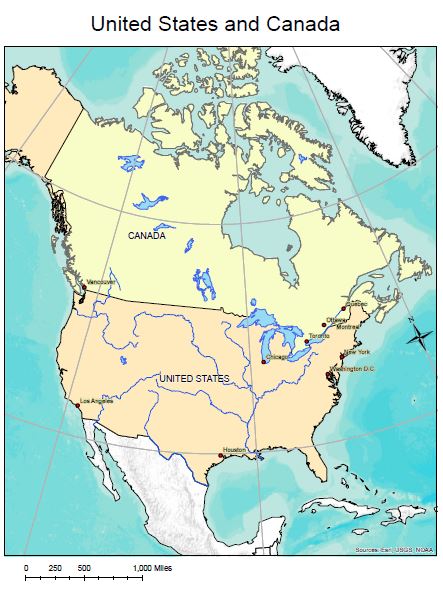
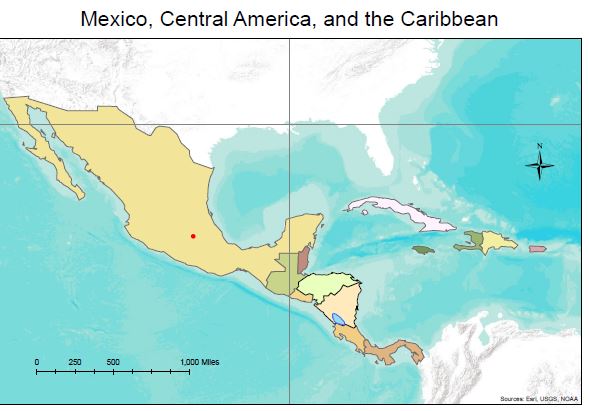
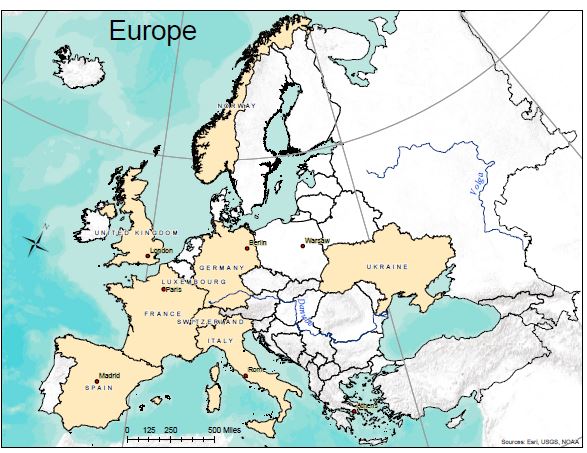
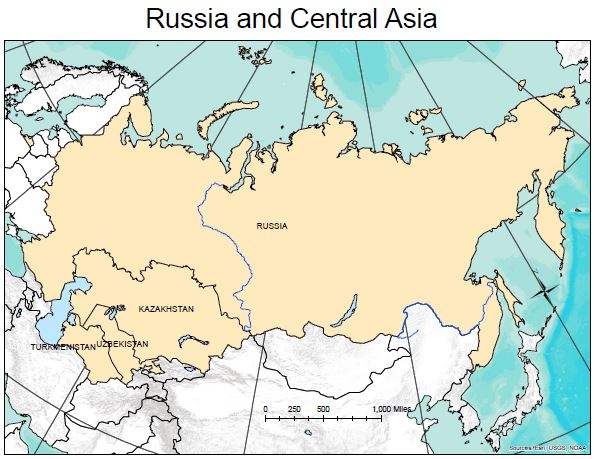
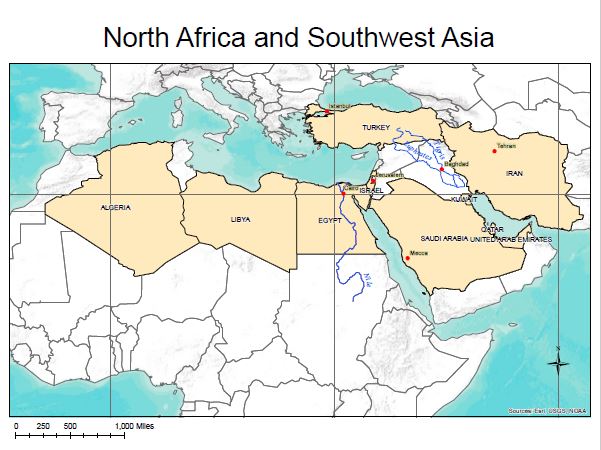
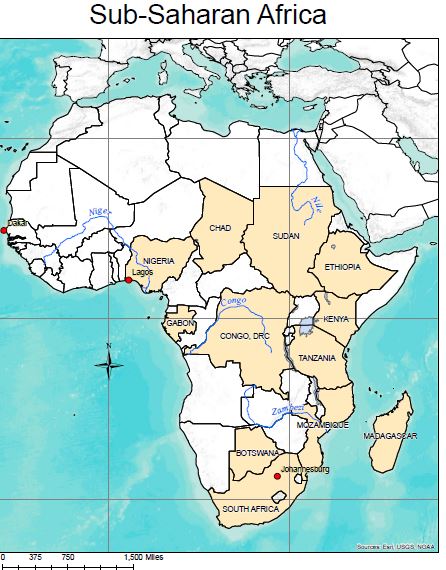
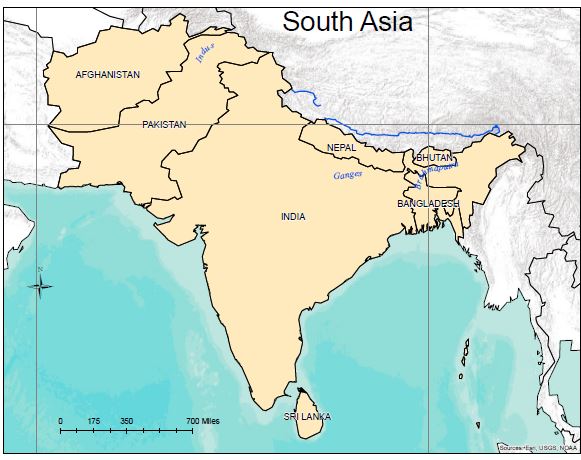
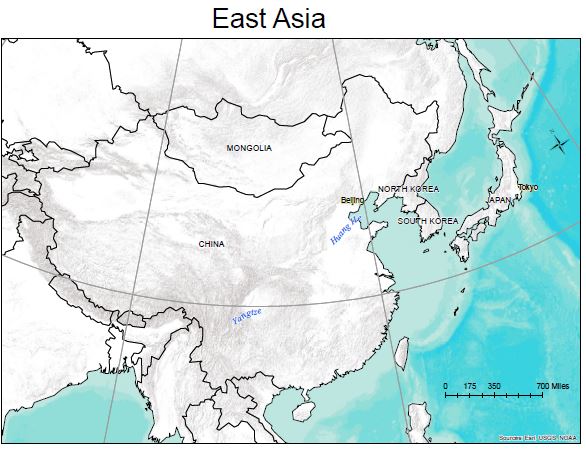
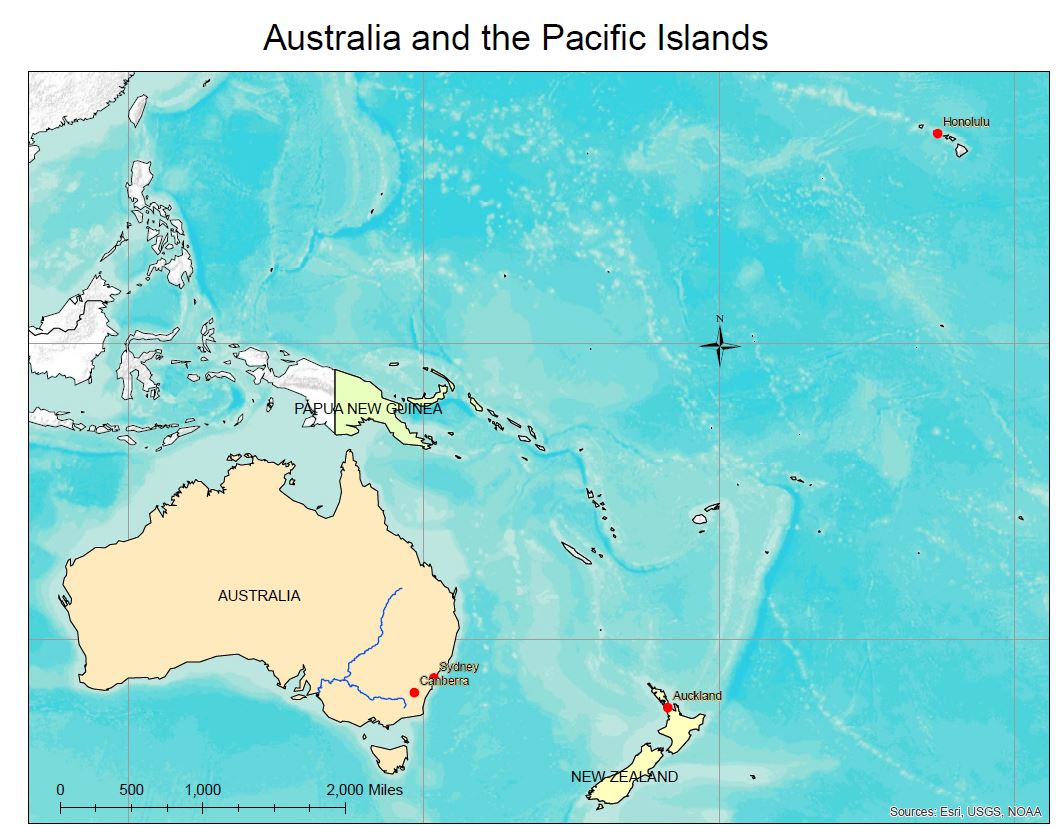
Layered pdf’s provide the user the opportunity to turn layers on and off. Download the maps and open them in Adobe Acrobat. Click the stack of papers, last icon on the left to access the list of layers. Click the plus sign if needed to open the layer. Turn the eyeballs on and off in order to turn the layers on and off. Print the map with the features you want students to use.