Cybersecurity Linux
Assignment 1: Install Linux VM
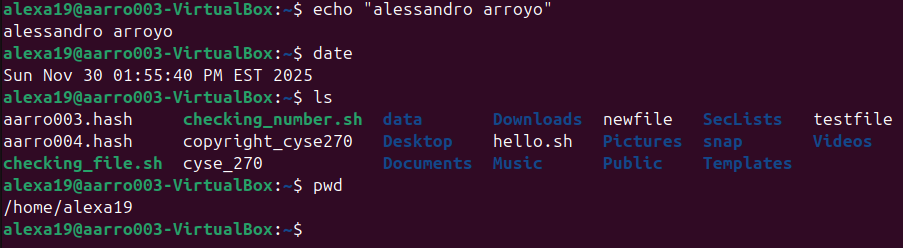
Overview: The first assignment of this Linux class was a little troubling due to the installation. However, getting through that the actual assignment went smoothly and showed us four basic commands that we would later use down the line.
Assignment 3: Working with VI Editor
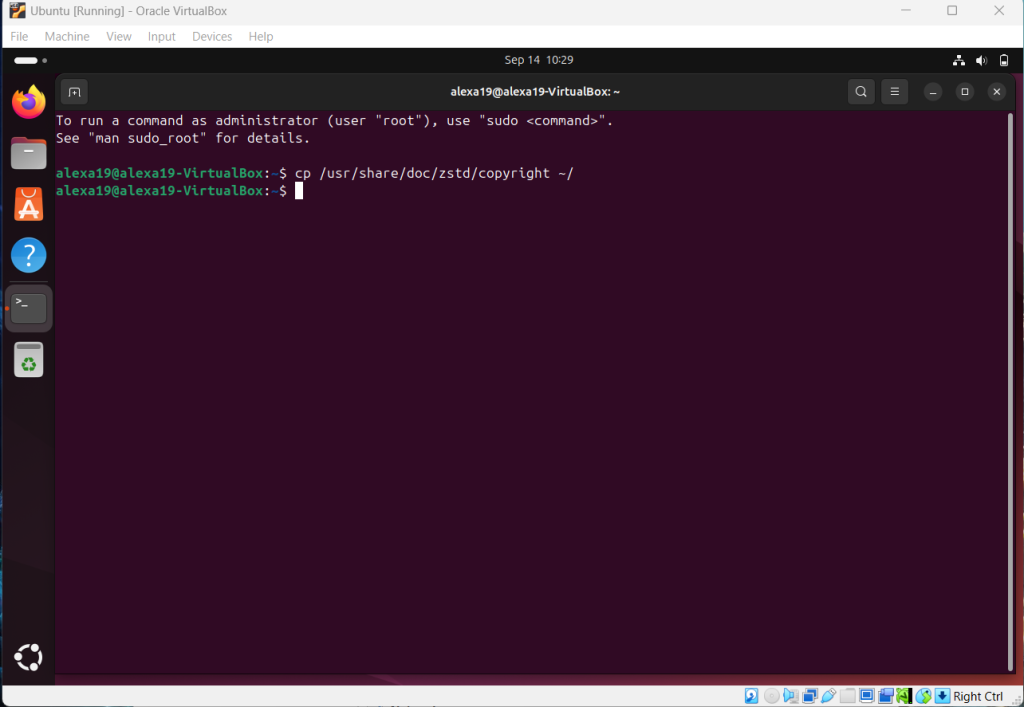
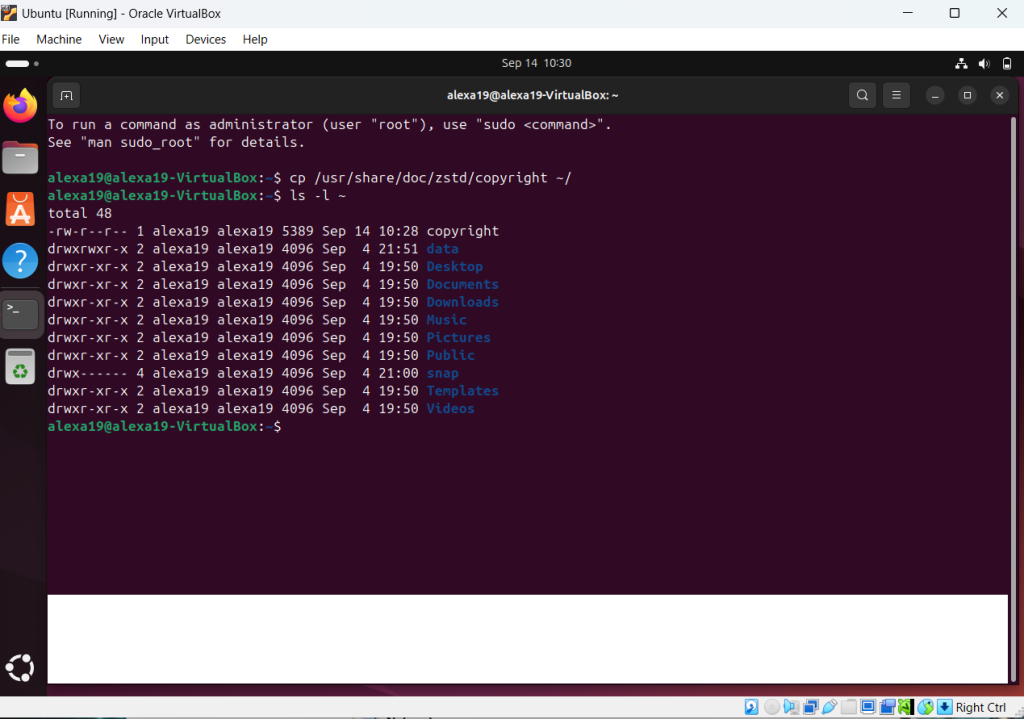
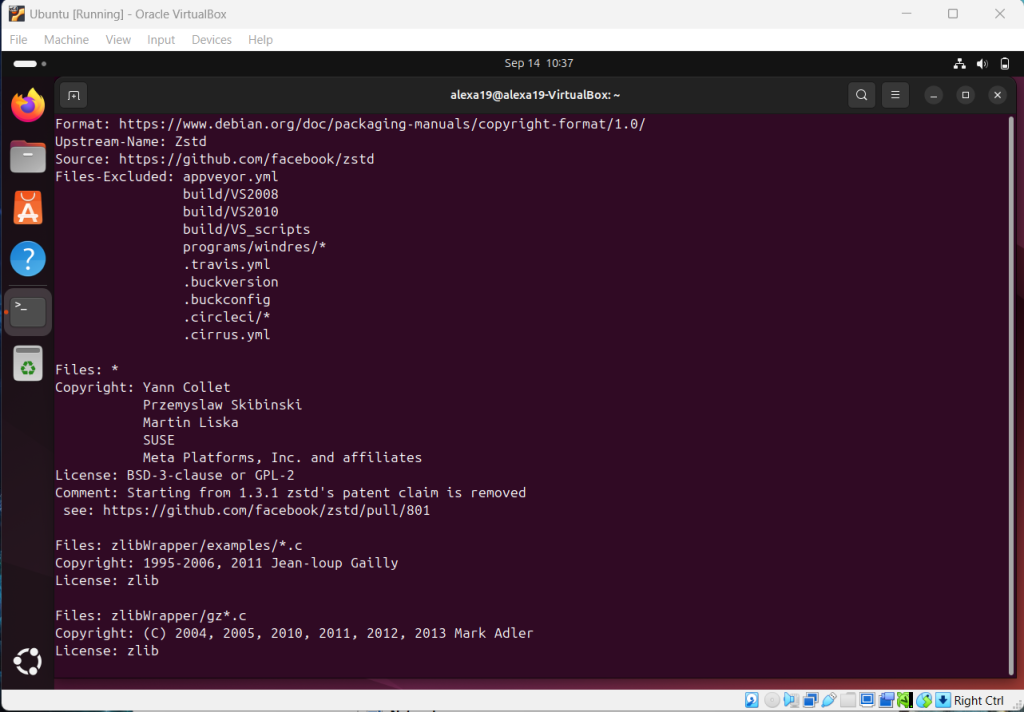
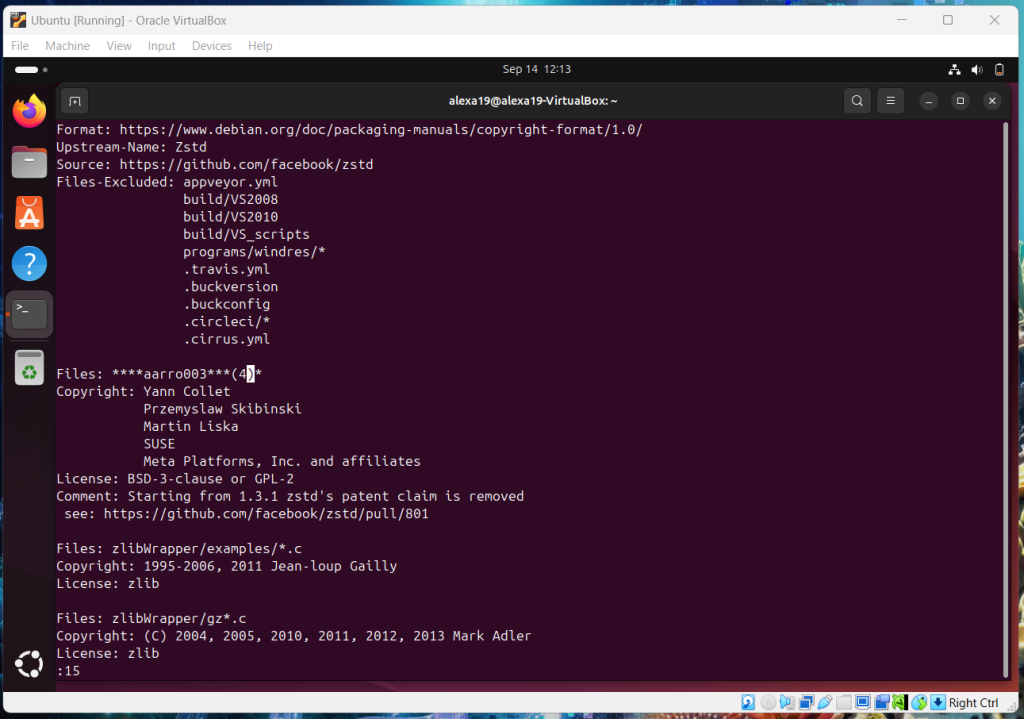
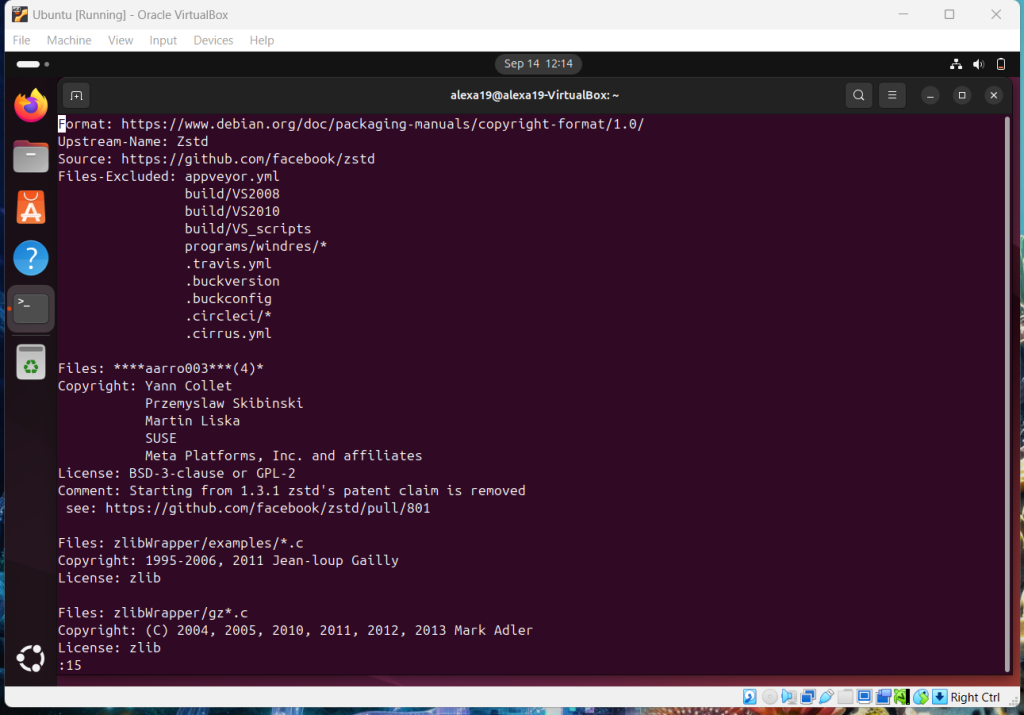
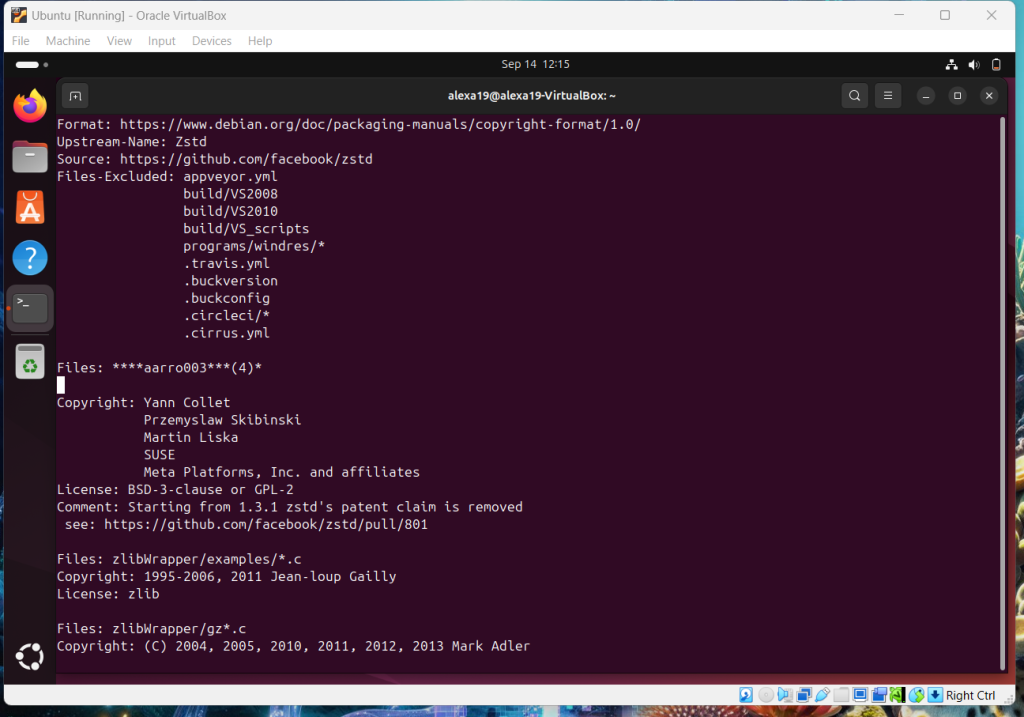
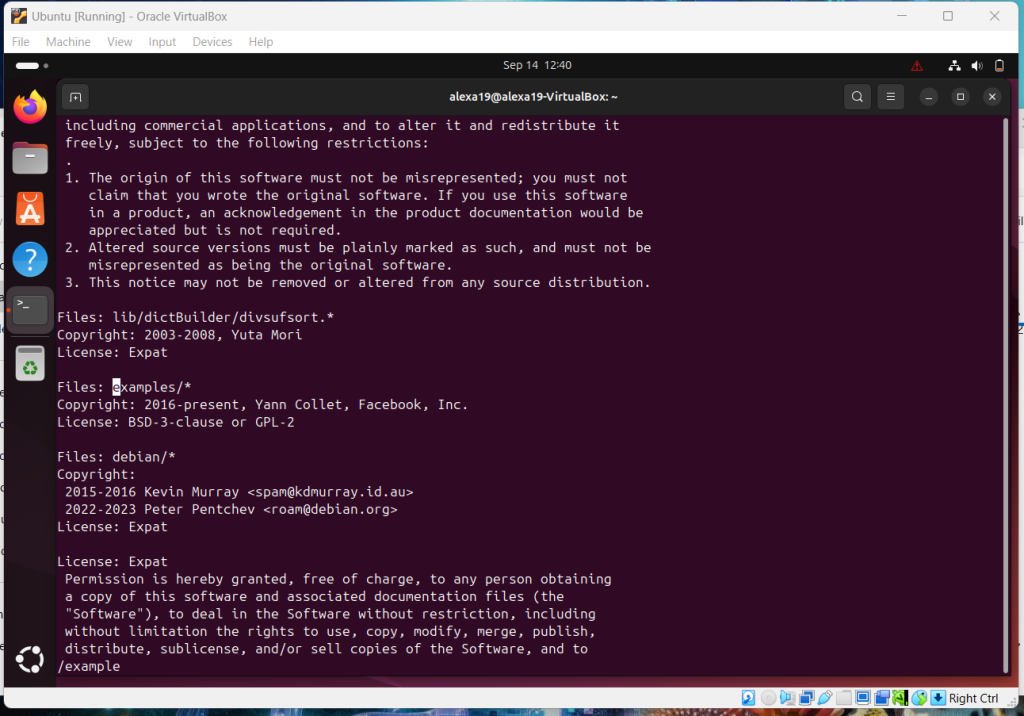
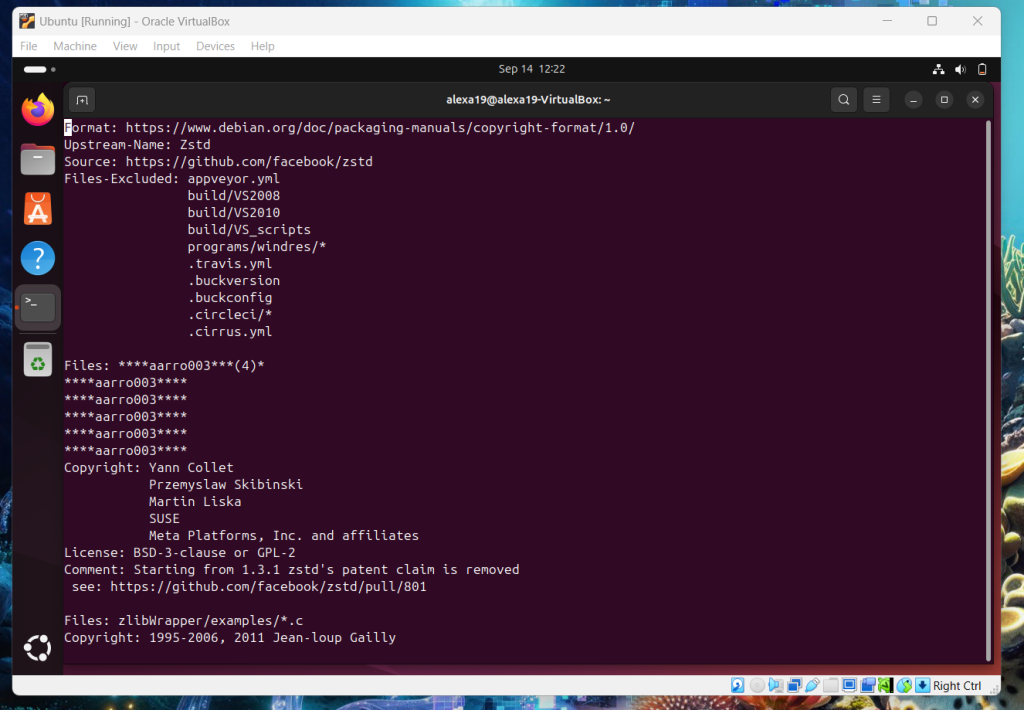
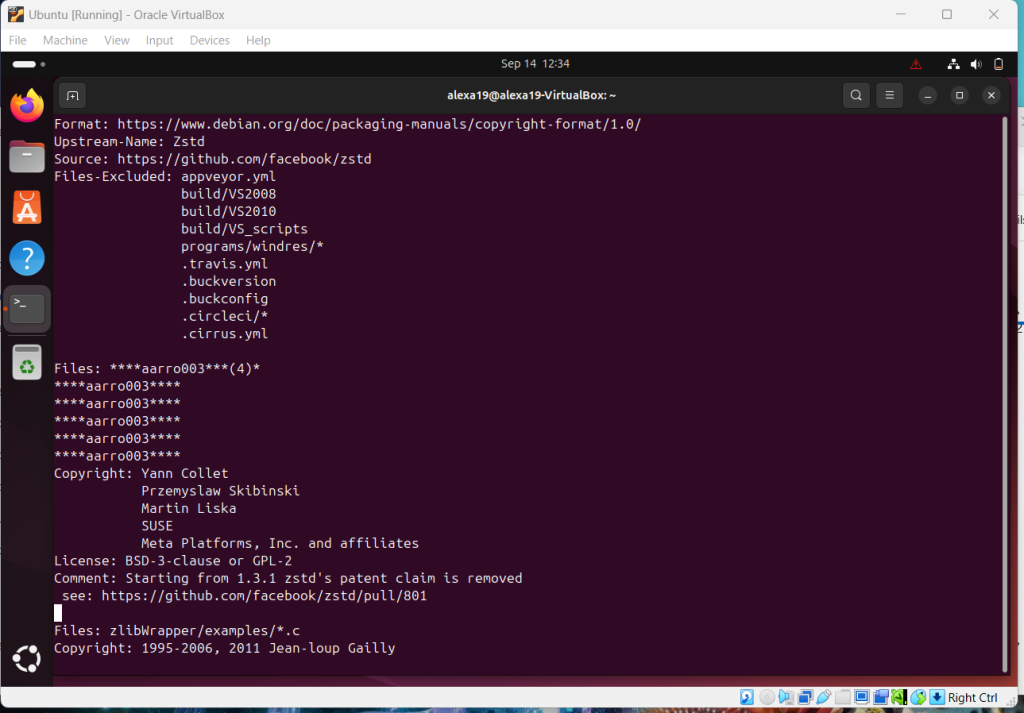
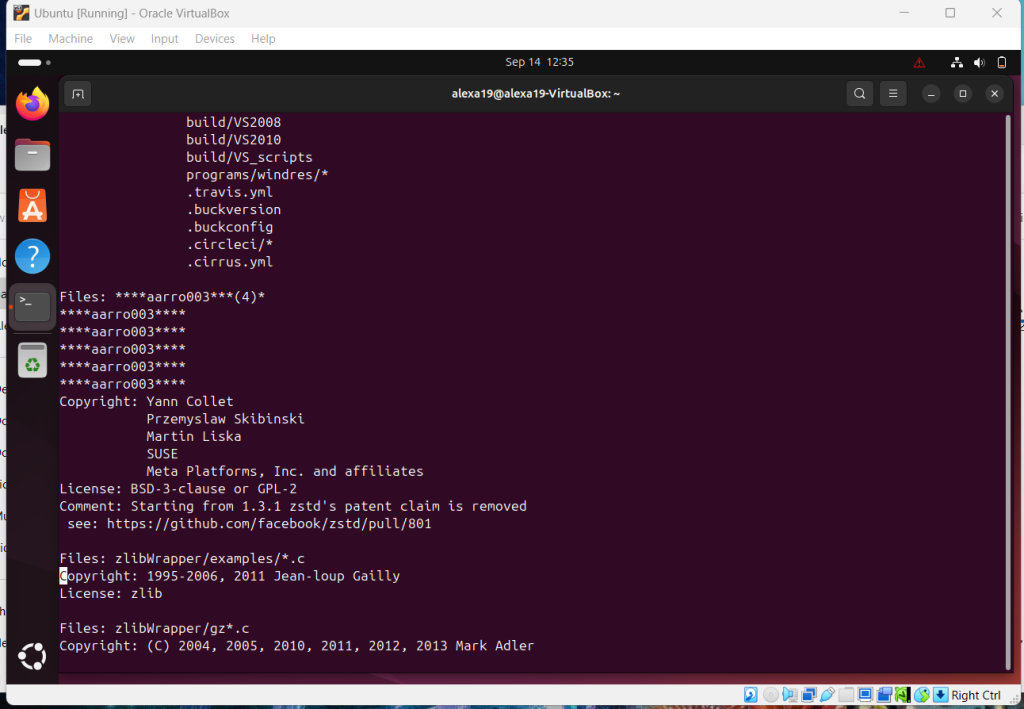
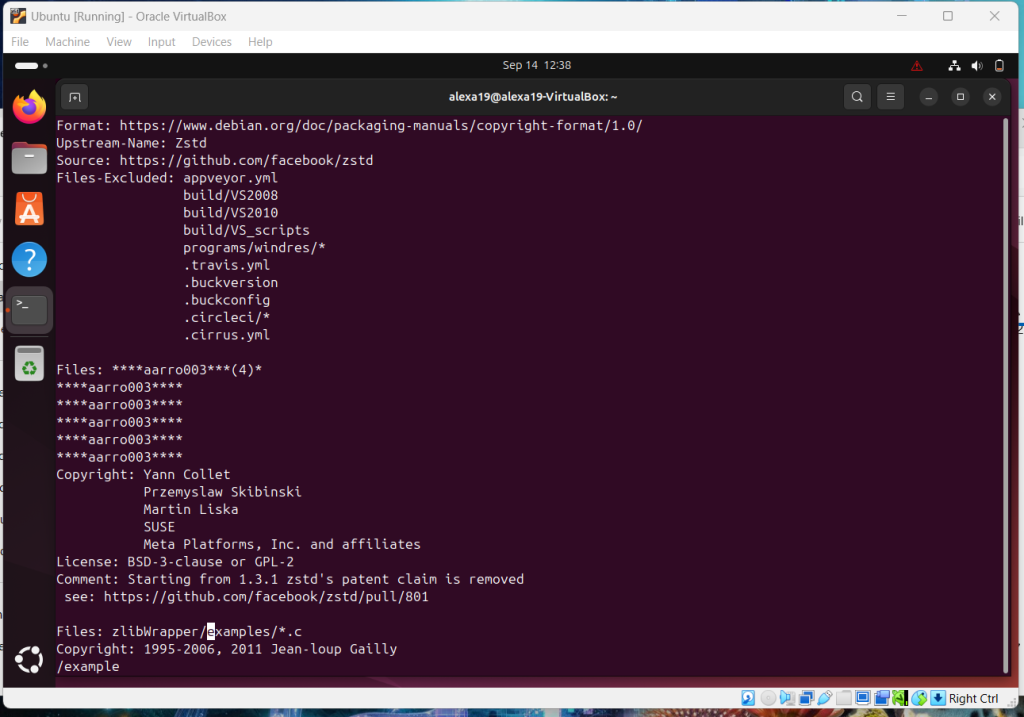
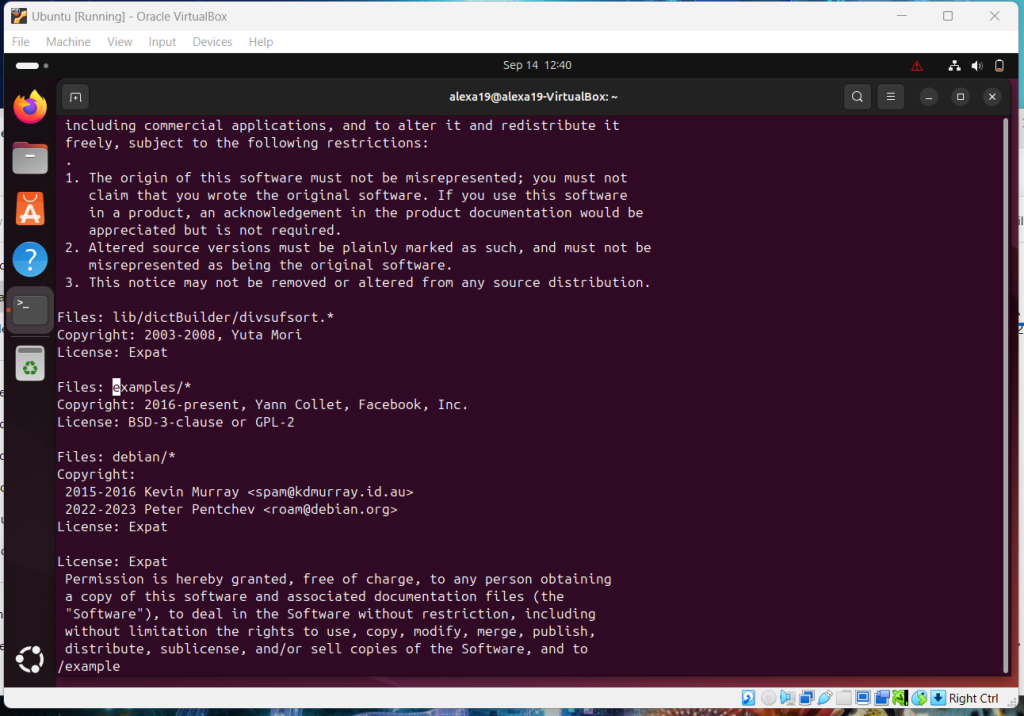
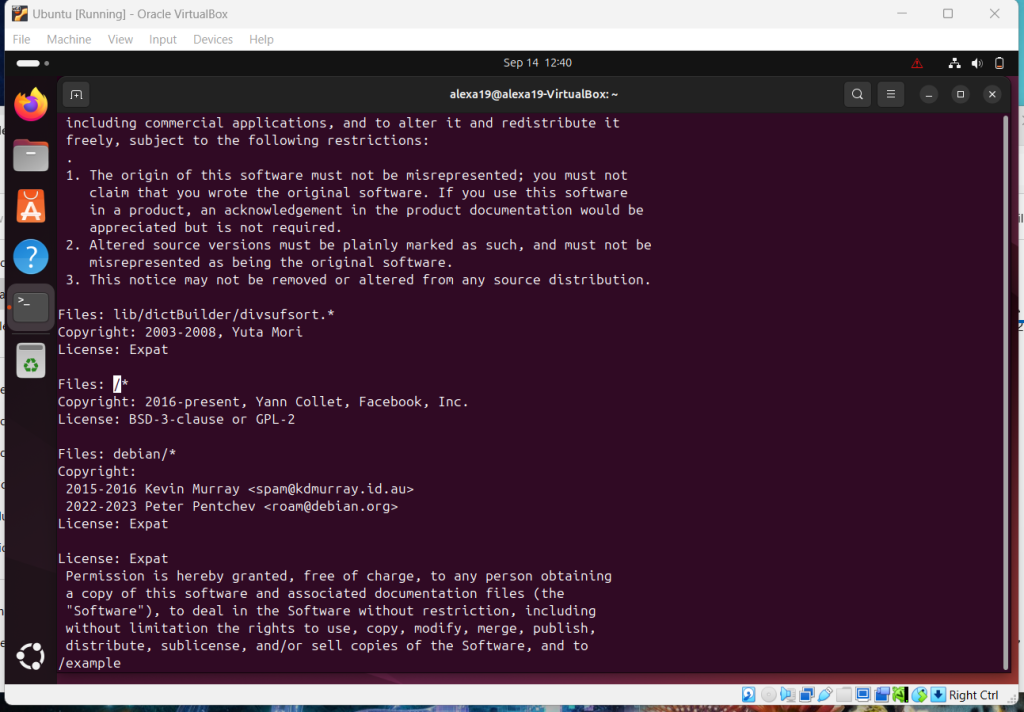
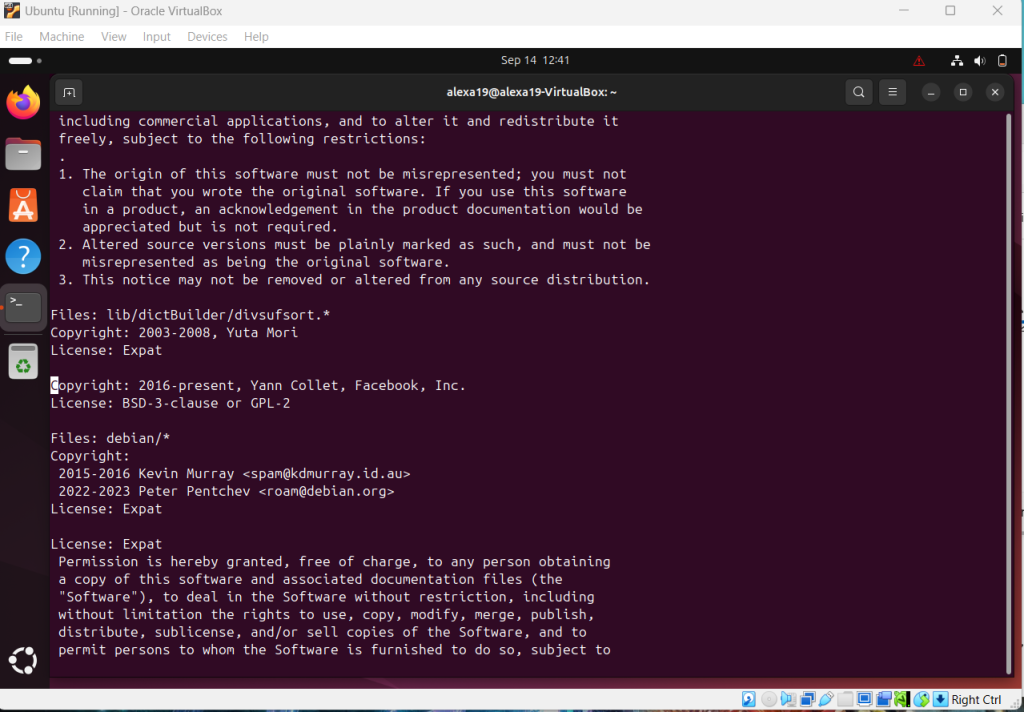
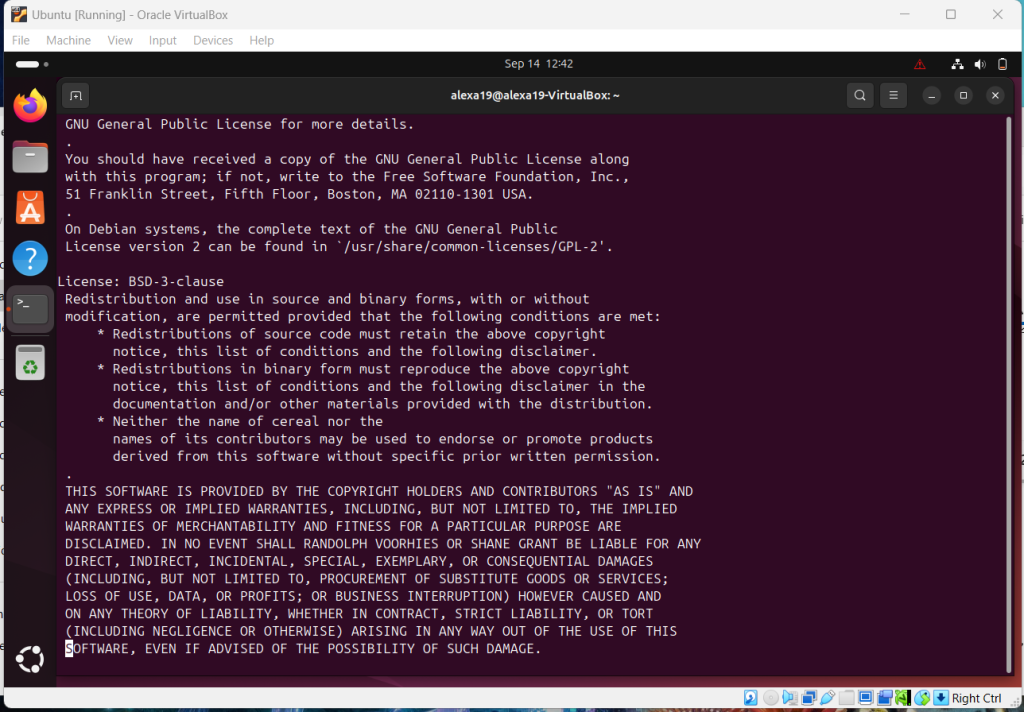
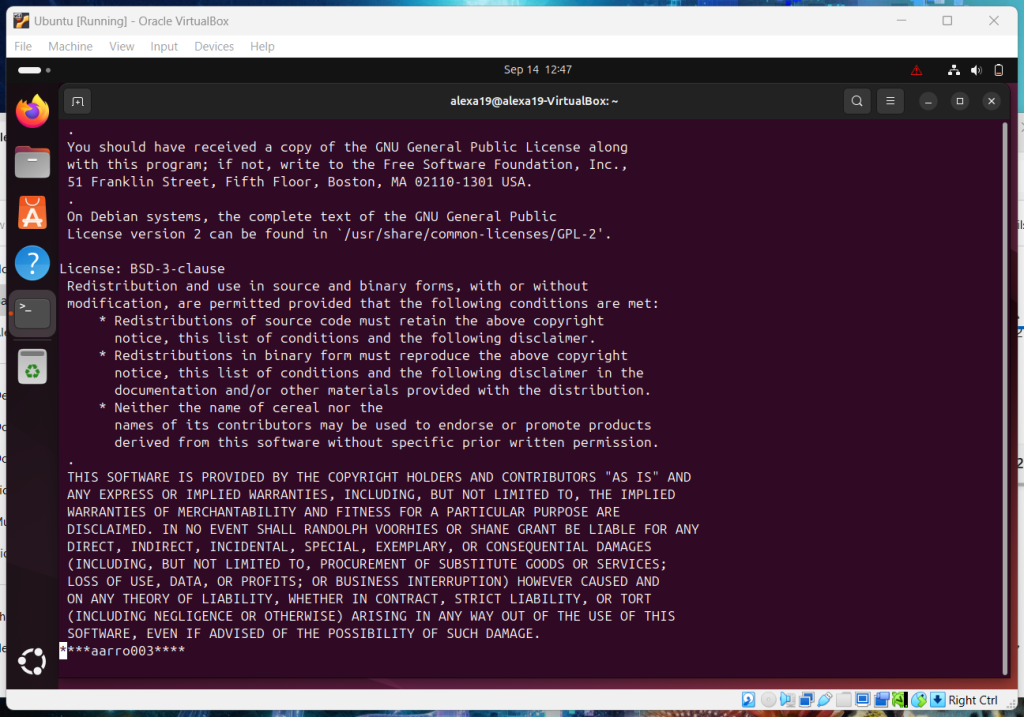
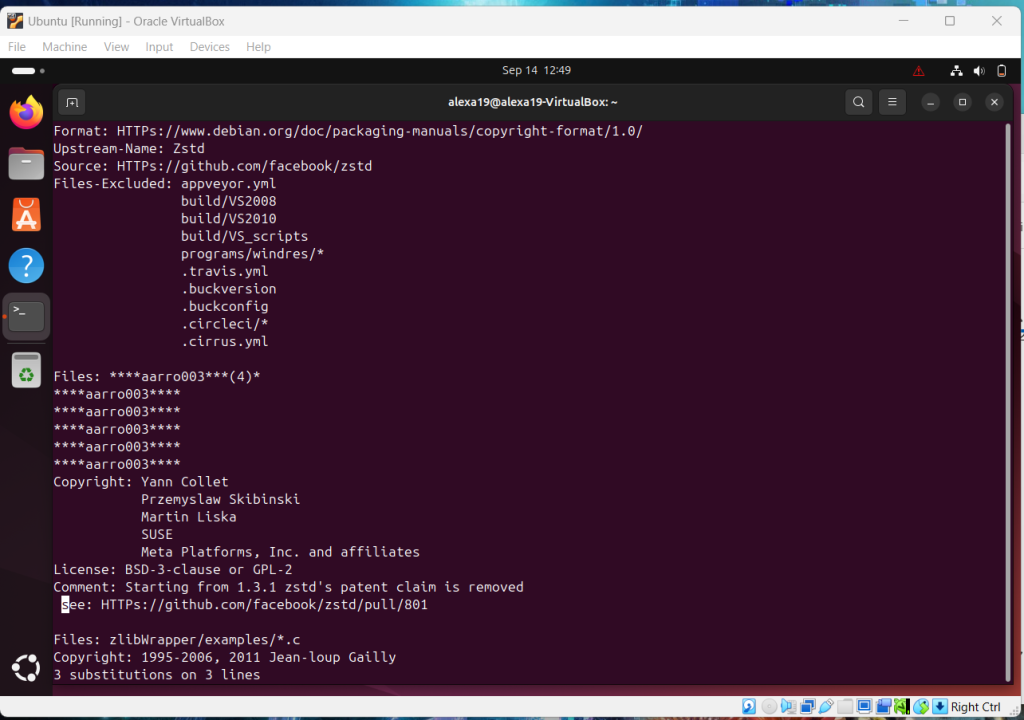
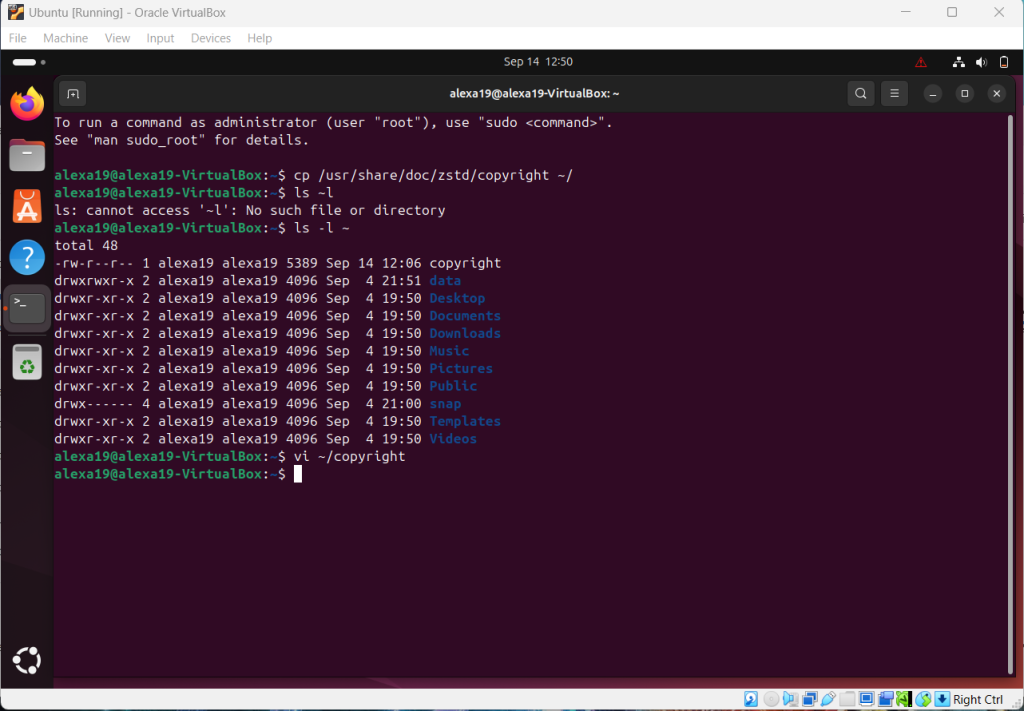
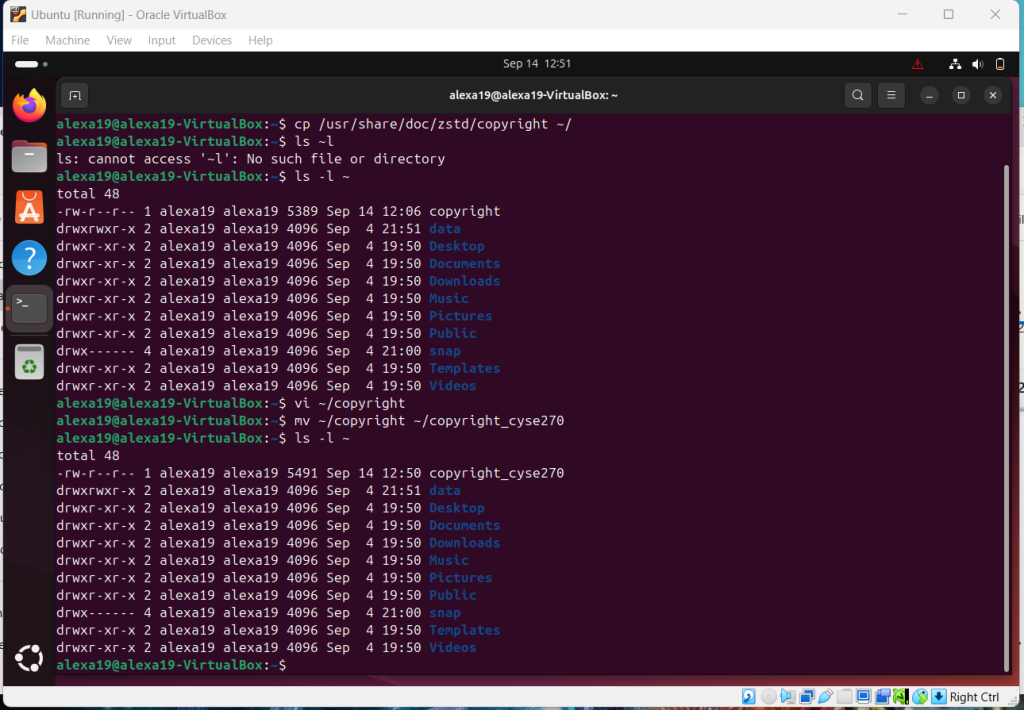
Overview: The ability to move around in vi editor is essential and this assignment showed us a basic overview of this. I was constantly checking for commands through the PowerPoint however in the end I was able to do on command.
Assignment 4: Group and User Accounts
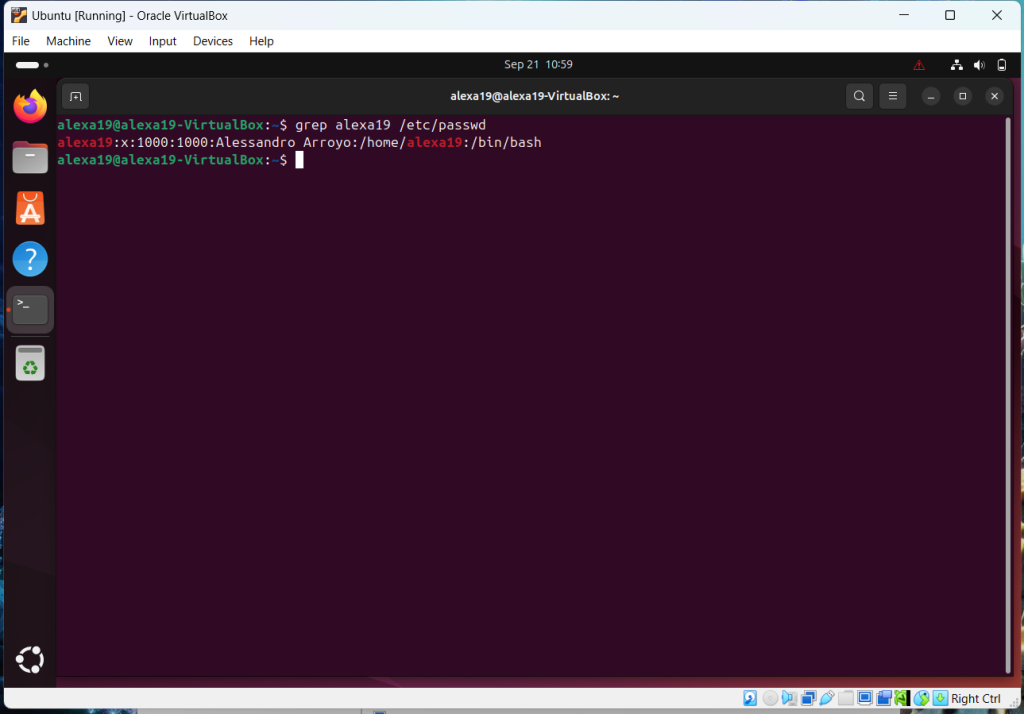
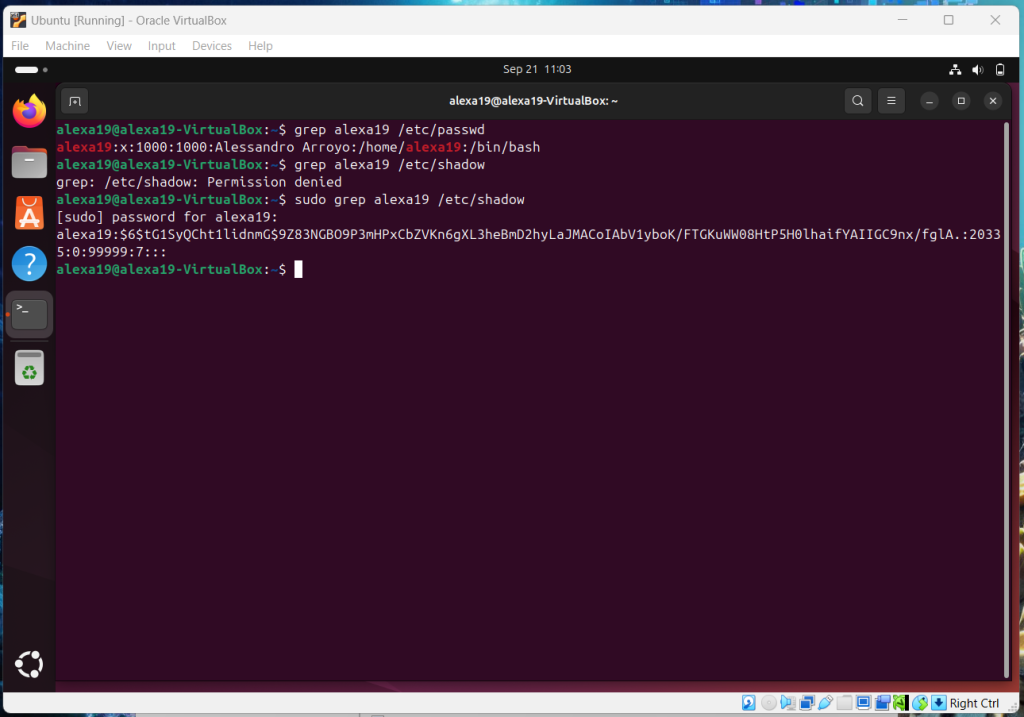
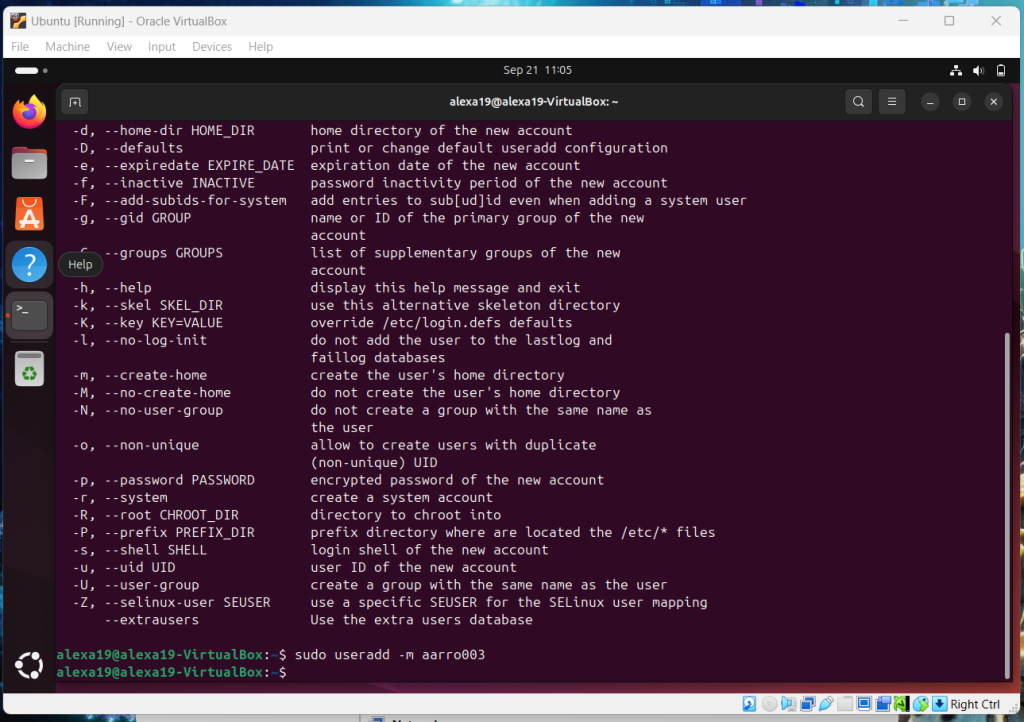
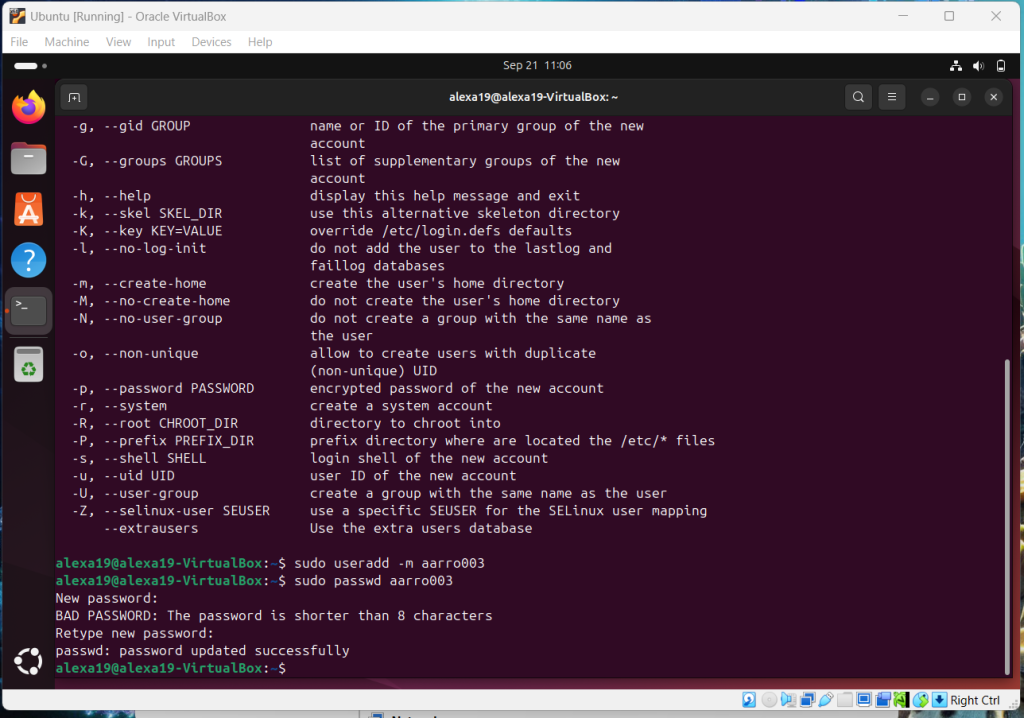
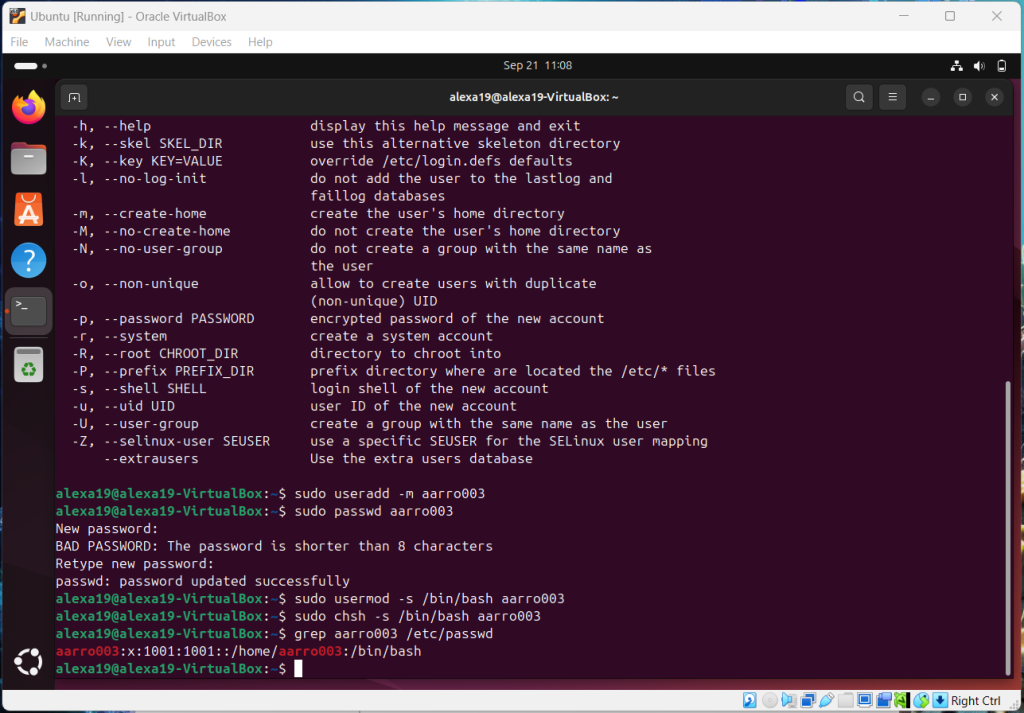
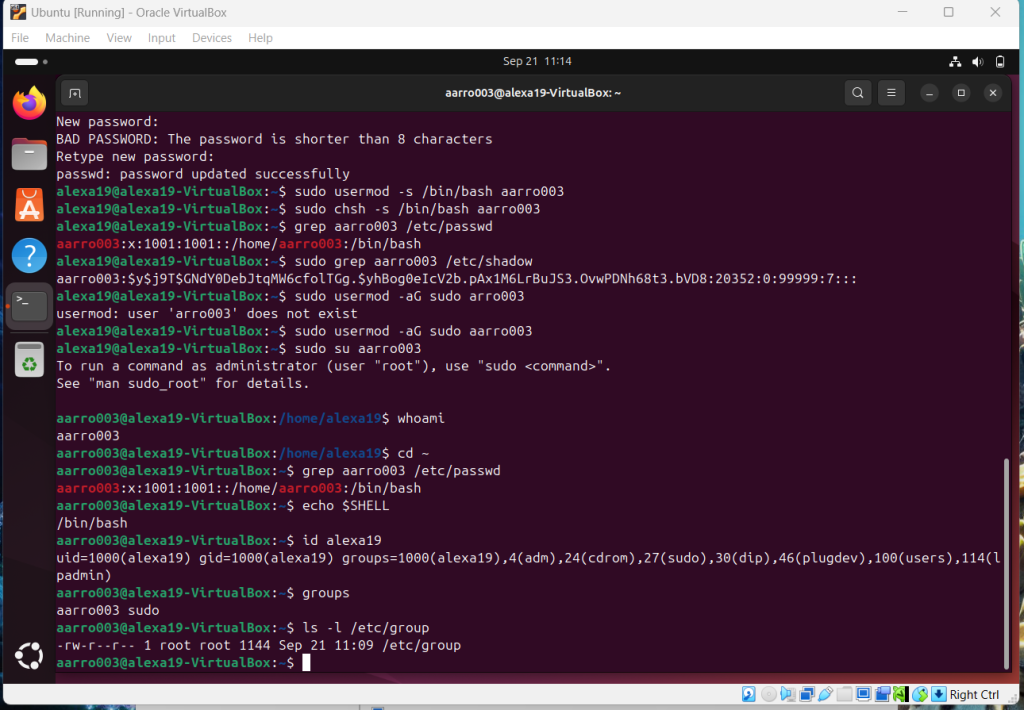
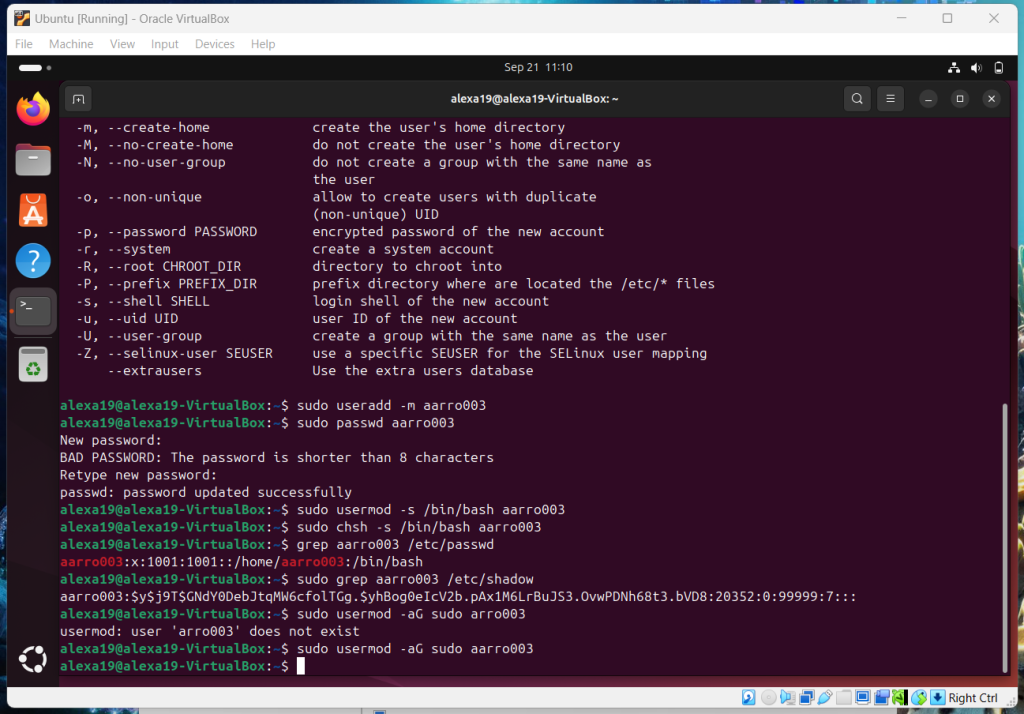
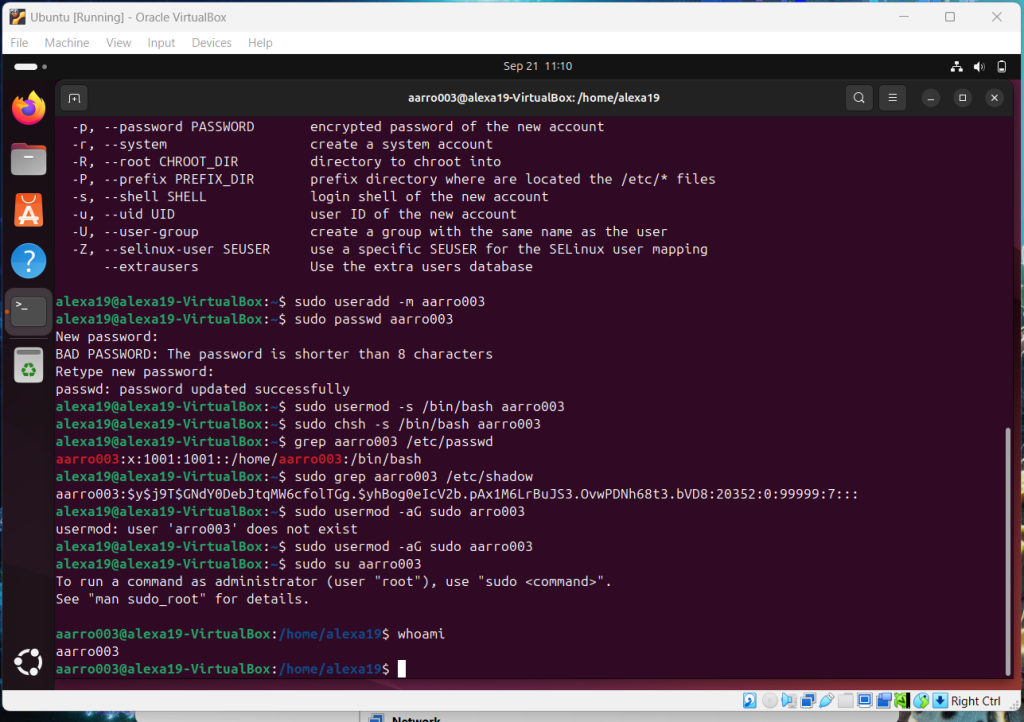
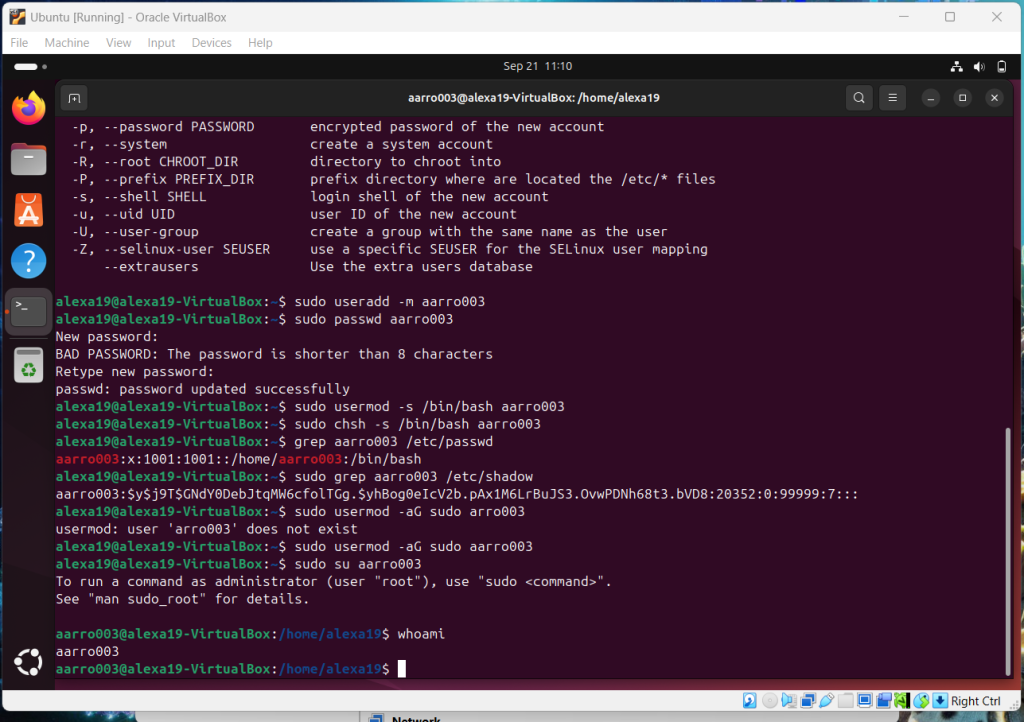
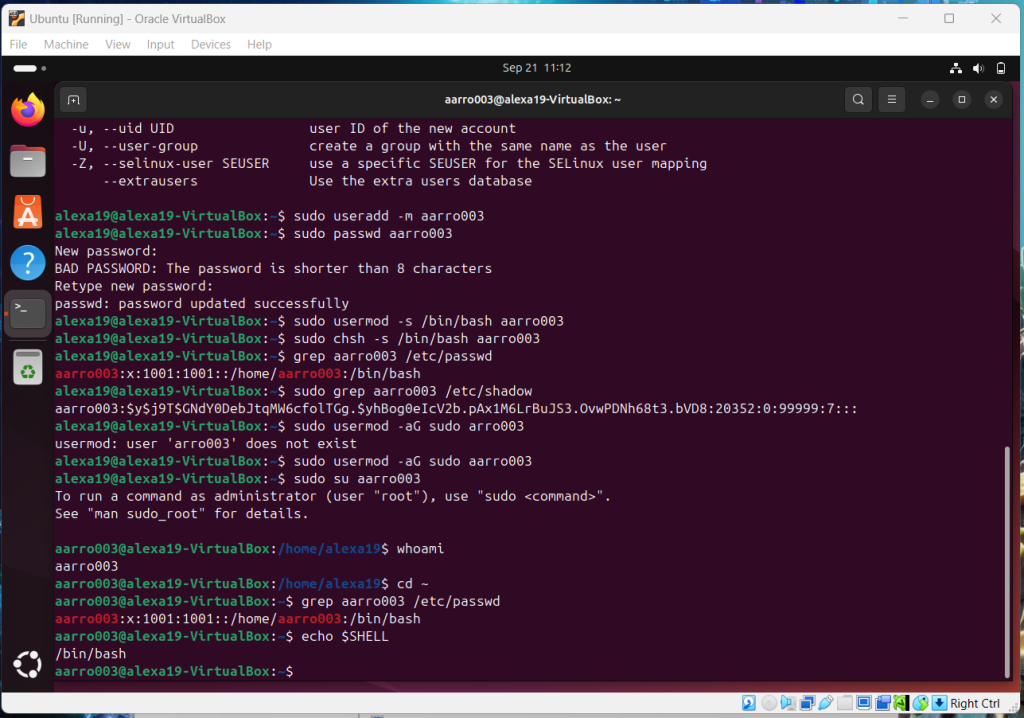
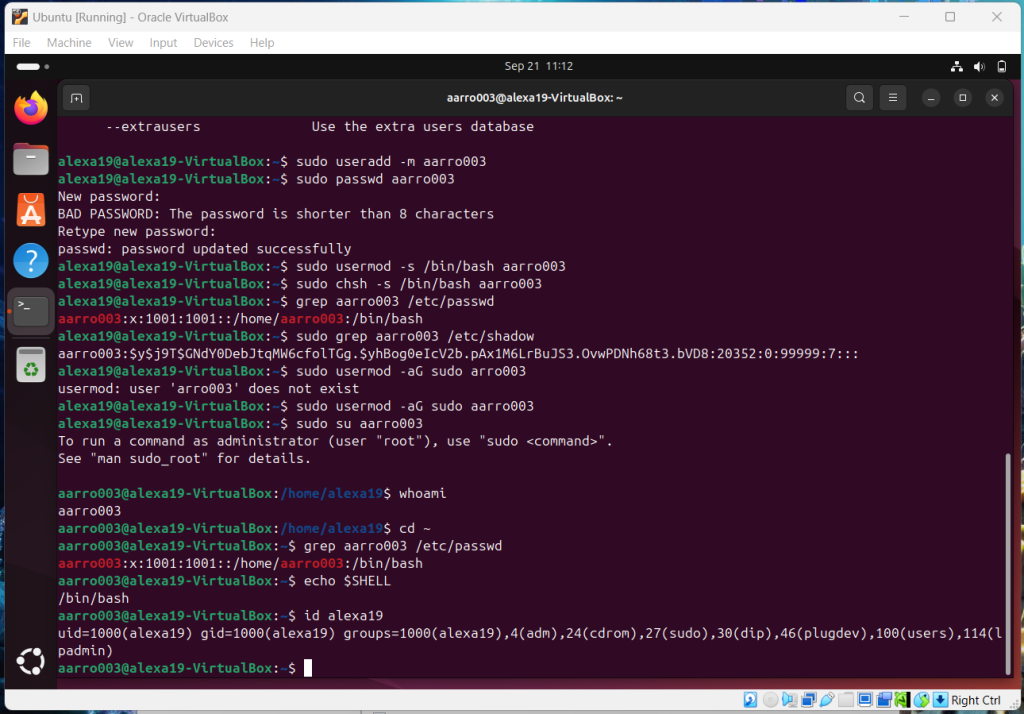
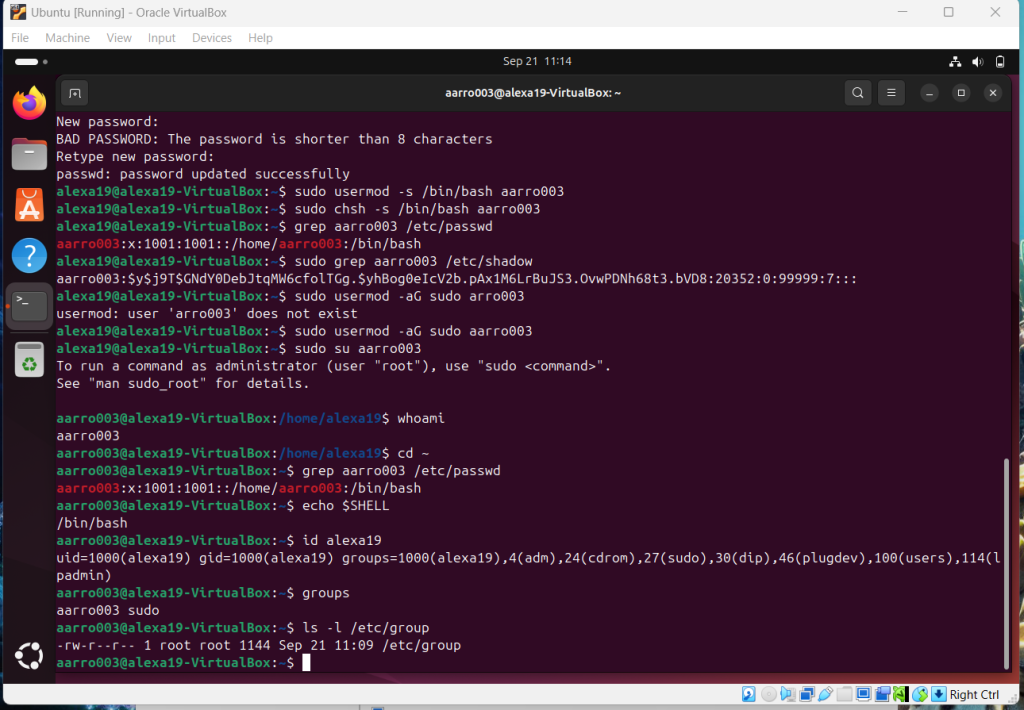
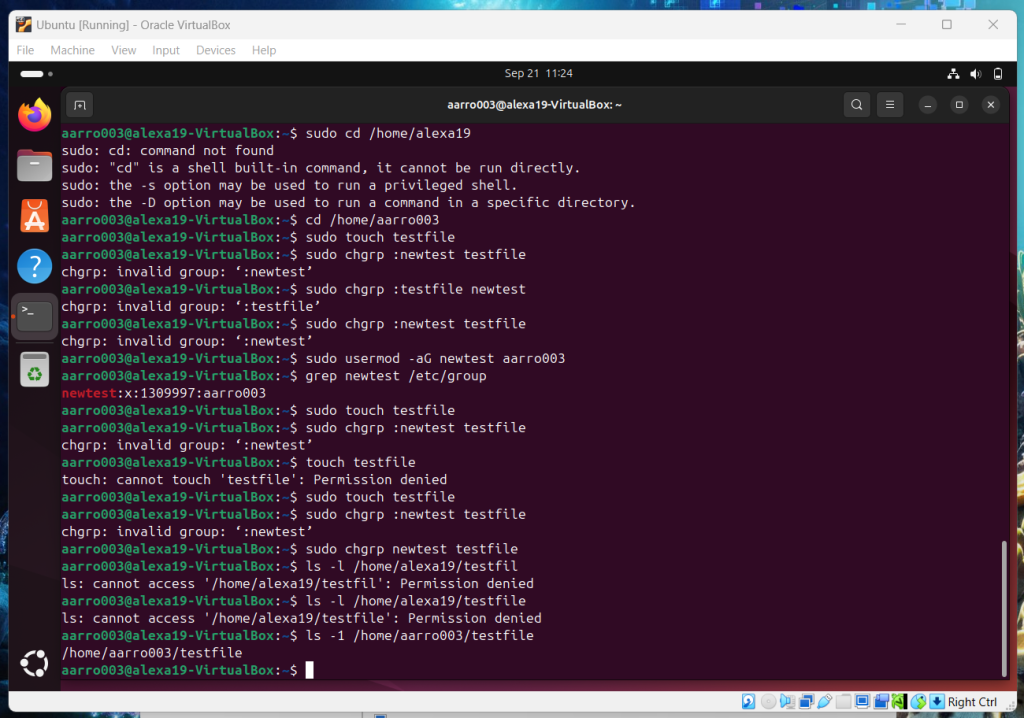
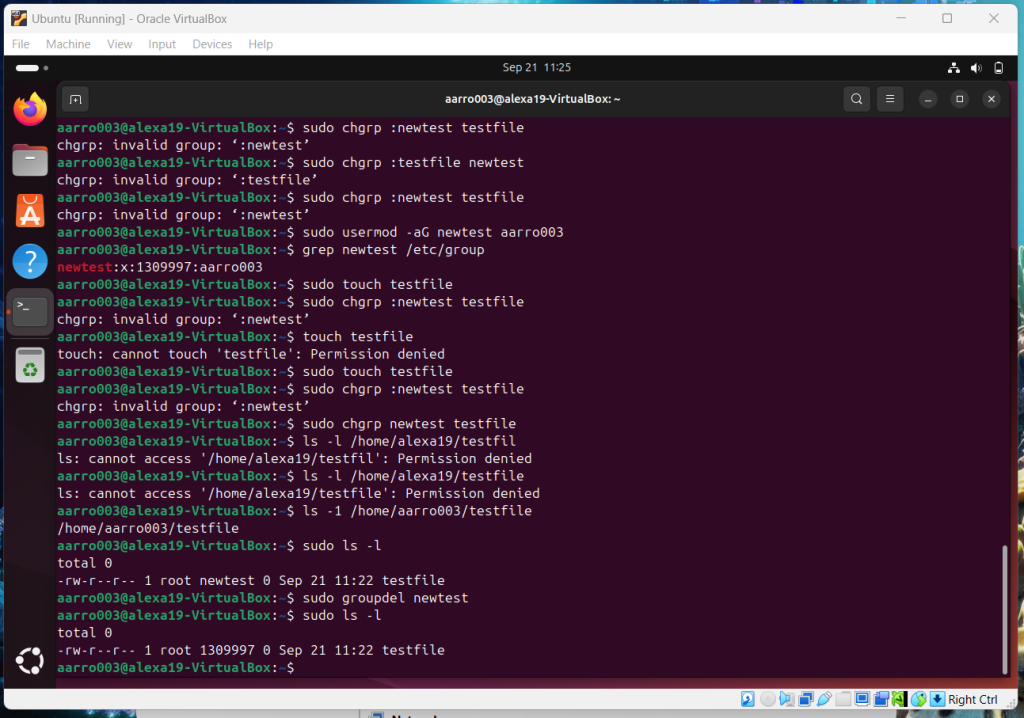
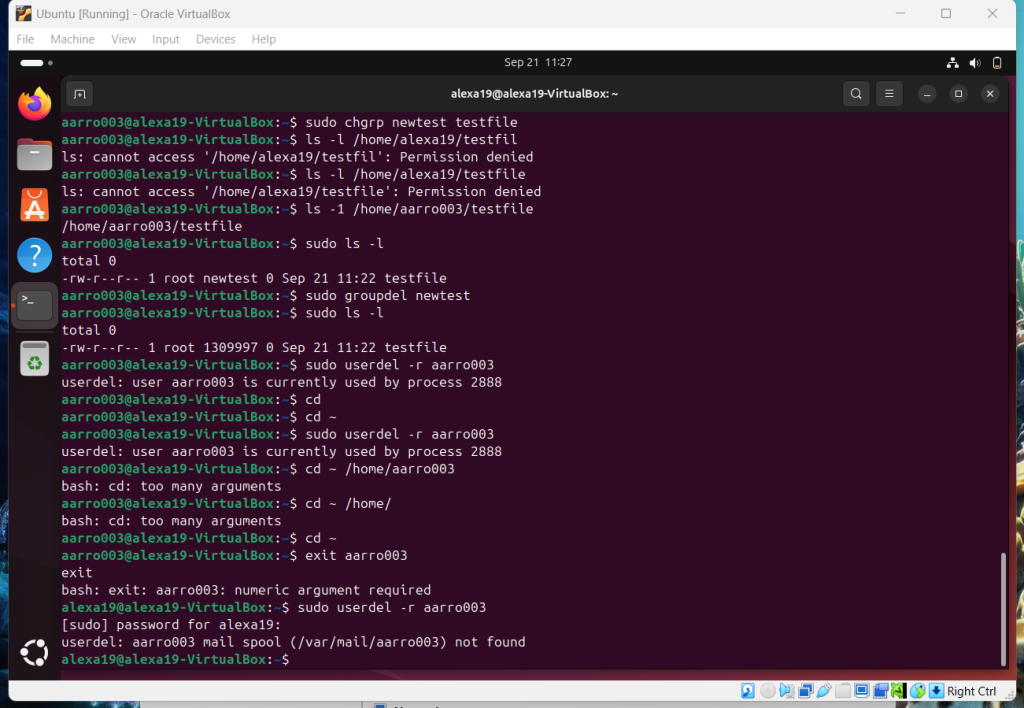
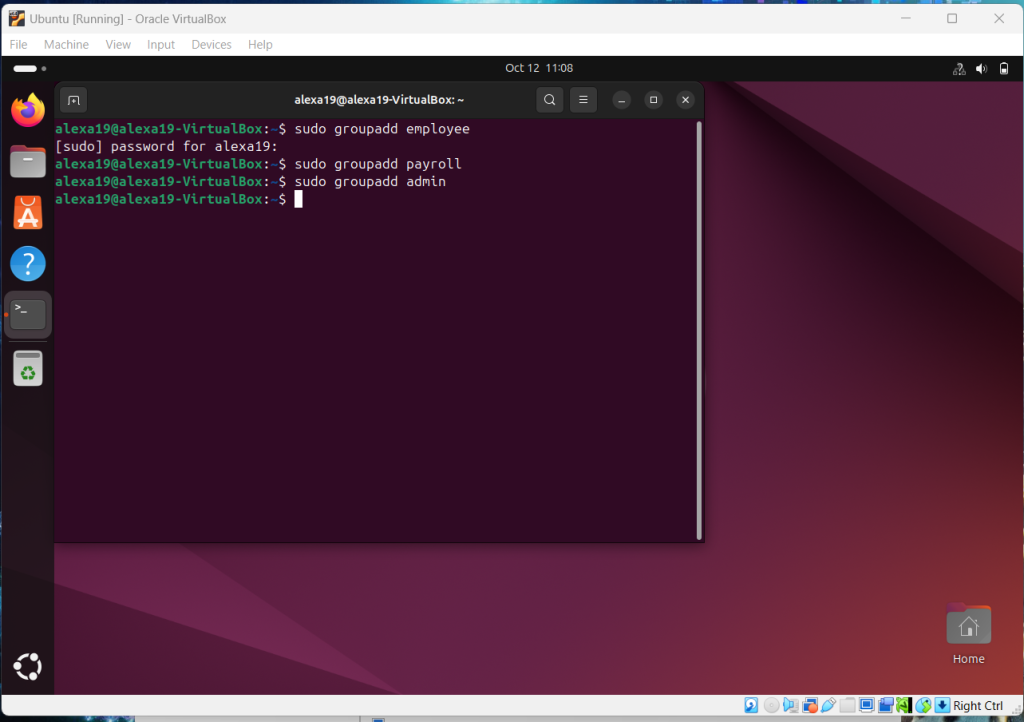
Overview: Using Sudo command in this assignment was new for me and brought some challenges. I had forgotten that the password would not be visible when using the Sudo command and it took me a while to figure it out. However, when I did the whole assignment went smoothly after that.
Assignment 5: Password Cracking
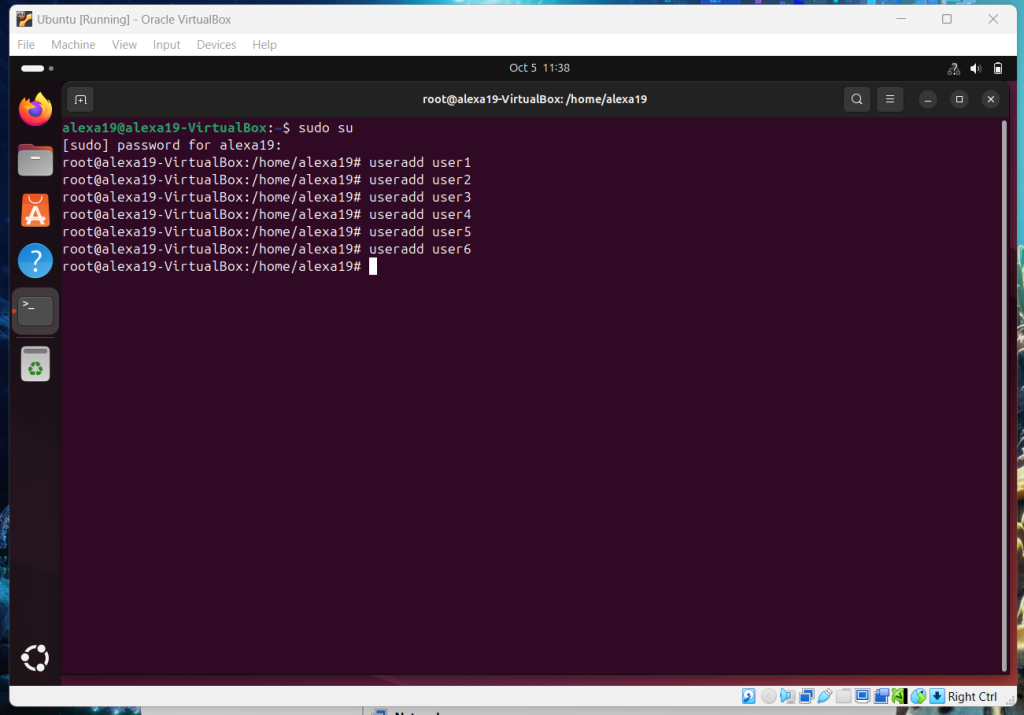
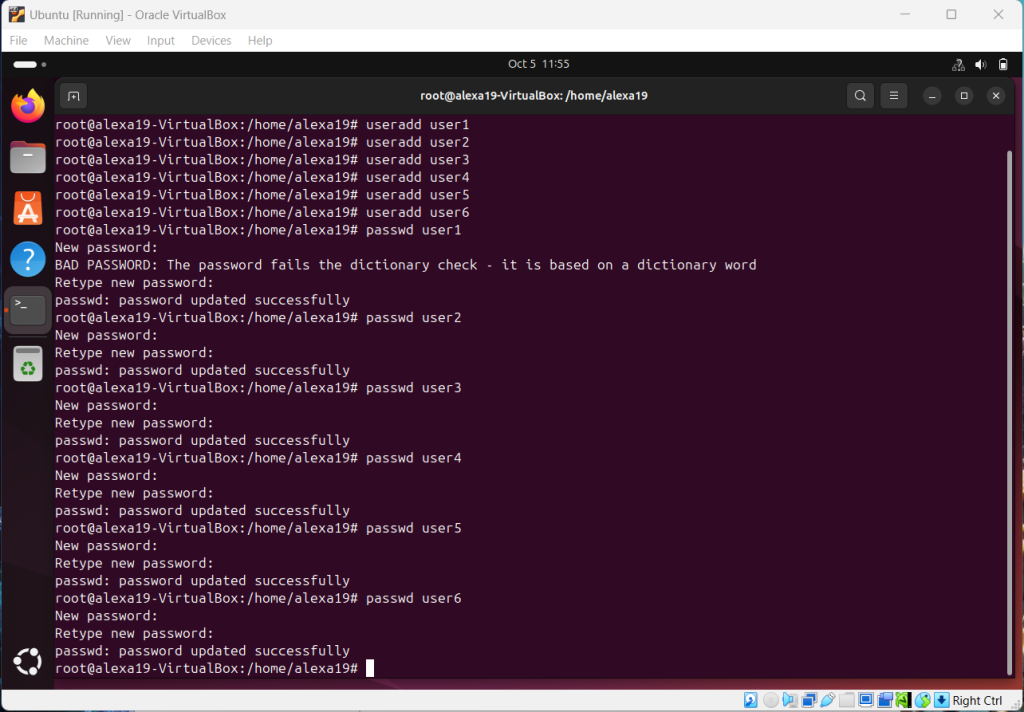
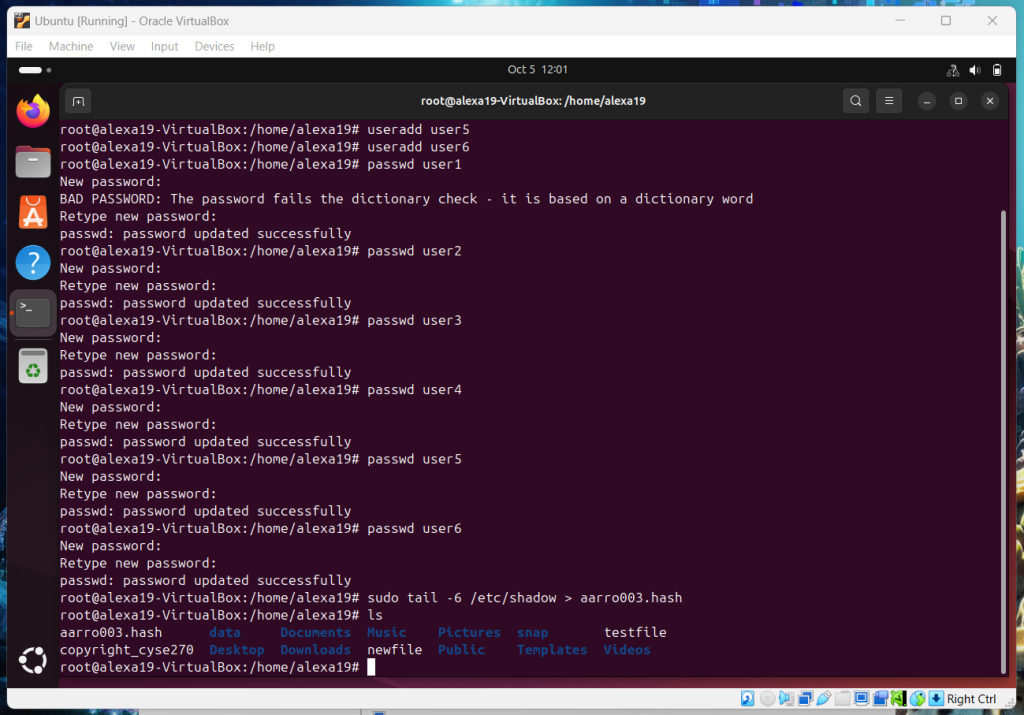
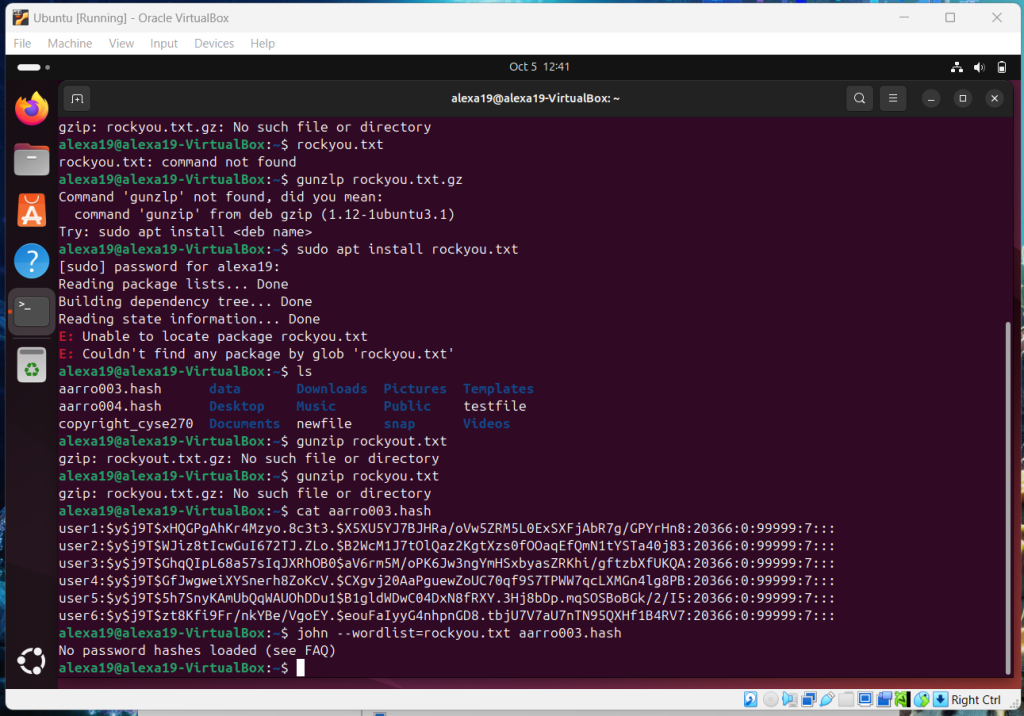
Overview: This was the hardest assignment in my opinion and took me days after the due date to accomplish it. A lot of the commands were not working correctly so it was frustrating at first but well worth it when it all came together.
Assignment 6: File Permissions
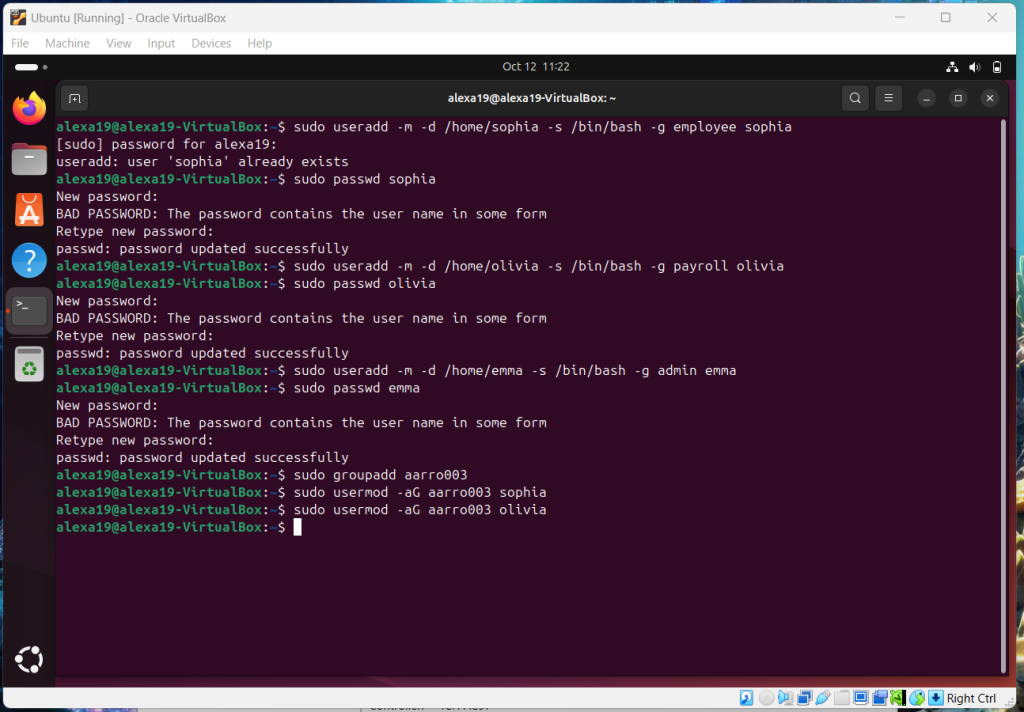
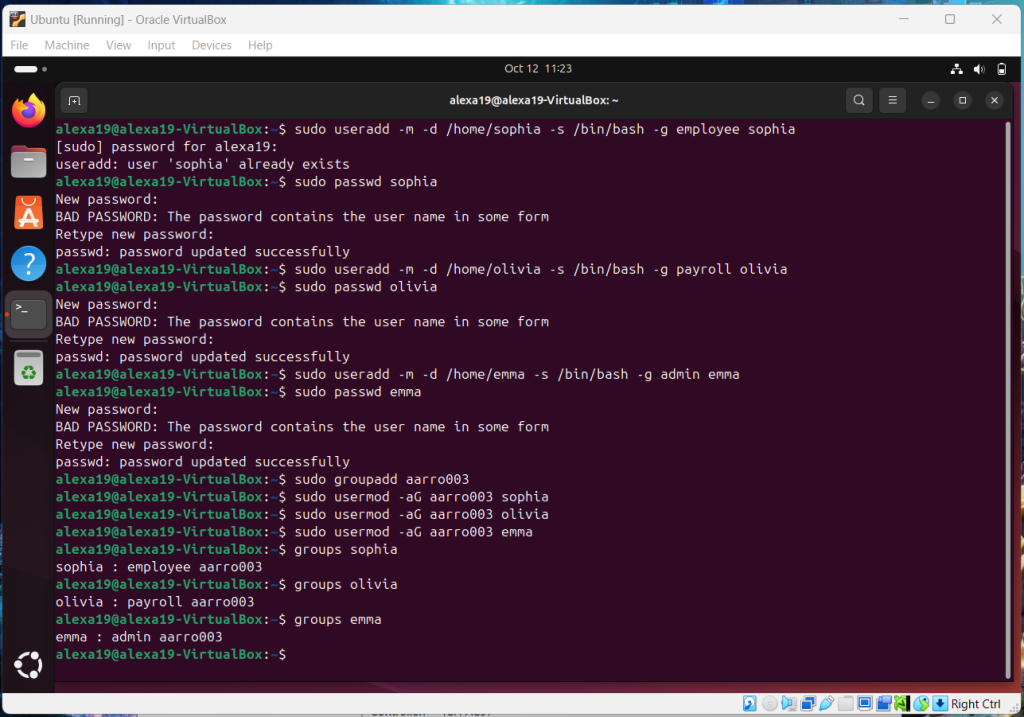
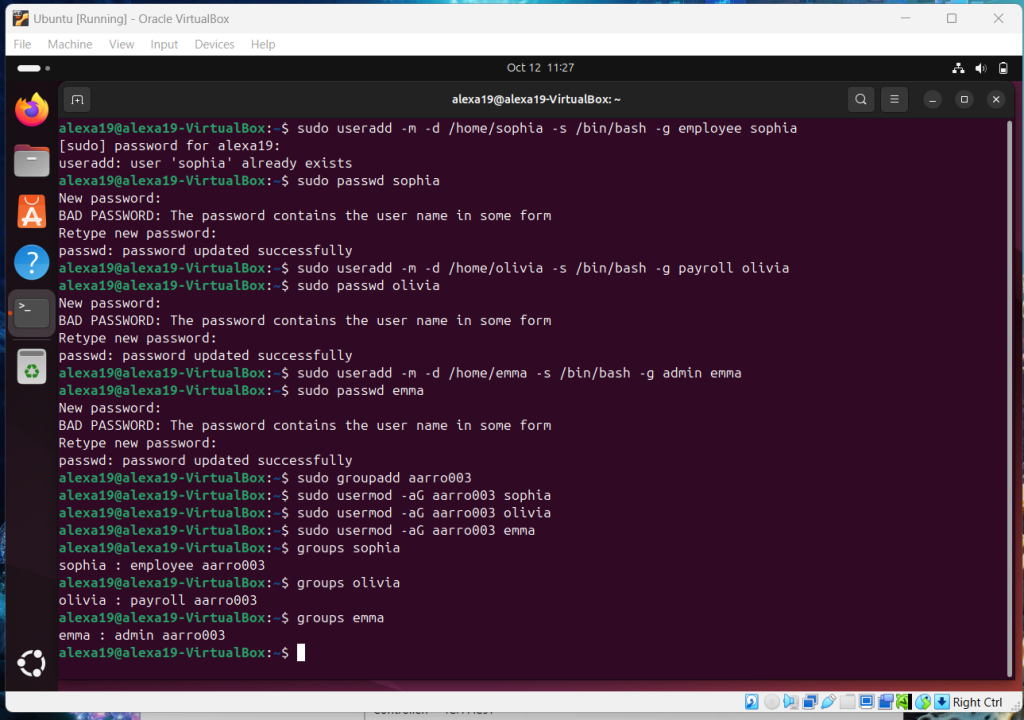
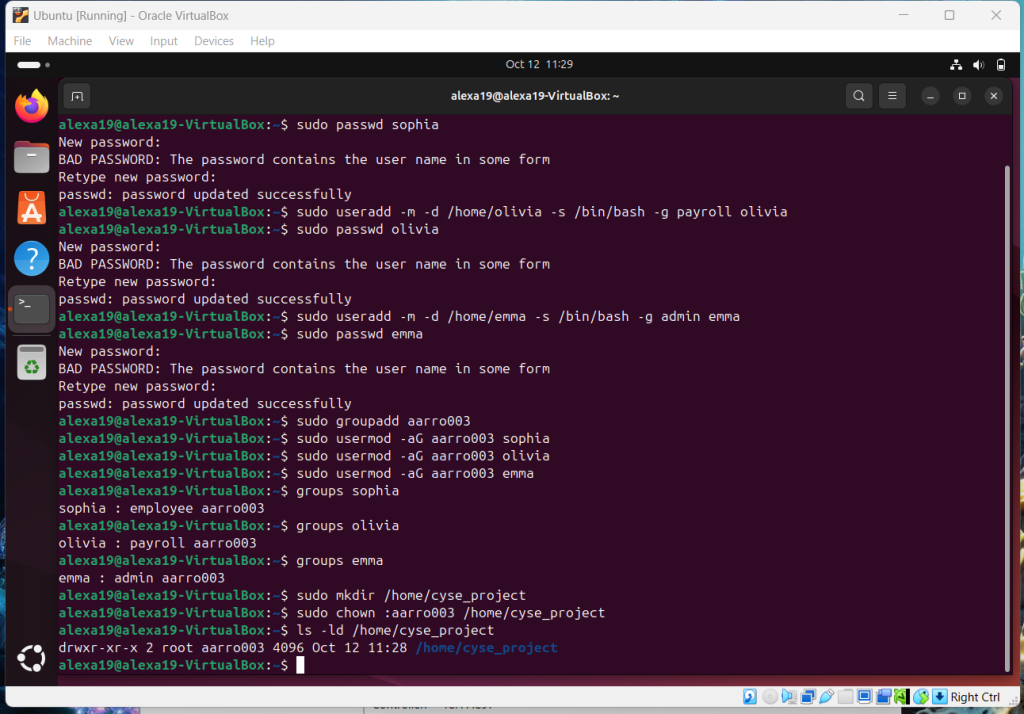
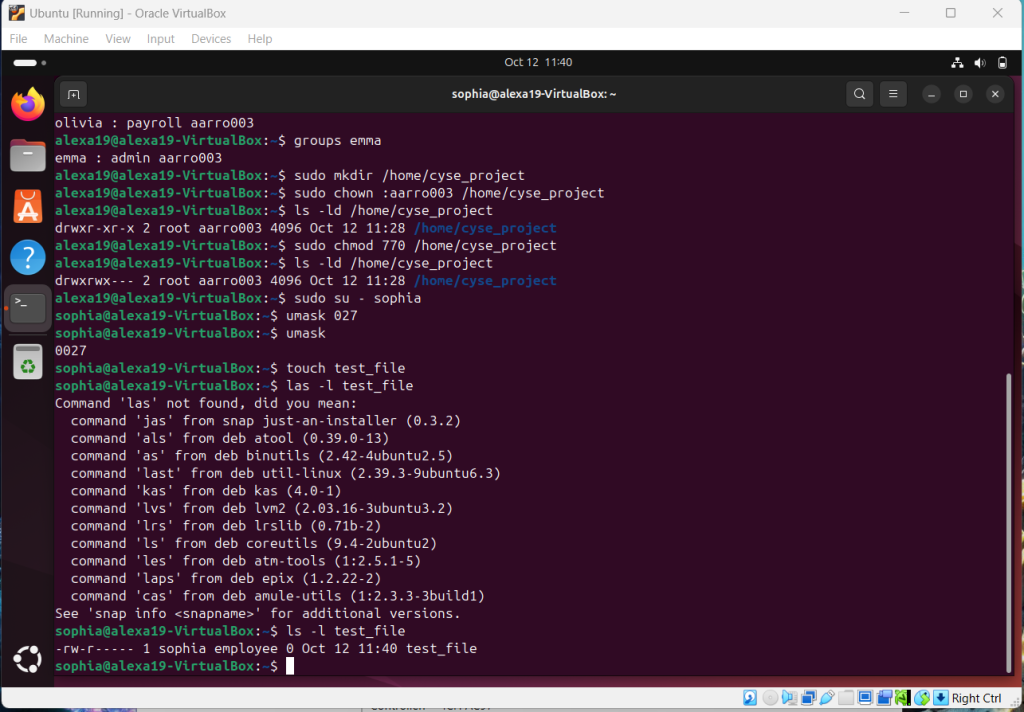
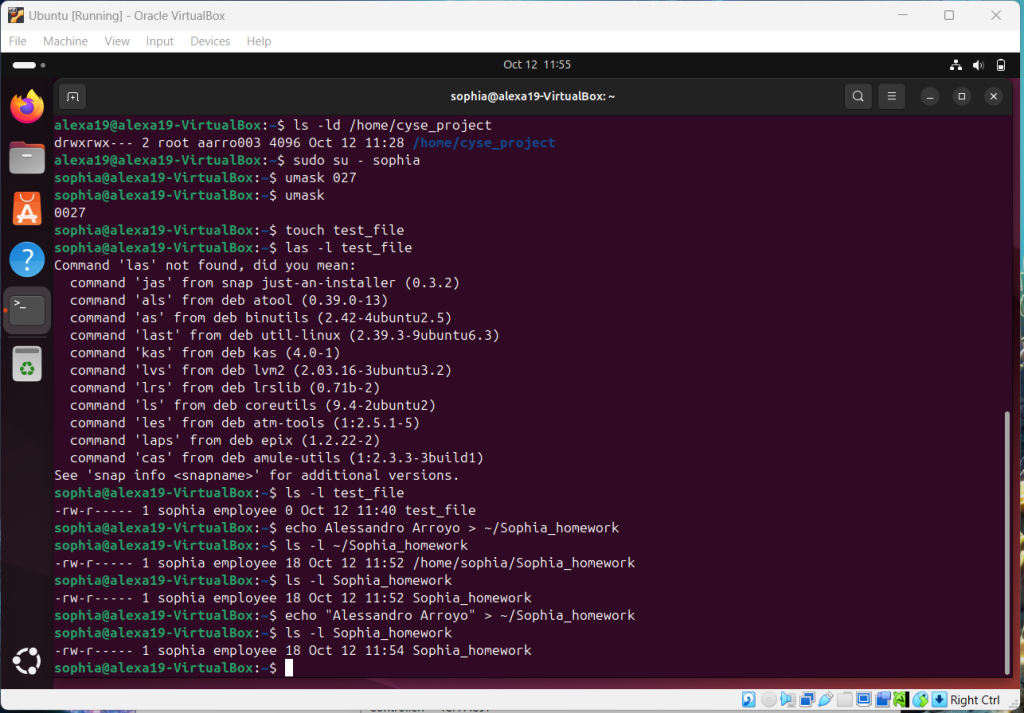
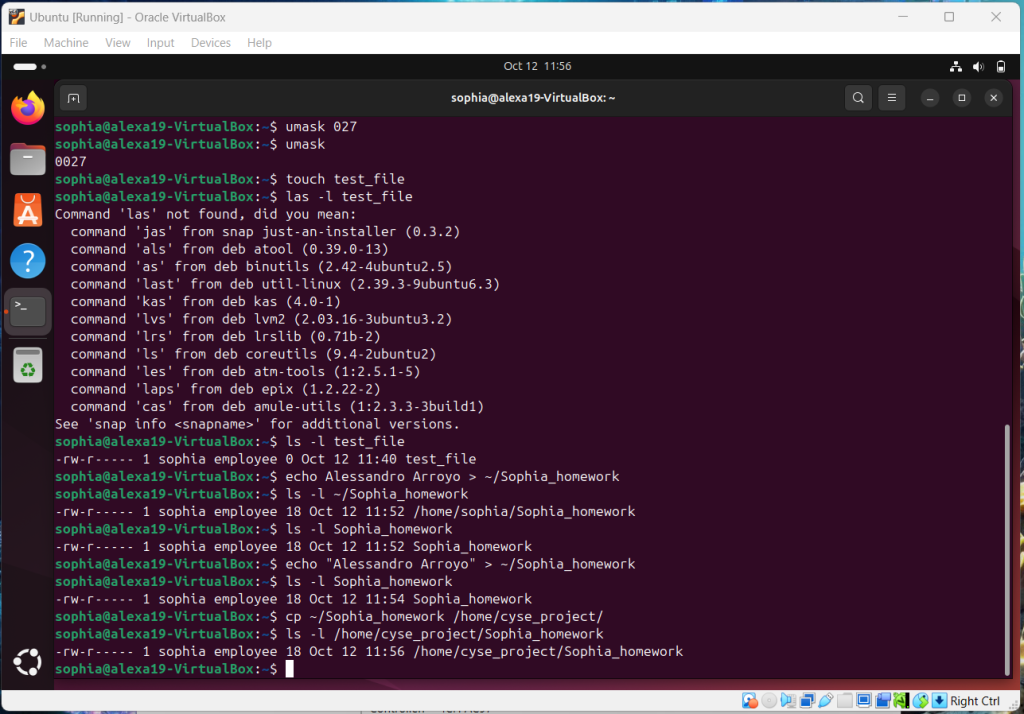
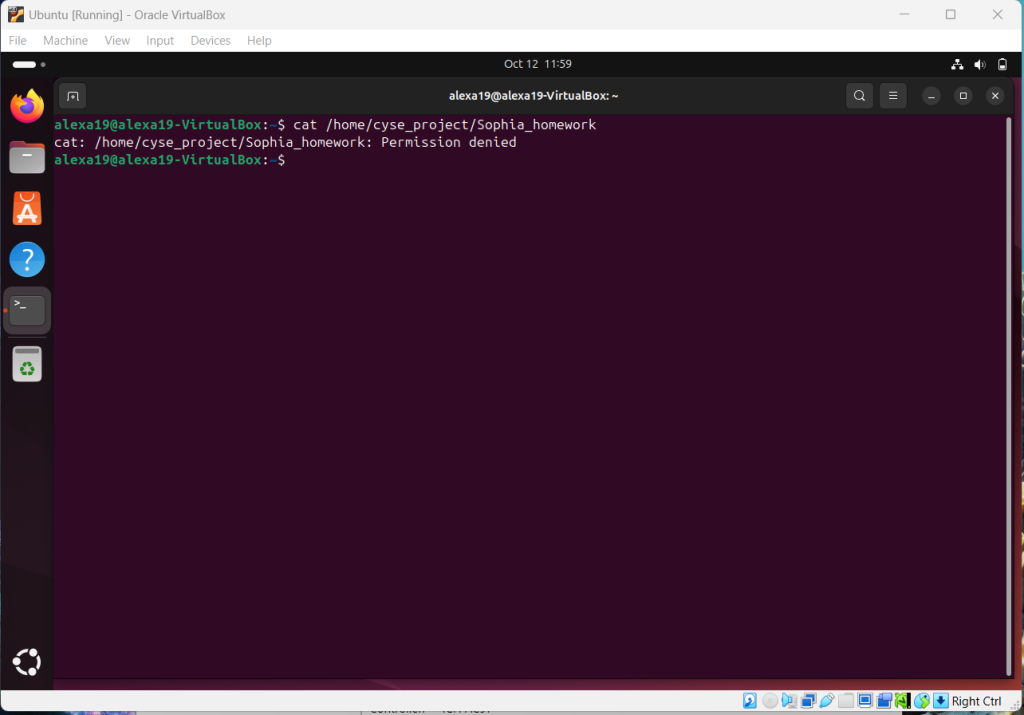
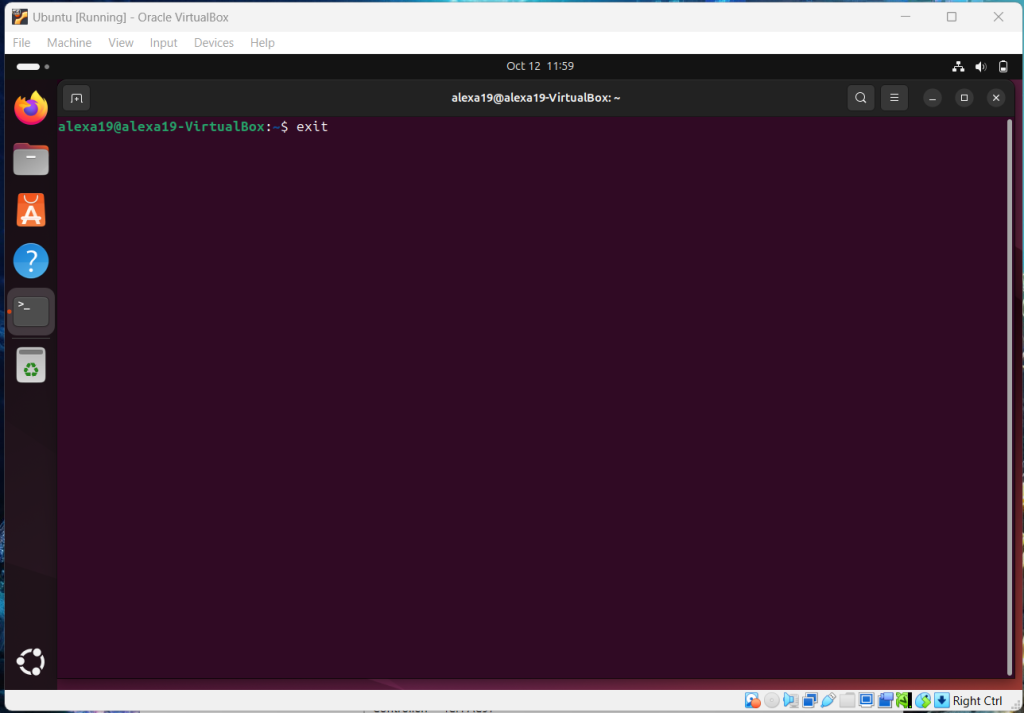

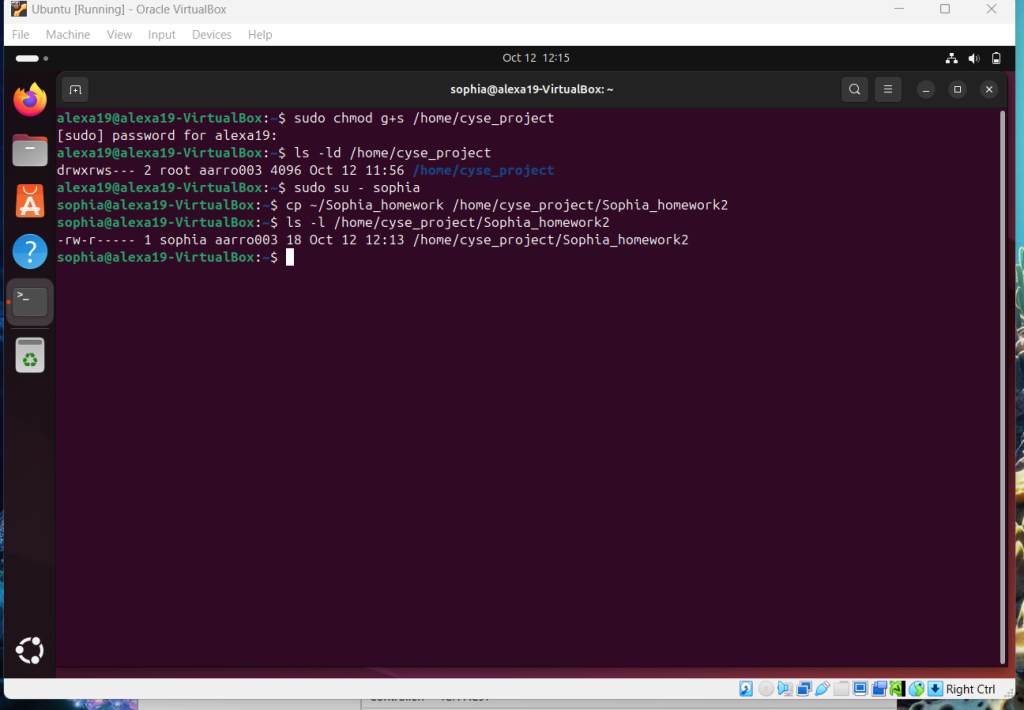
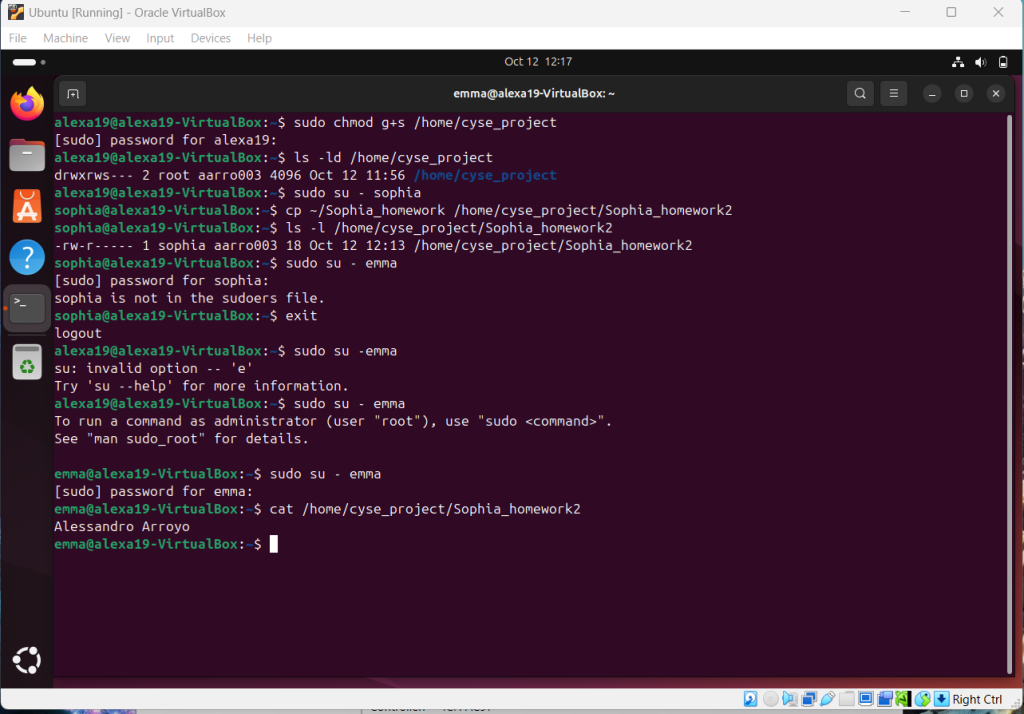
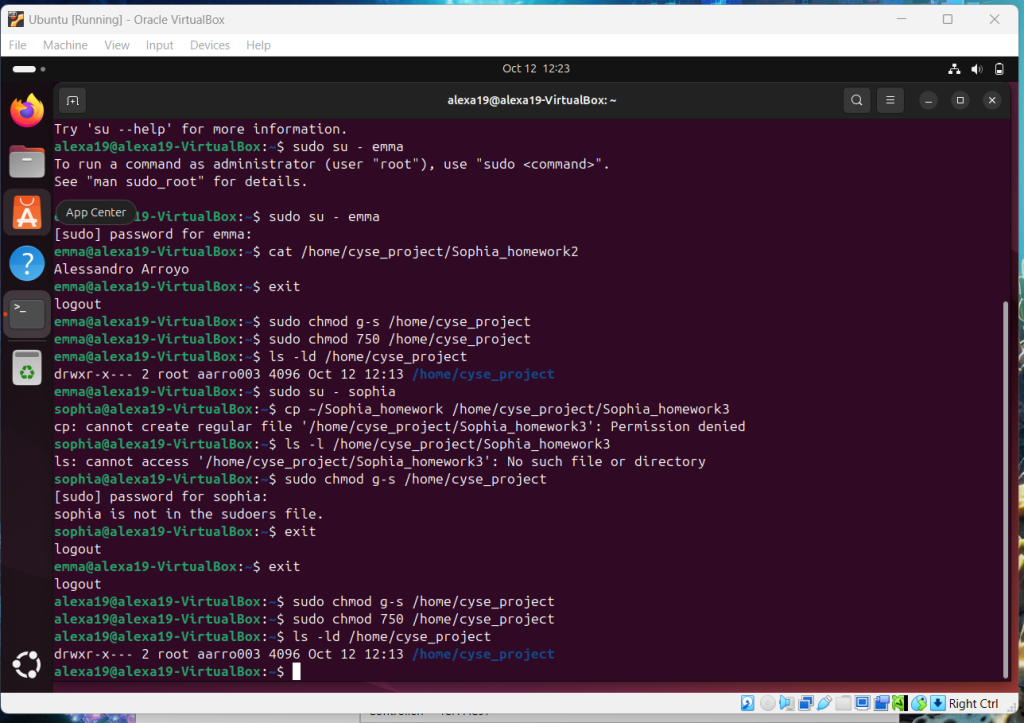
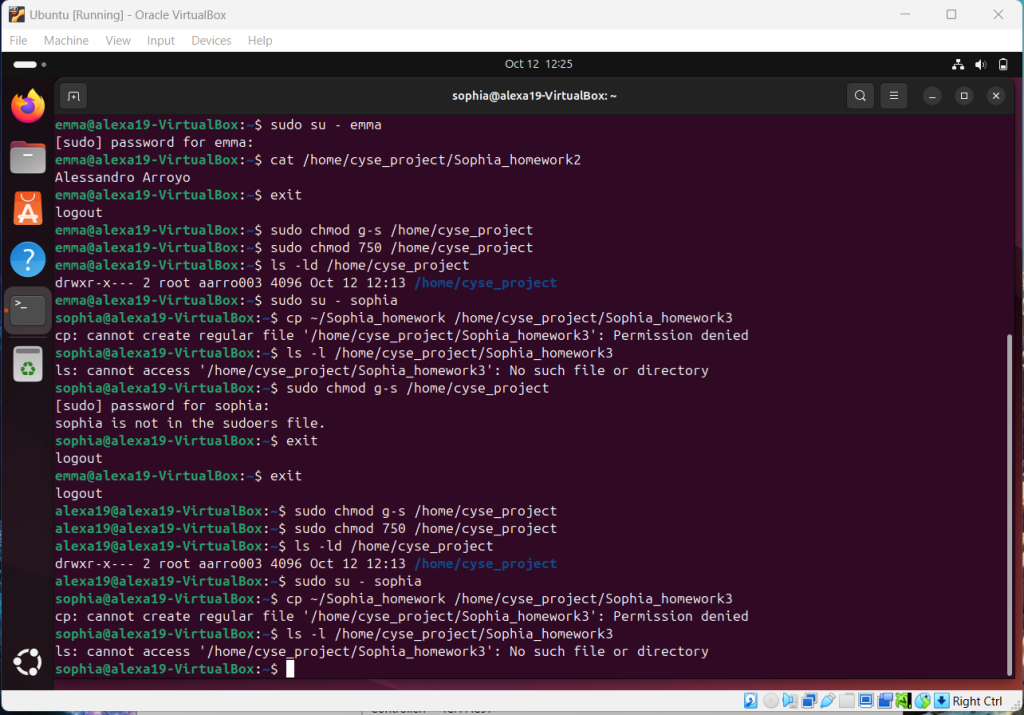
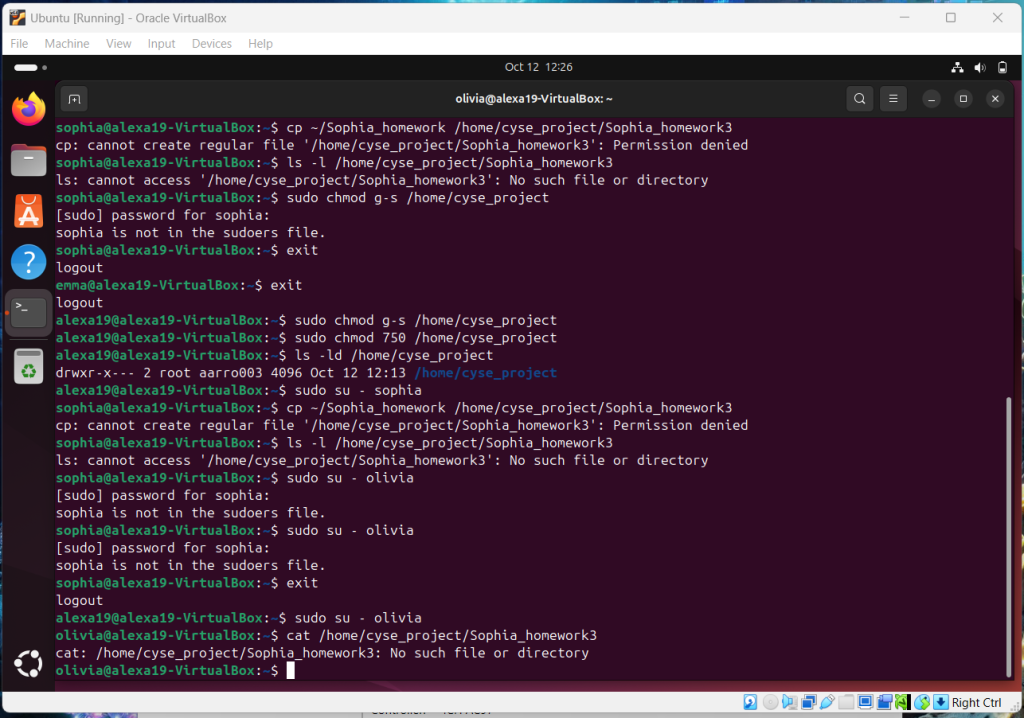
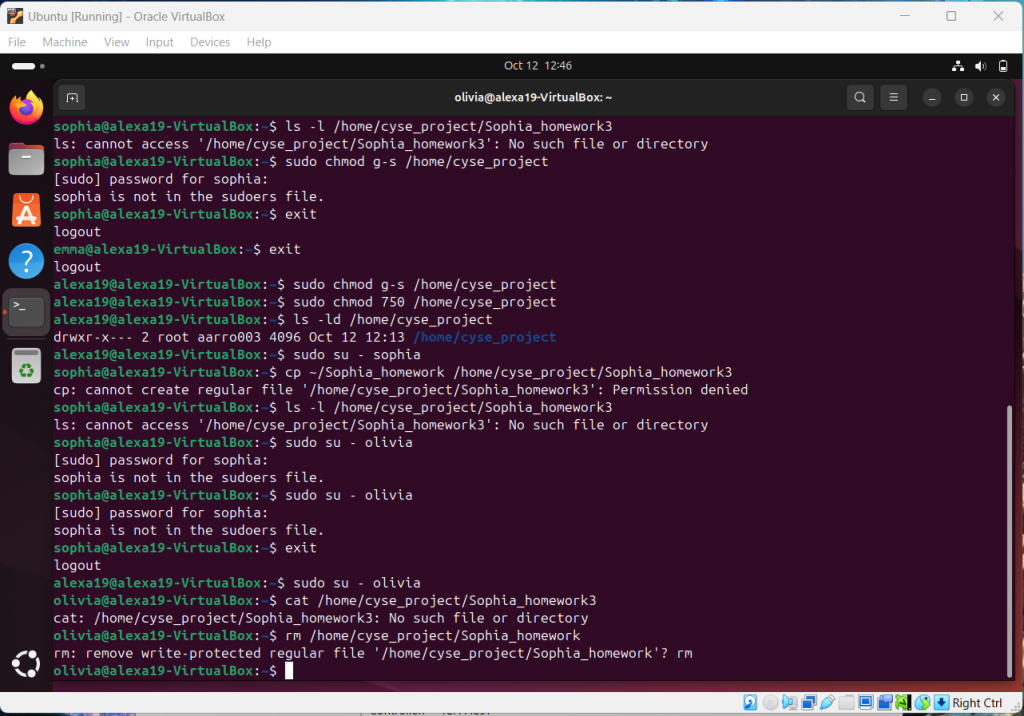
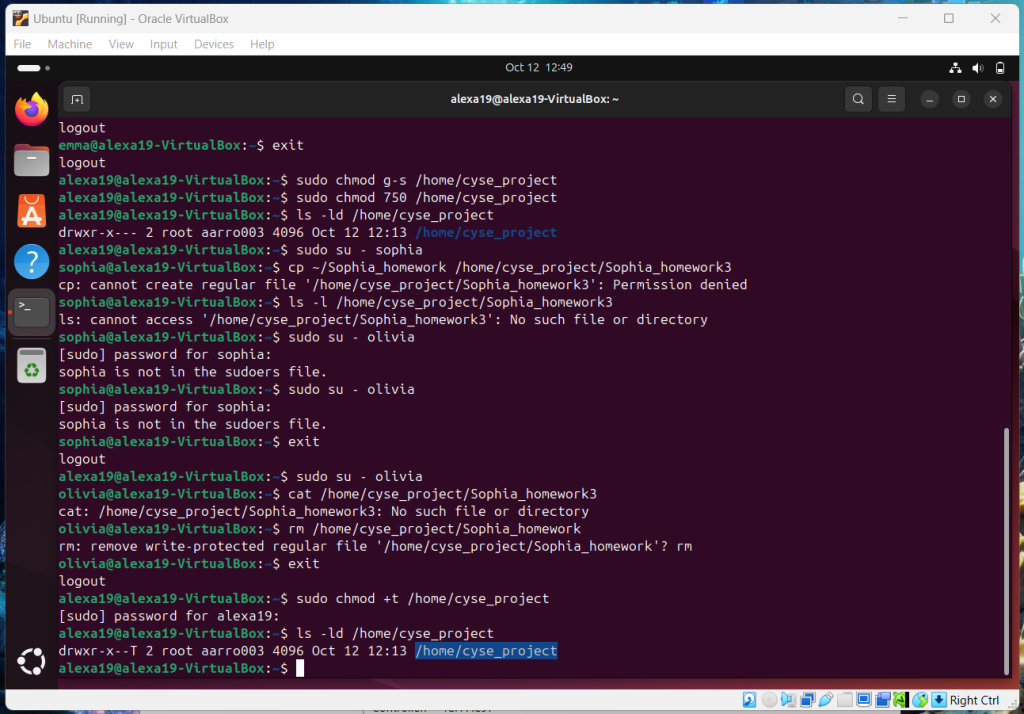
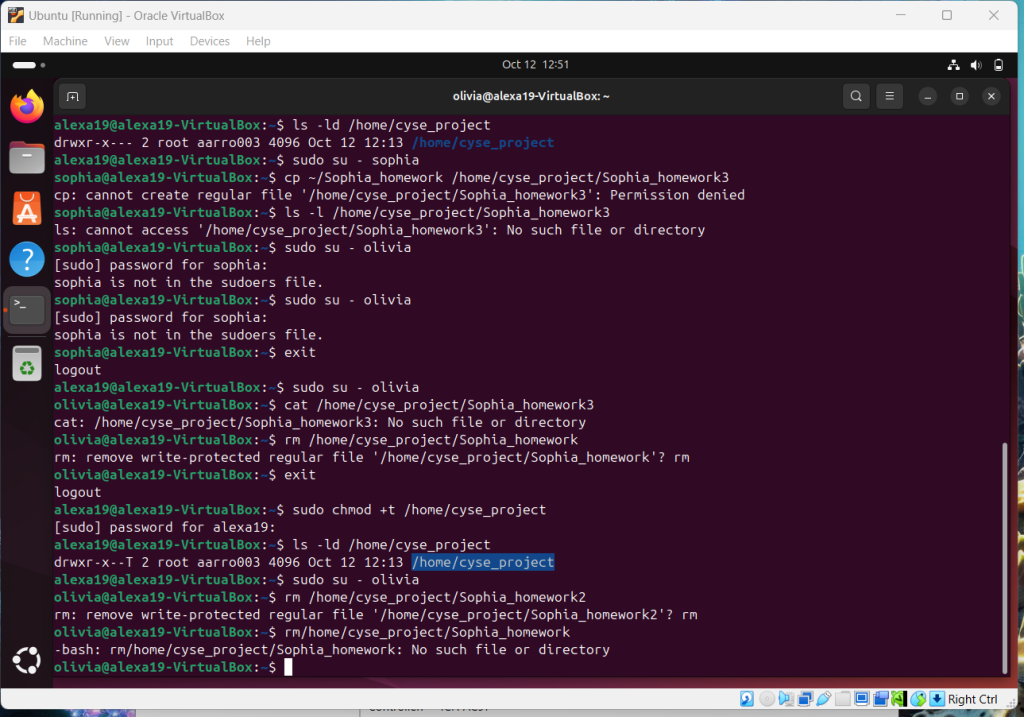
Overview: Following instructions was the most important in this assignment as there was a lot of creating profiles and setting permissions. The complexity of this assignment was the most advanced and most rewarding in the end.
Assignment 7: Storage Management
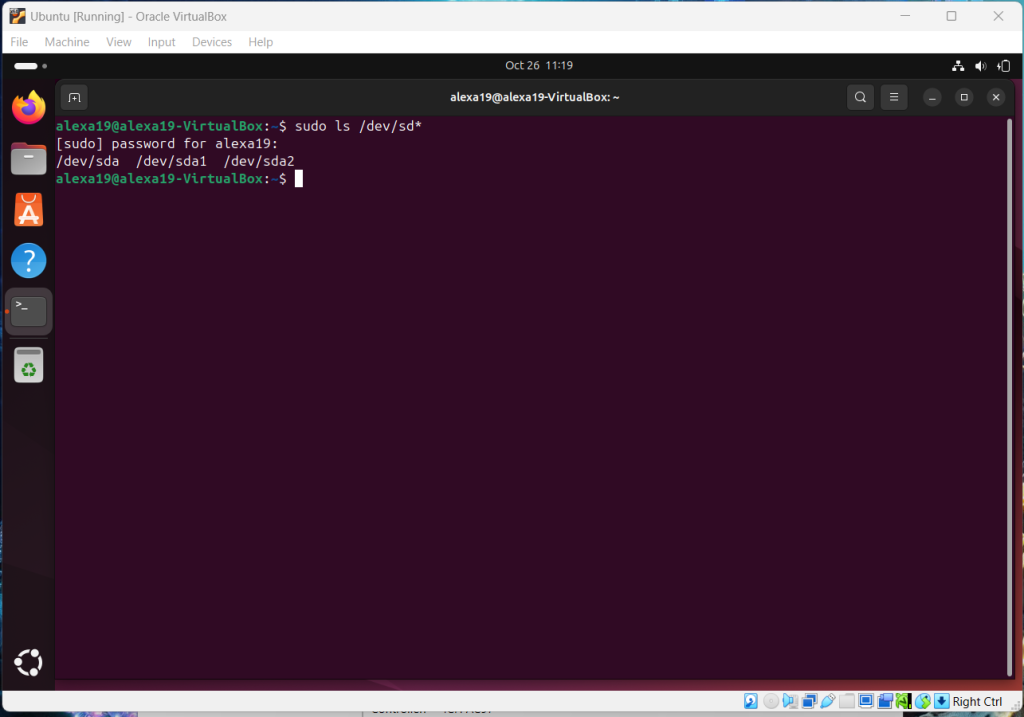
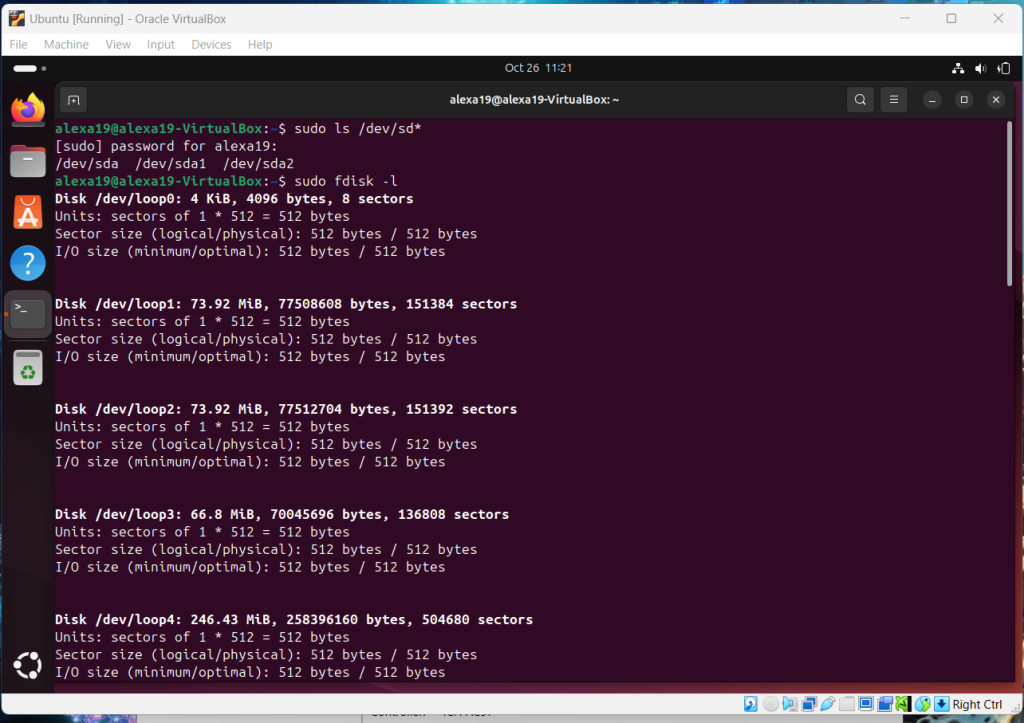
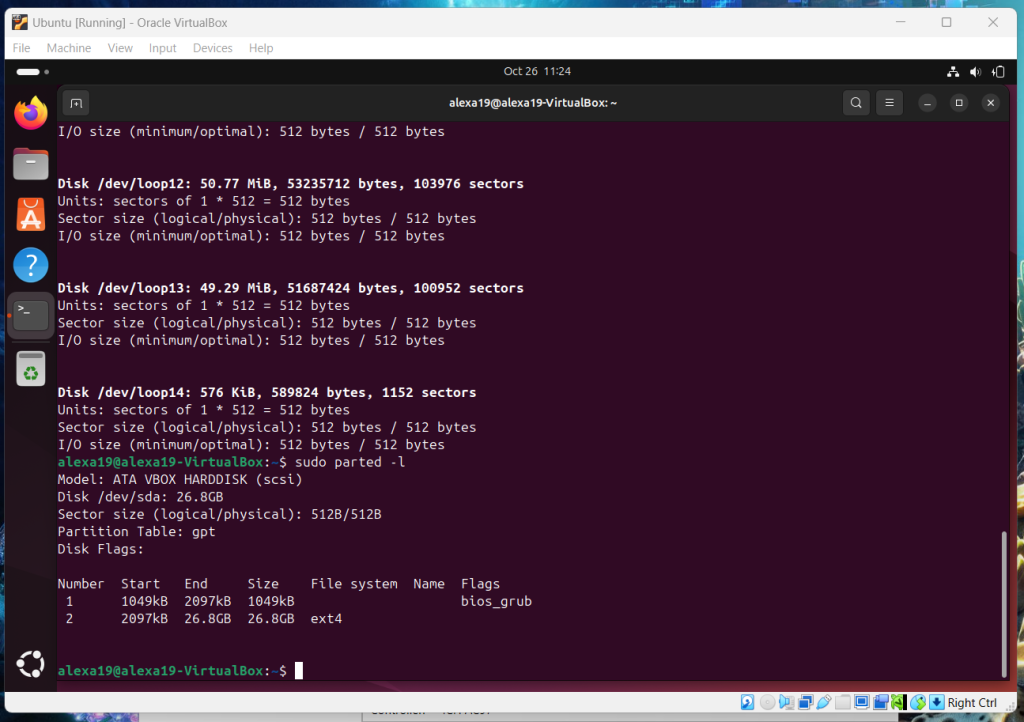
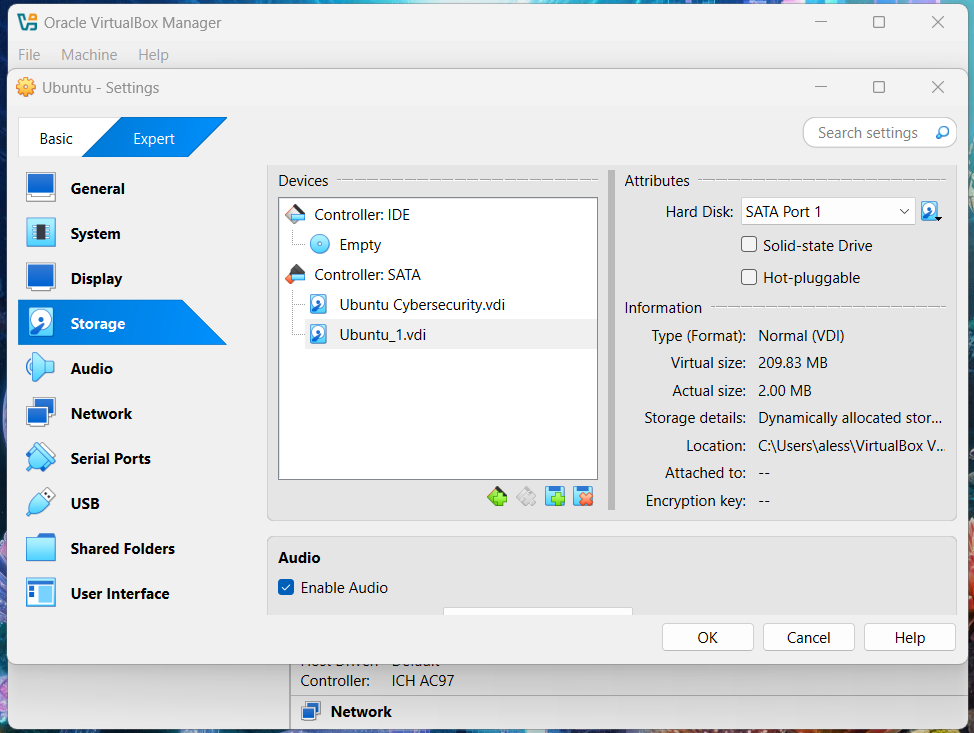
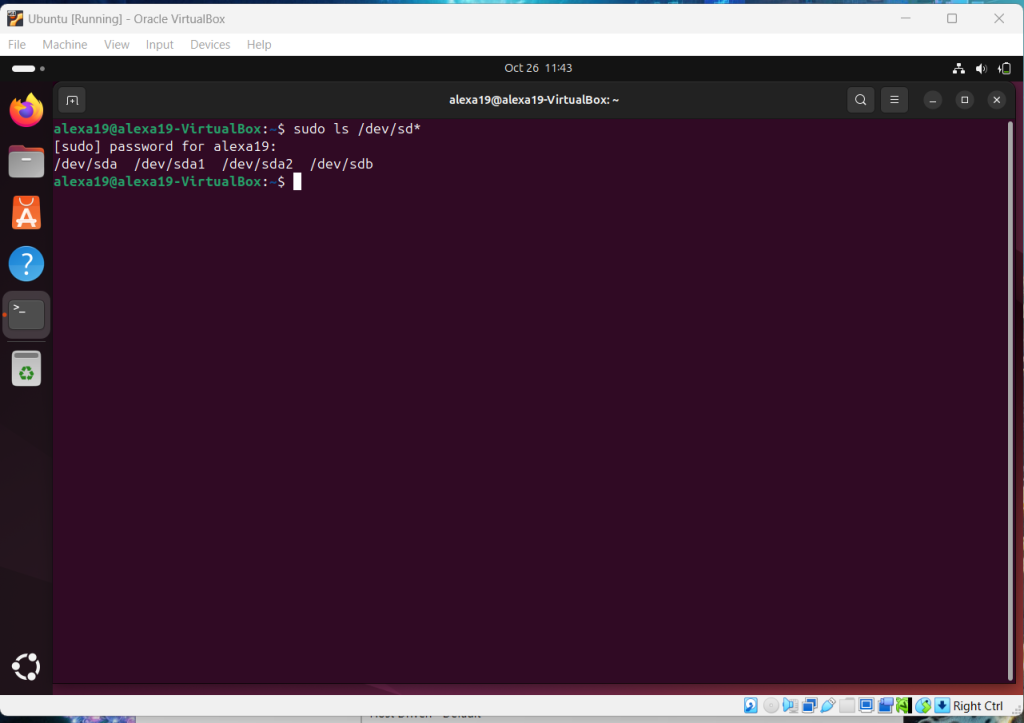
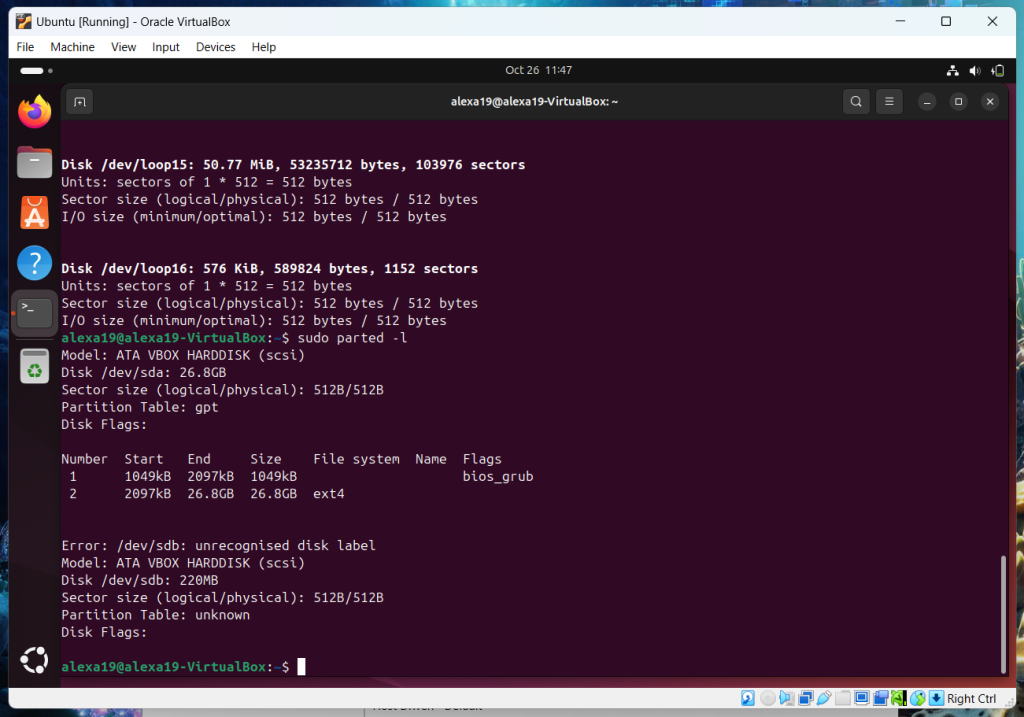
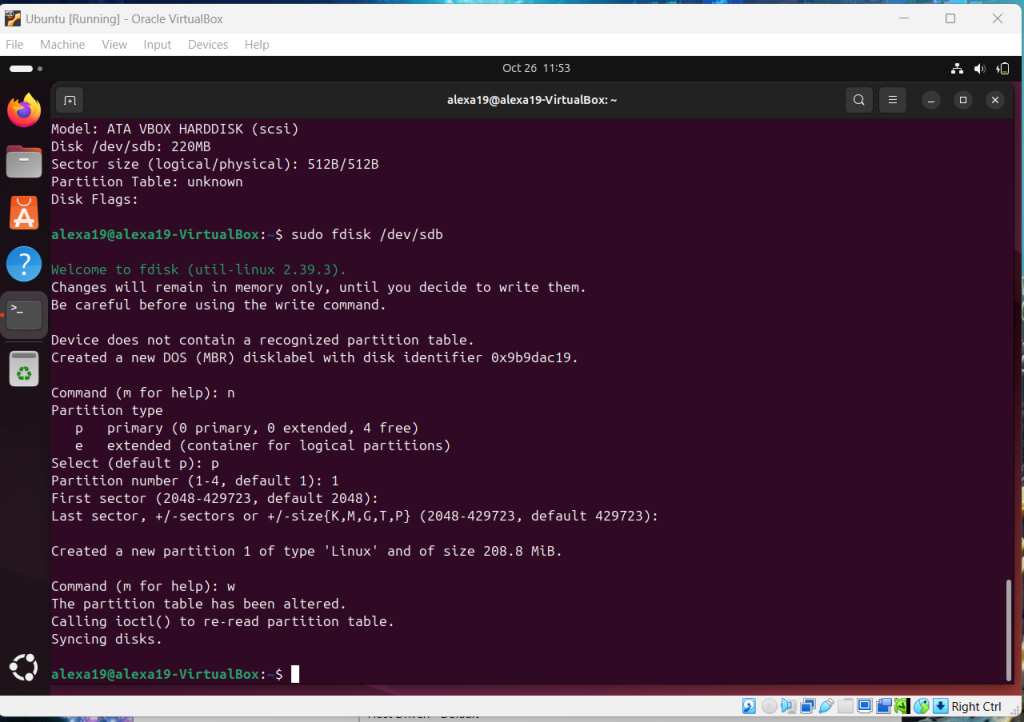
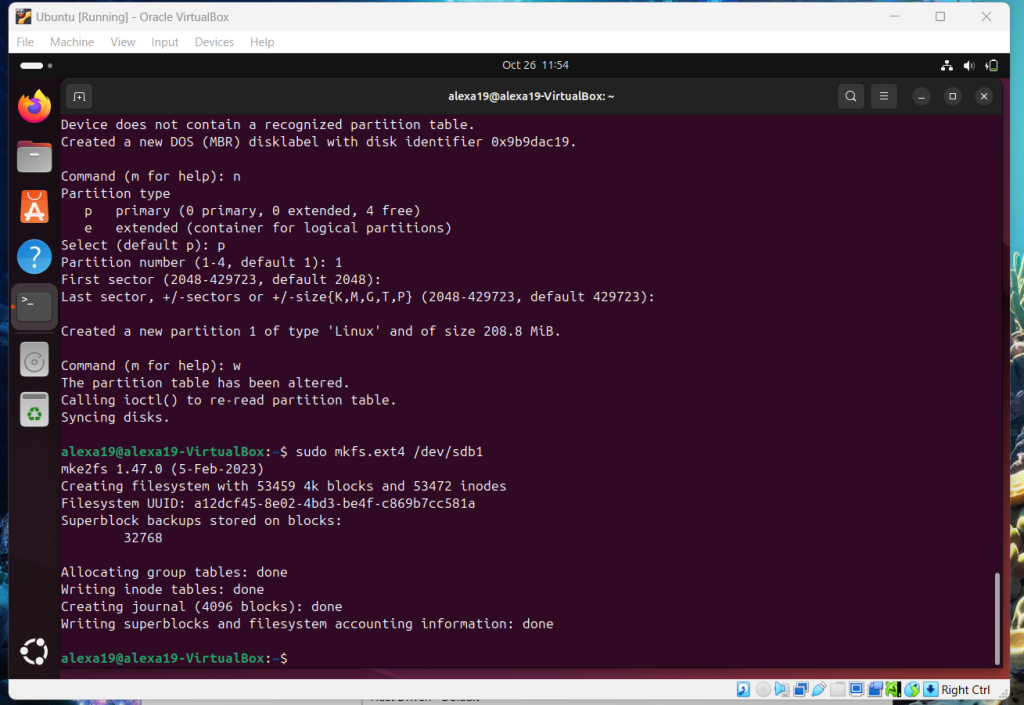
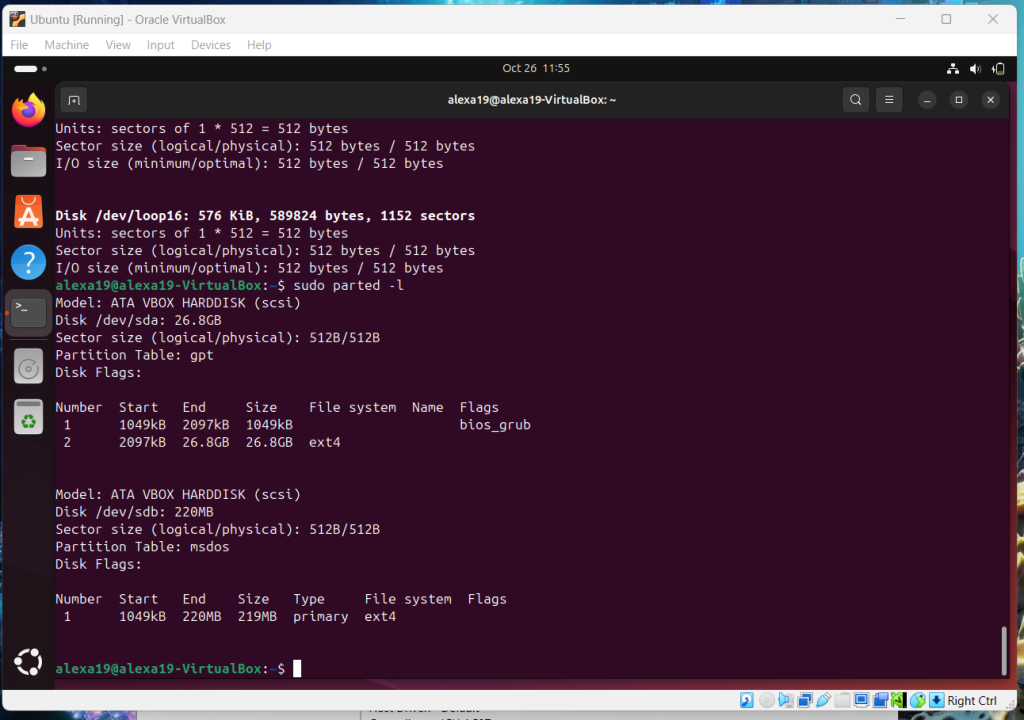
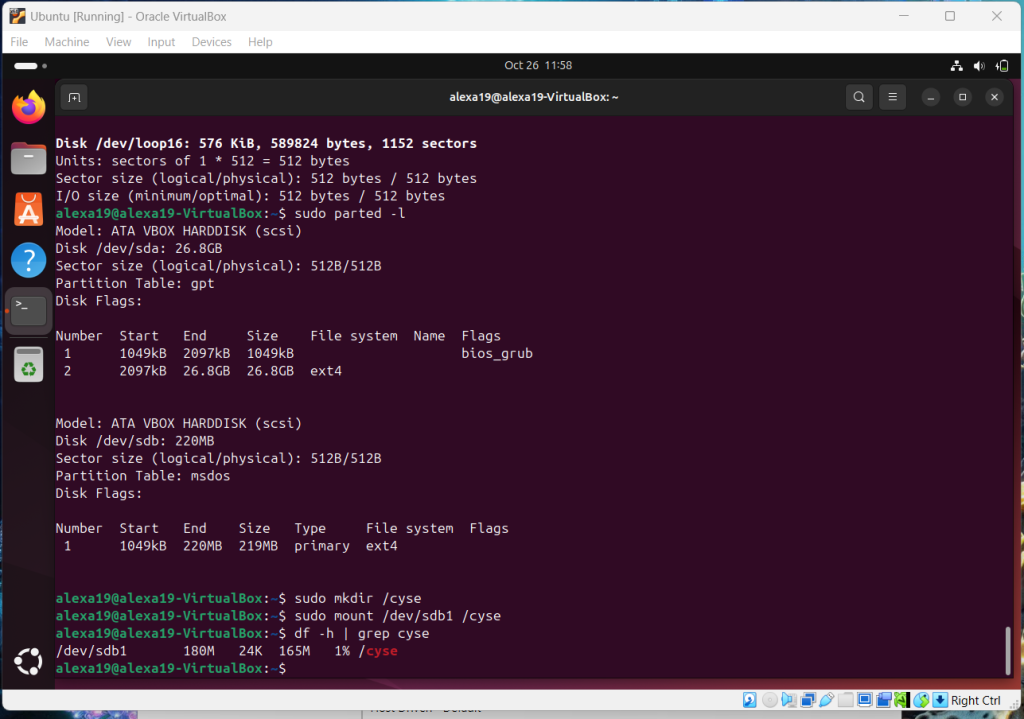
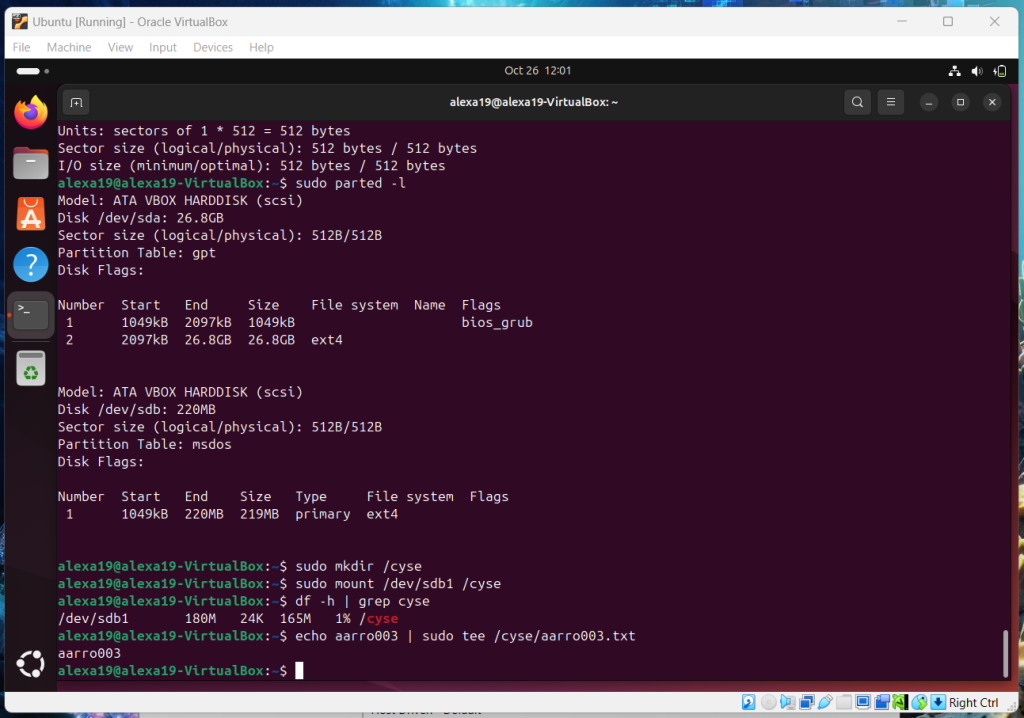

Overview: Sudo reappears in this one as well but I remembered about the password. This assignment dealt with creating partitions and file systems which had a wide range of commands and showed me a lot.
Assignment 8: Shell Script
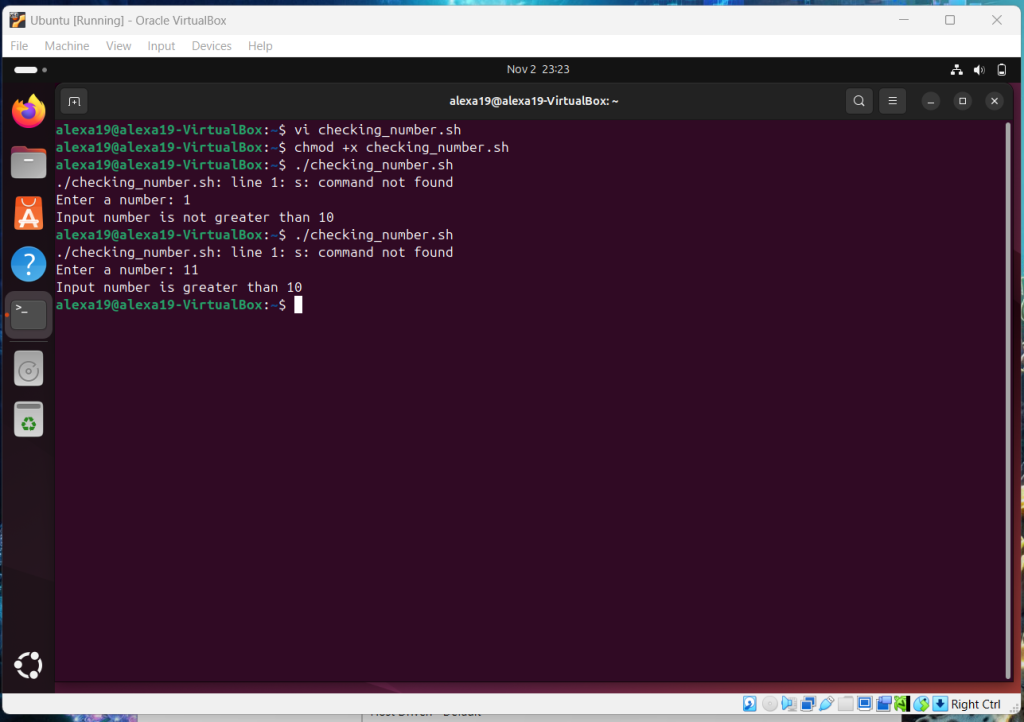
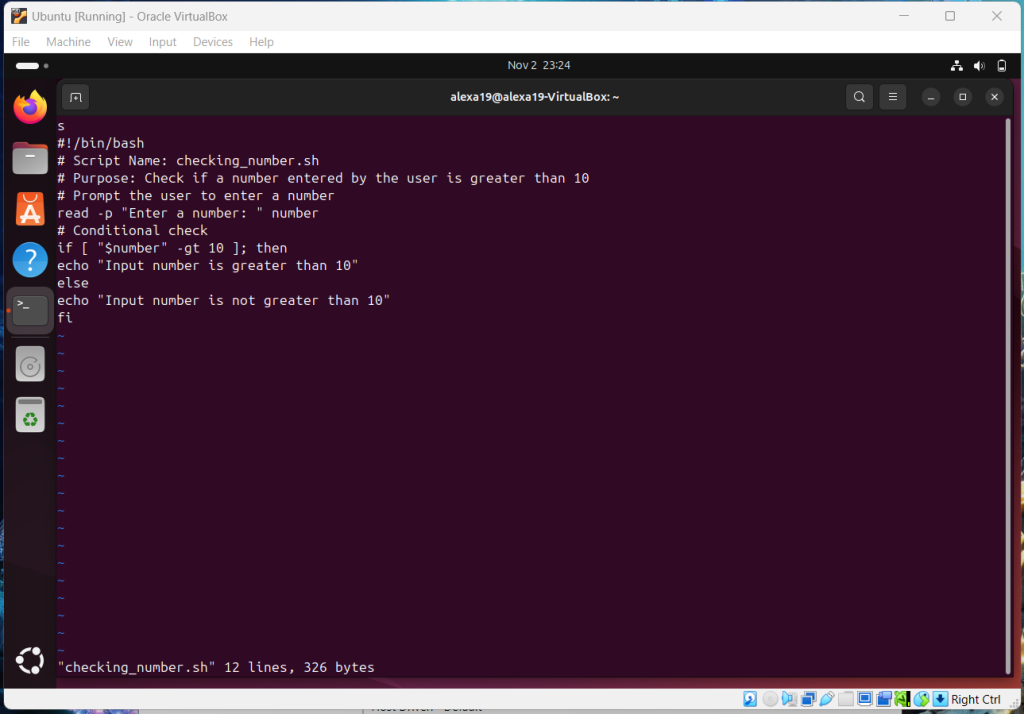
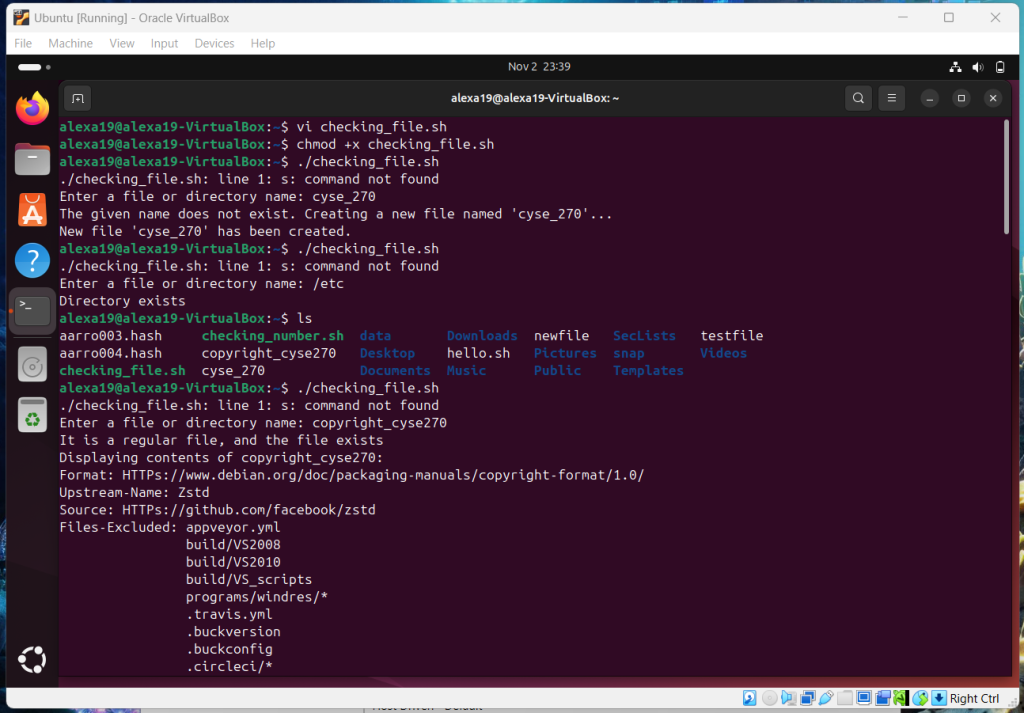
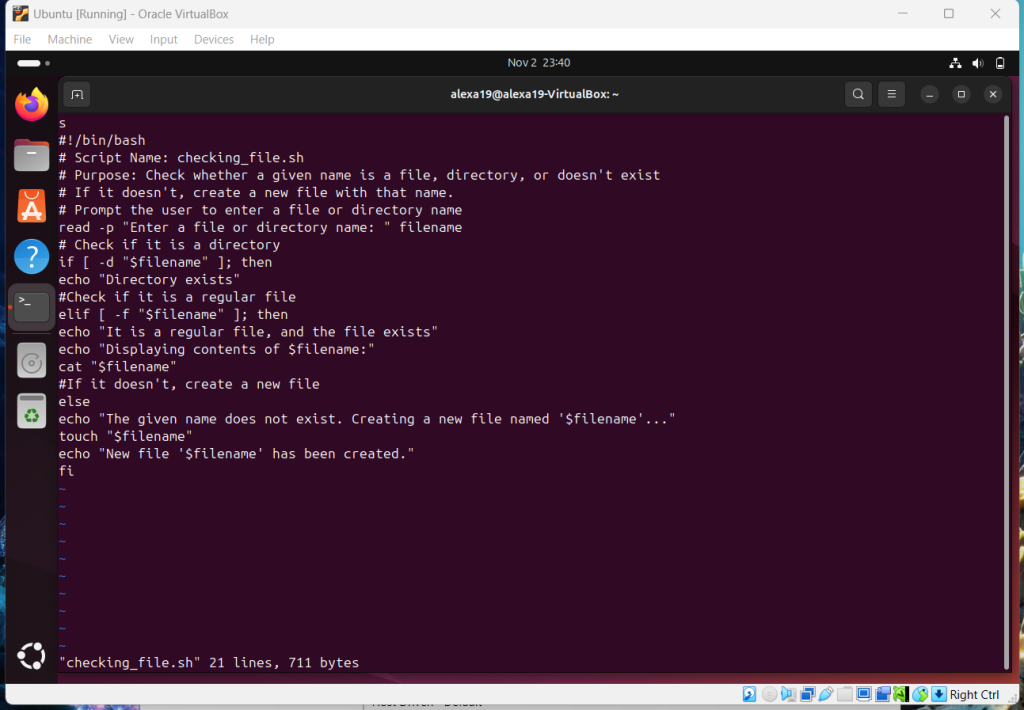
Overview: One of the shorter assignments but writing script was probably the best part of this class. I would like to continue more about script and I will be personally doing more research on it in my own time.
Assignment 9: Task Automation
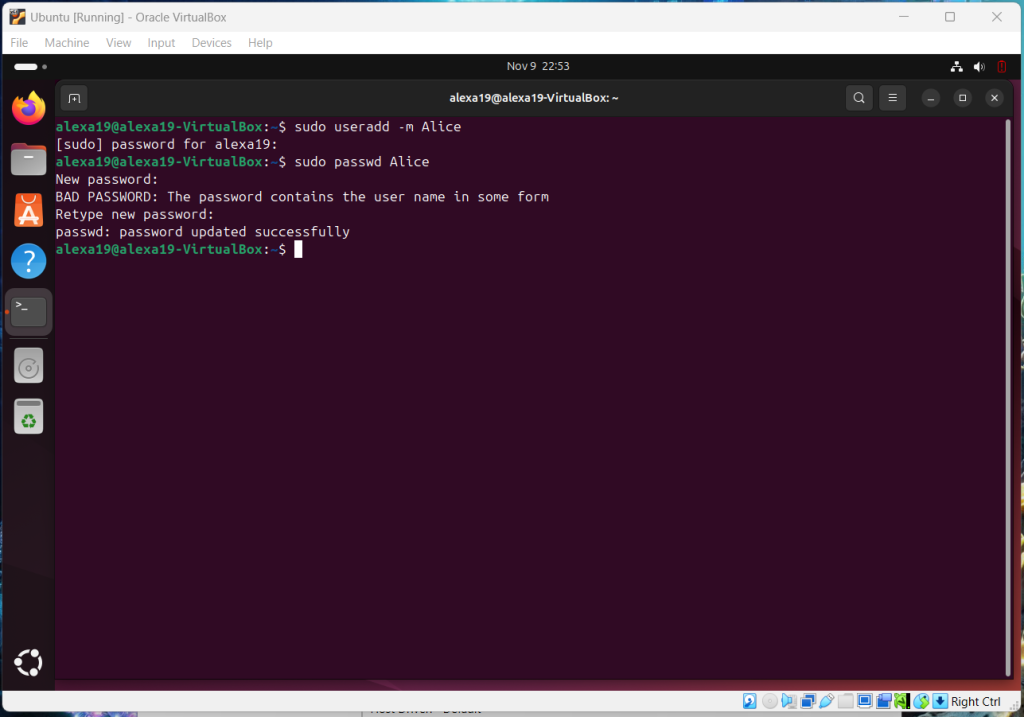
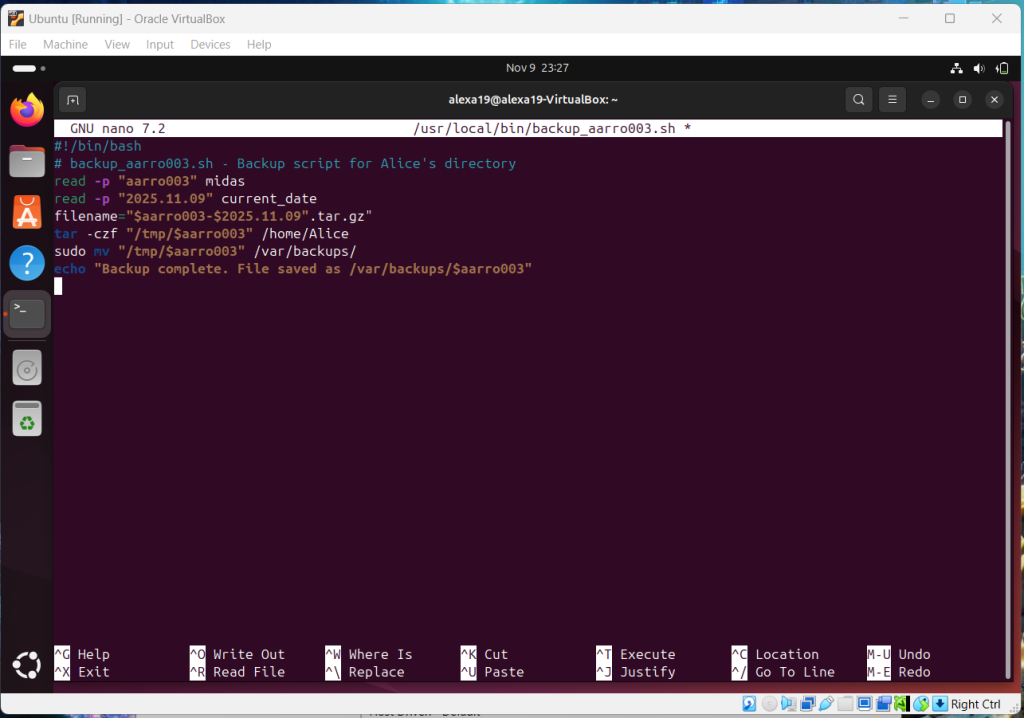
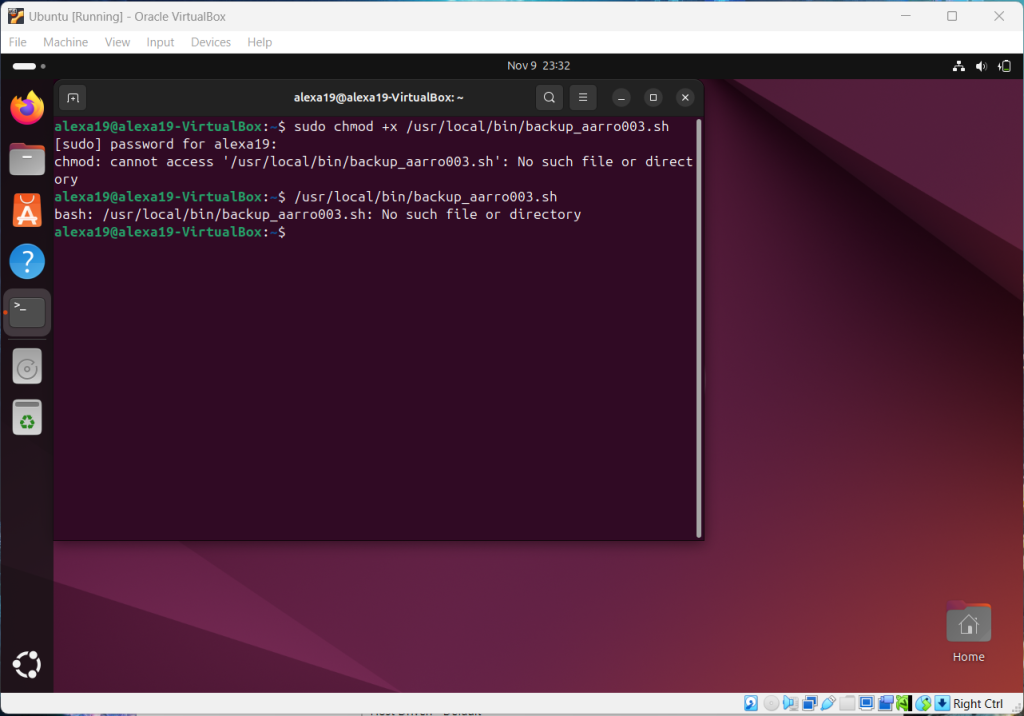
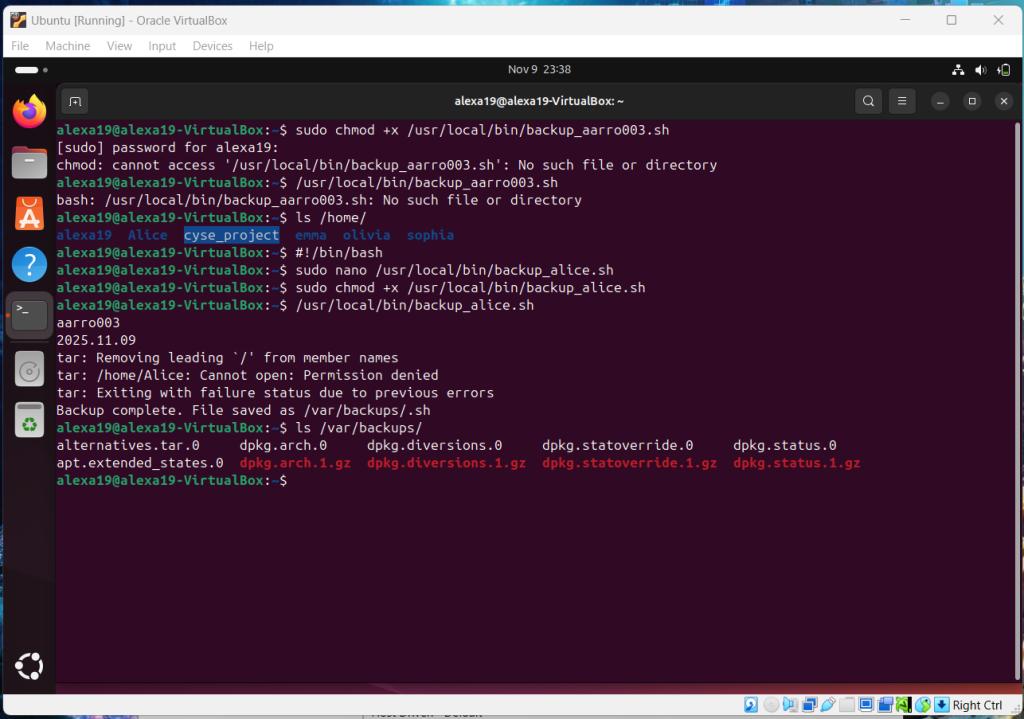
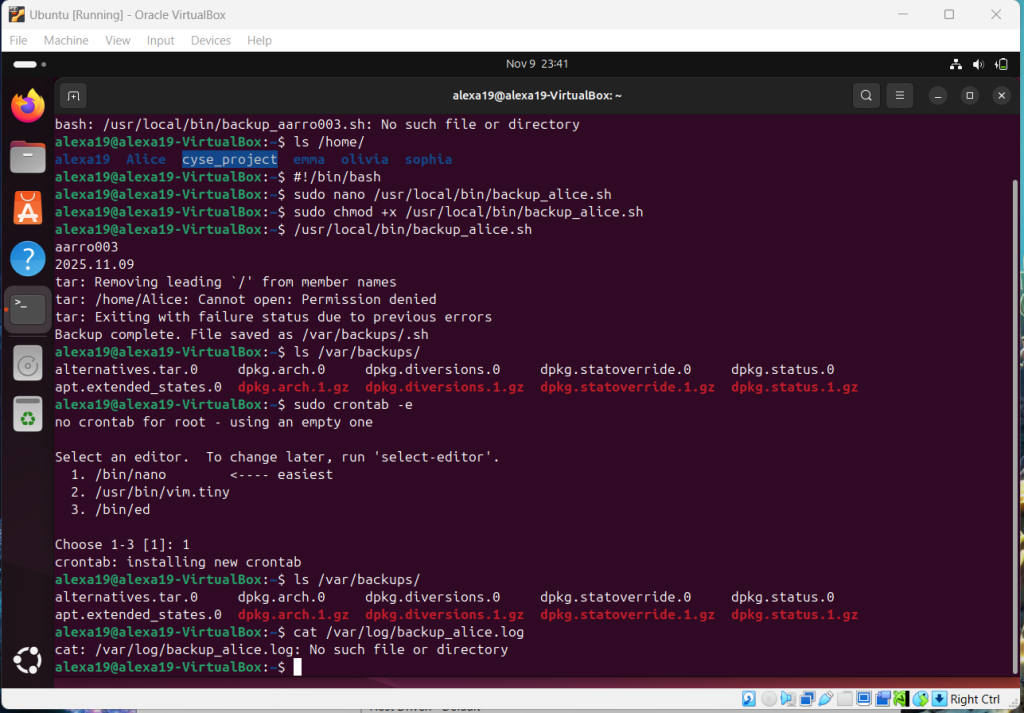
Overview: This assignment combined shell script with crontab which was very difficult at times. There were many times where the steps were followed but the end result would end with “No such file or directory” which was frustrating at times but got solved in the end.
Assignment 10: Network Basics
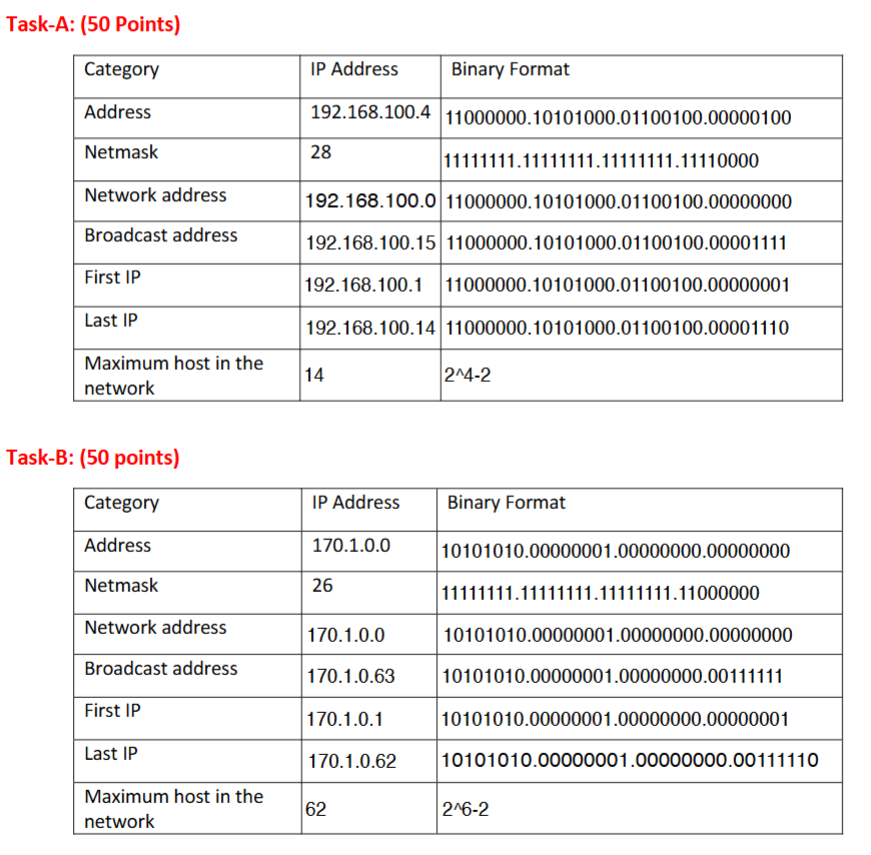
Overview: I enjoyed this assignment however there was a lot of checking of numbers to make sure the 0s and 1s were in the right place.
Assignment 11: Basic Network Configuration
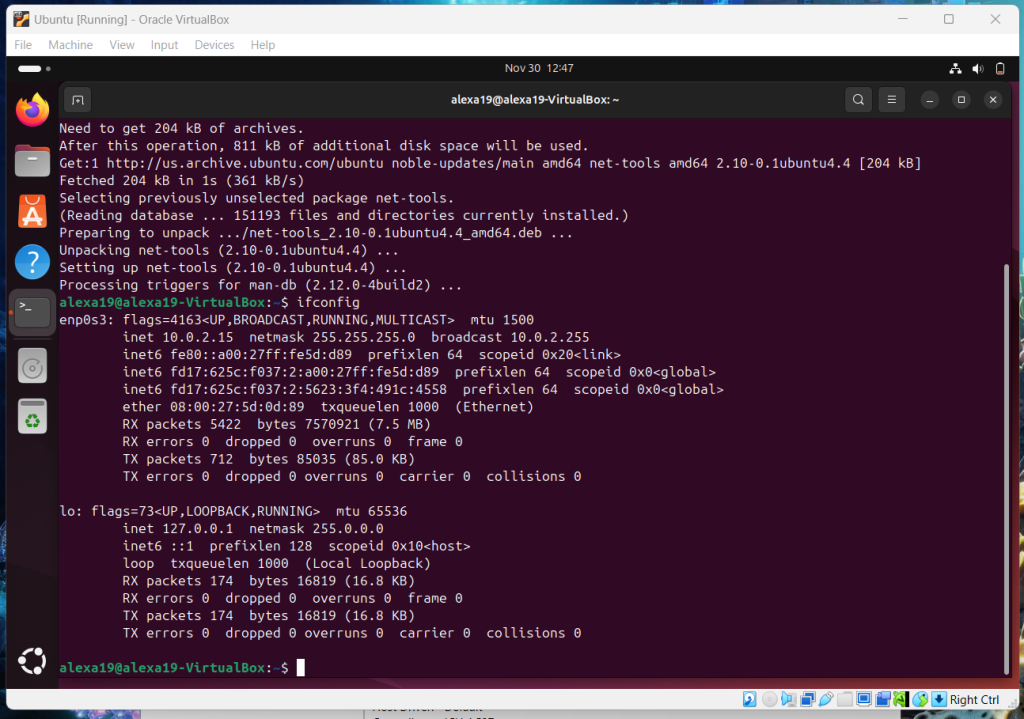

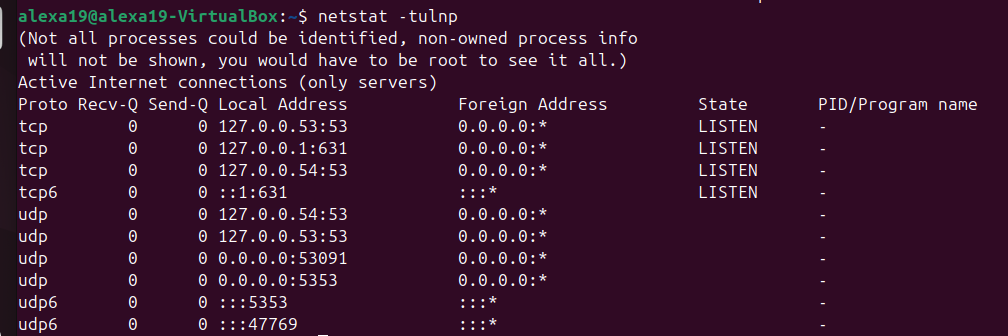
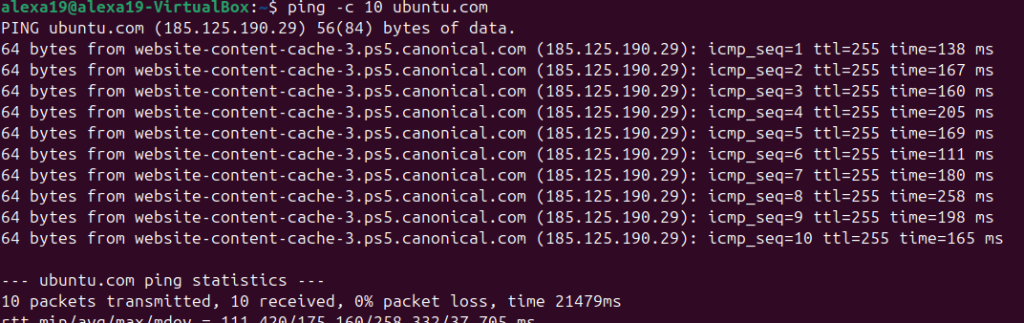


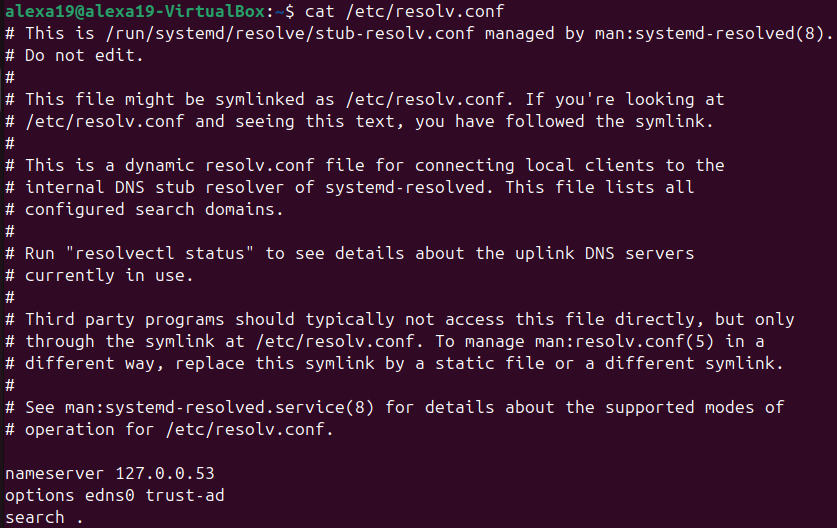
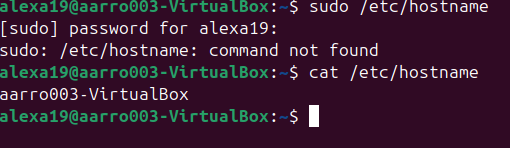
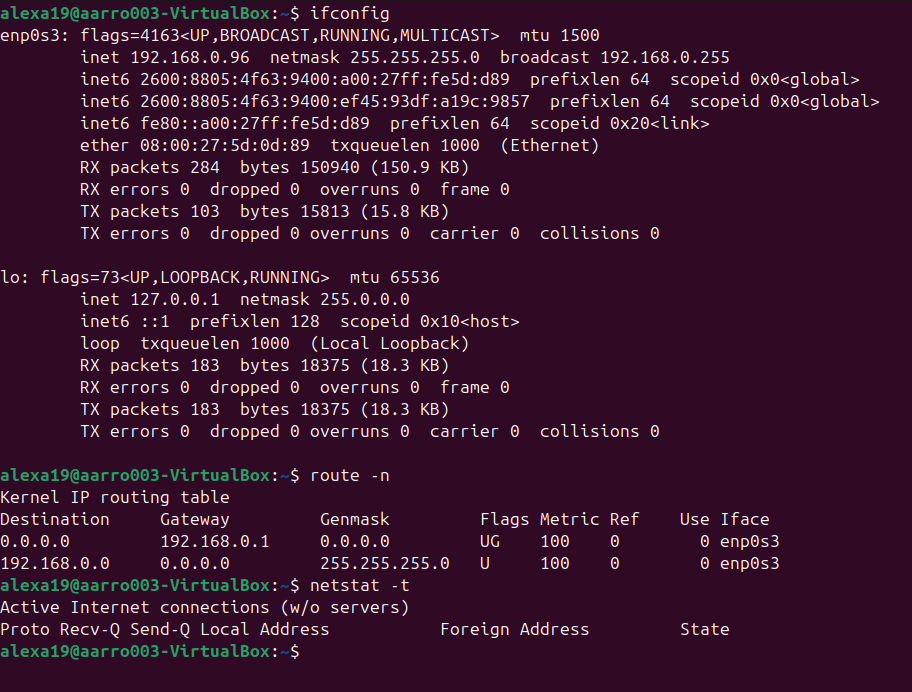
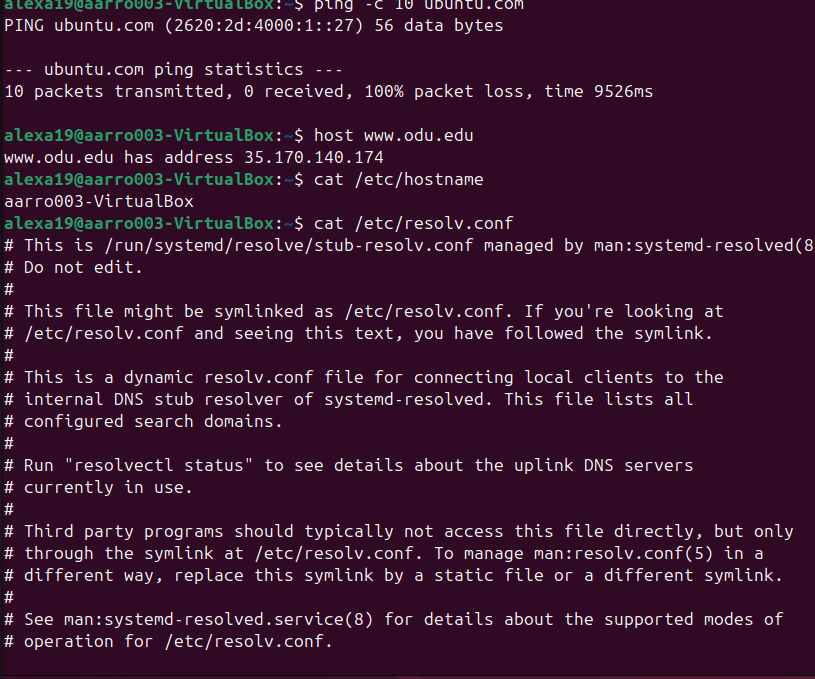
Overview: Learning the difference between NAT to Bridge Mode and it showed as you completed Task B. There were many things that were similar however certain things such as IP address and Routing Table changed between the two.
Summary
Overall I enjoyed this class and learned a lot about Linux and will continue to use this information as I continue my college career. From shell script to network basics I believe this class did a great job of showing the basics and even offering more advanced problems as extra credit. I want to give major thanks to my professor and recommend that everyone take his class and this course in general.
Professional Goals
- Intership
- Security + (In Process)
- Google Cybersecurity Course (In Process)