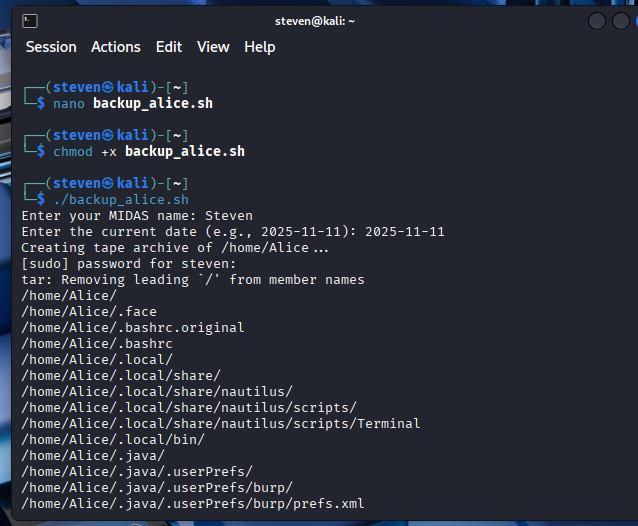
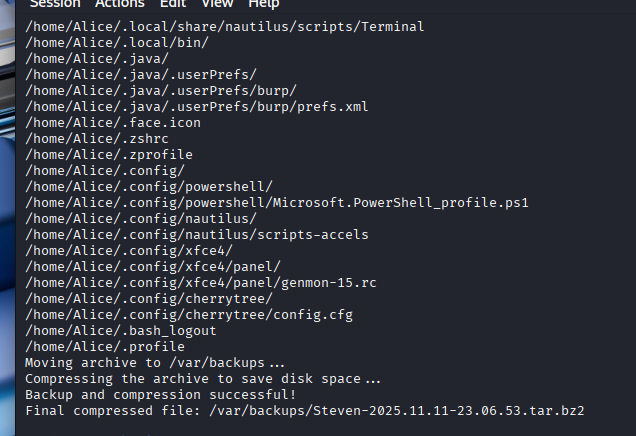
Assignment: Lab 1- Create a Virtual Machine
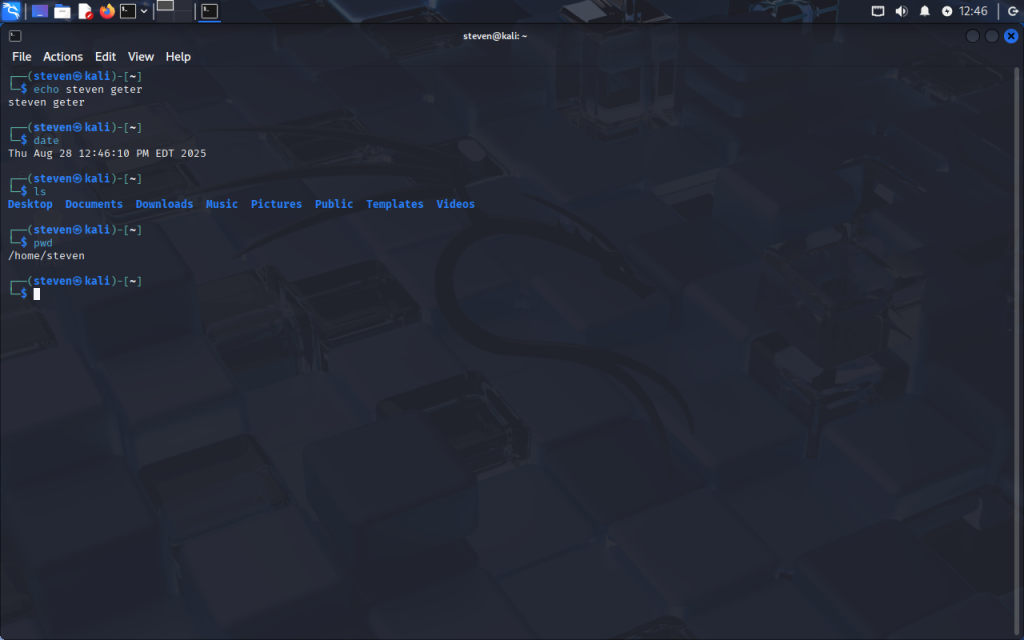
Summary of Assignment 1: For this being the first lab, it wasn’t too difficult, but it helped me learn the basics of VM. I learned the concepts of pwd, ls, and echo on a virtual machine. This wasn’t too much information but it was good to learn starting off.
Assignment 2- Working with Command Line
Steps 1-5:
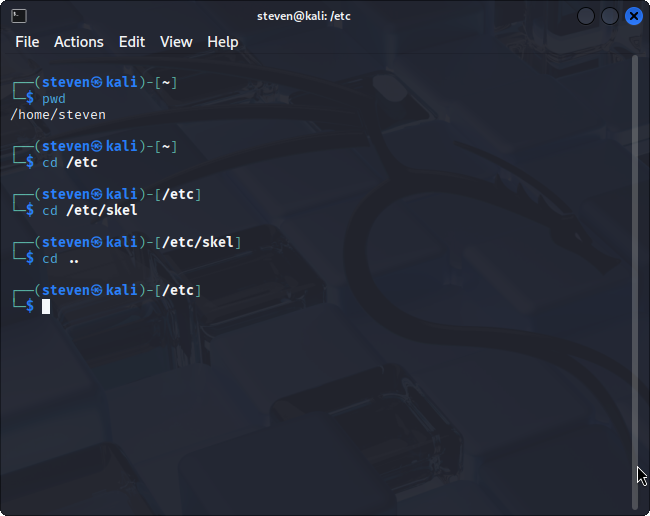
Step 6-8:
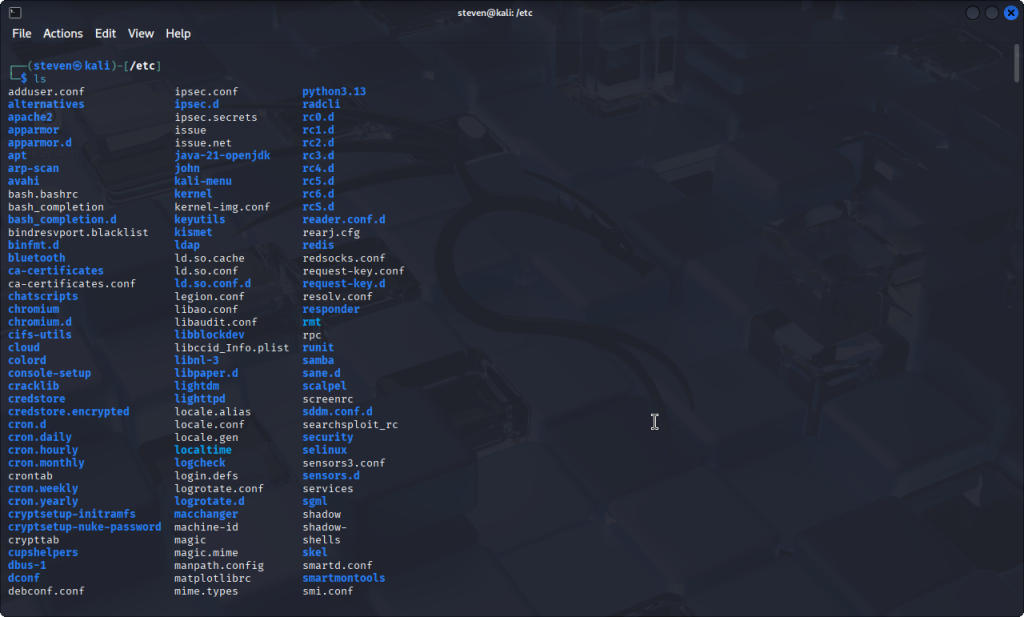
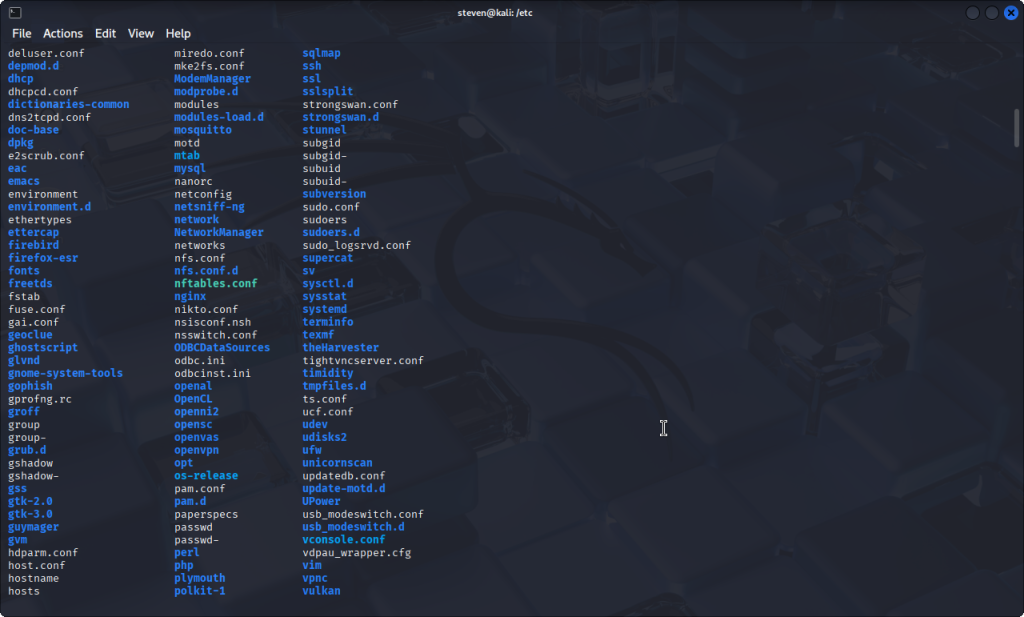
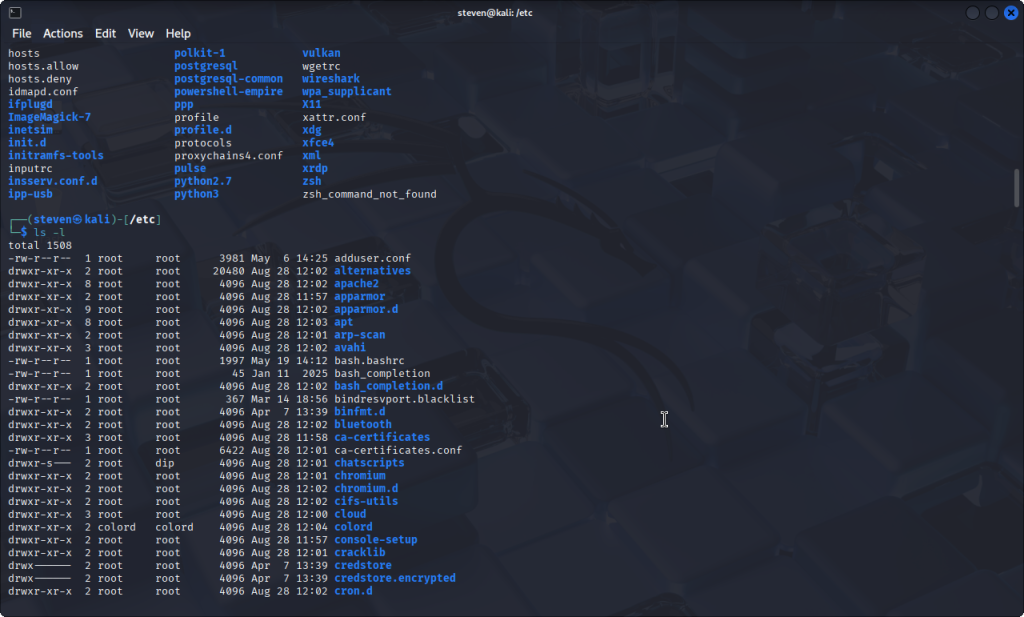
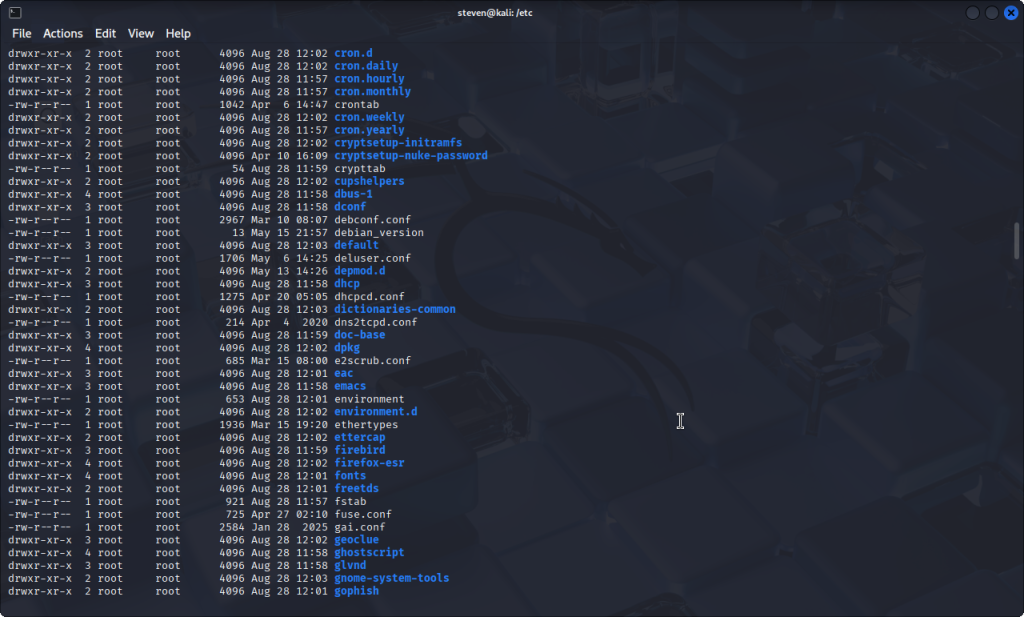
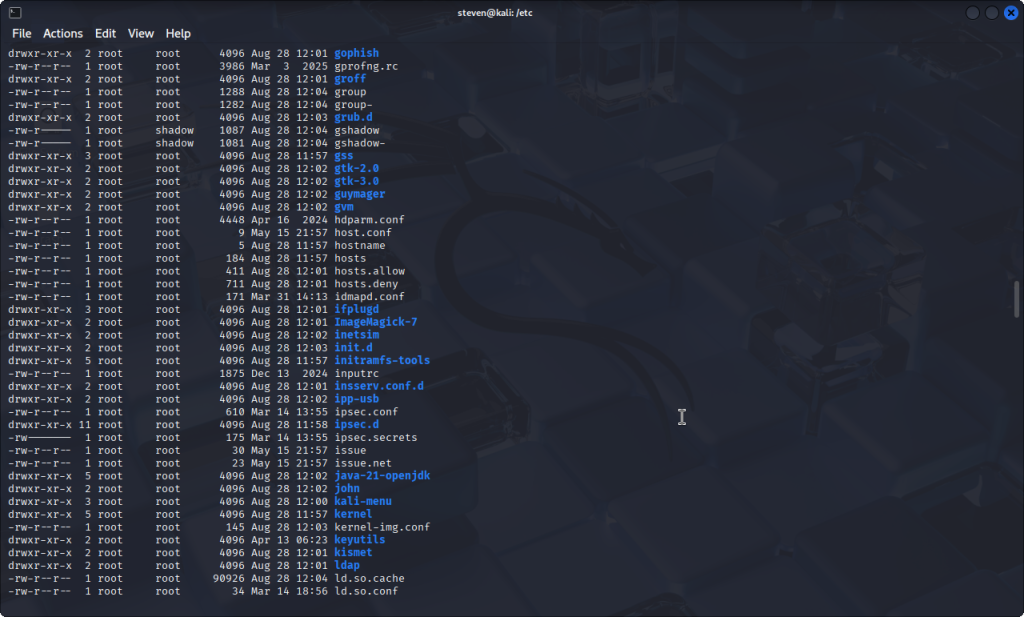
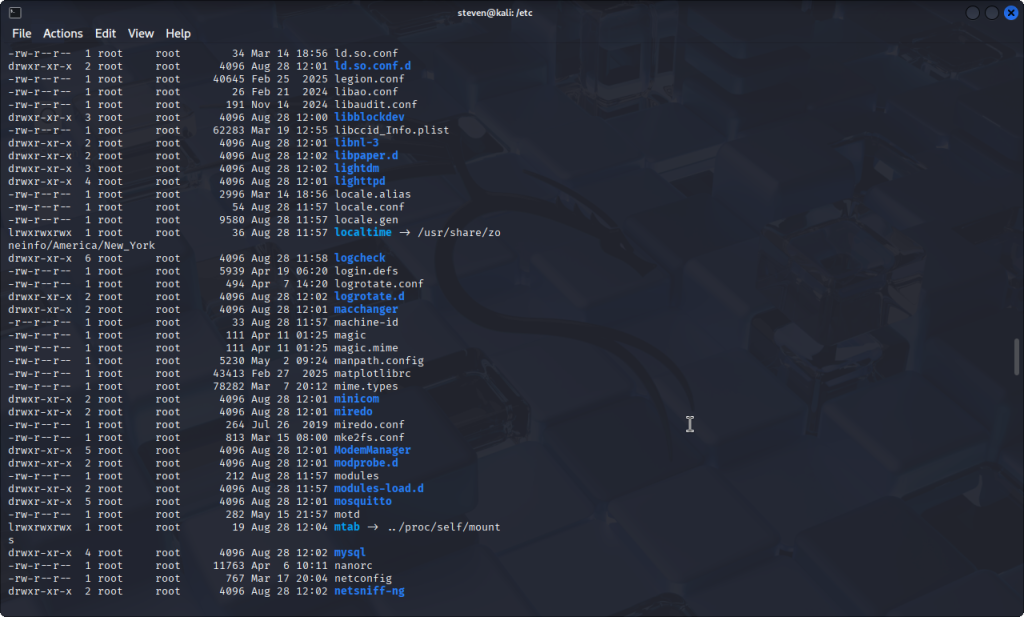
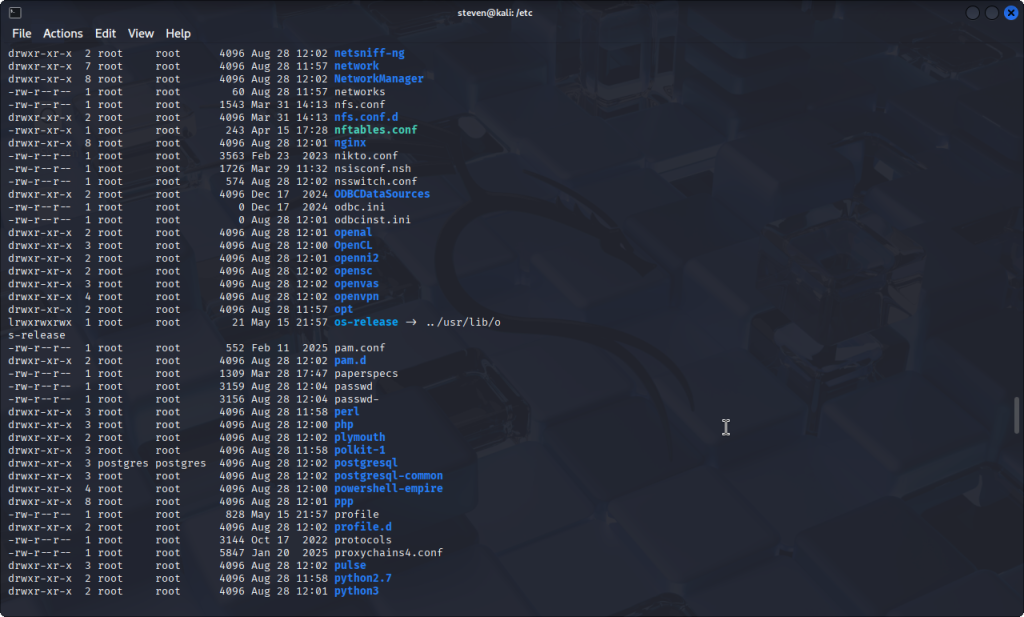
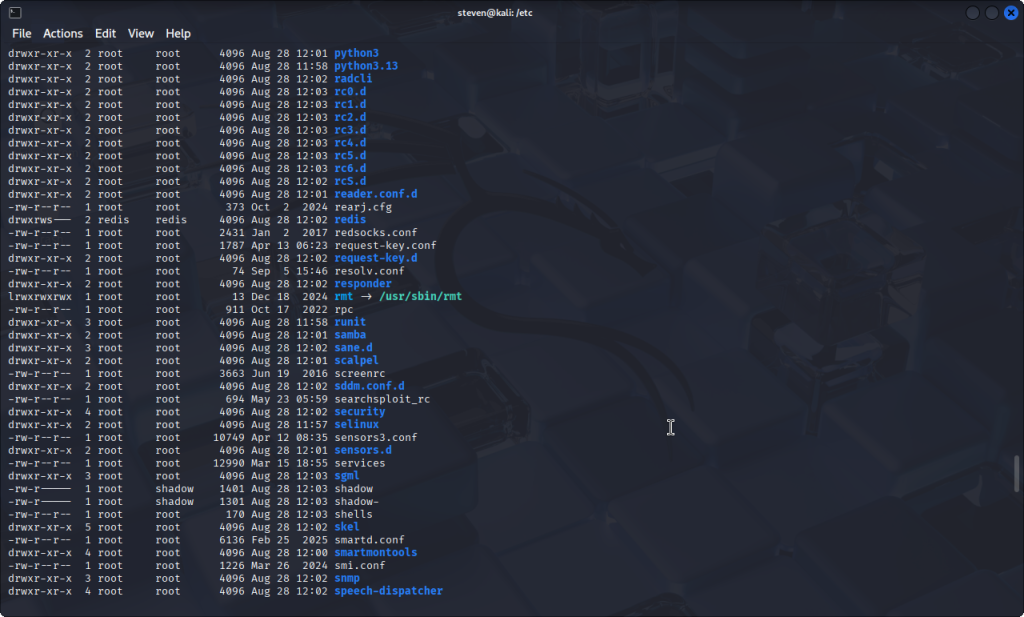
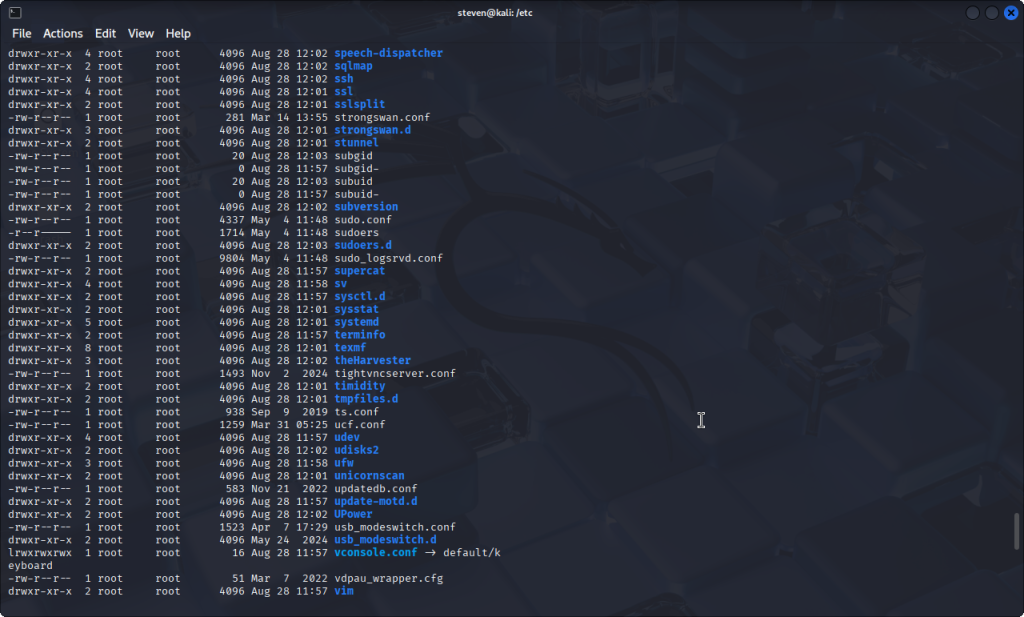
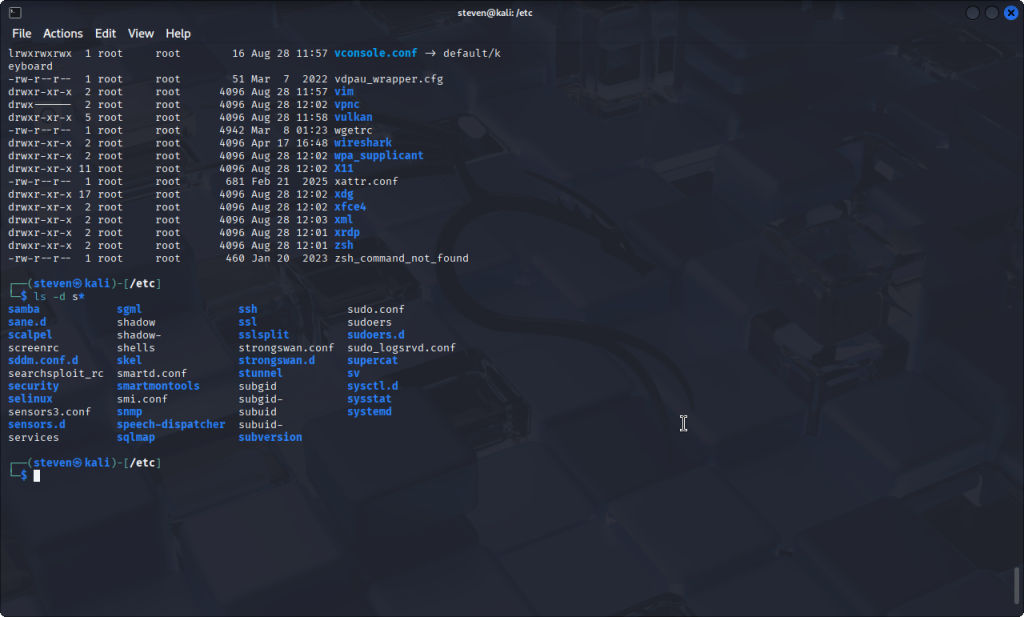
Step 9-11:
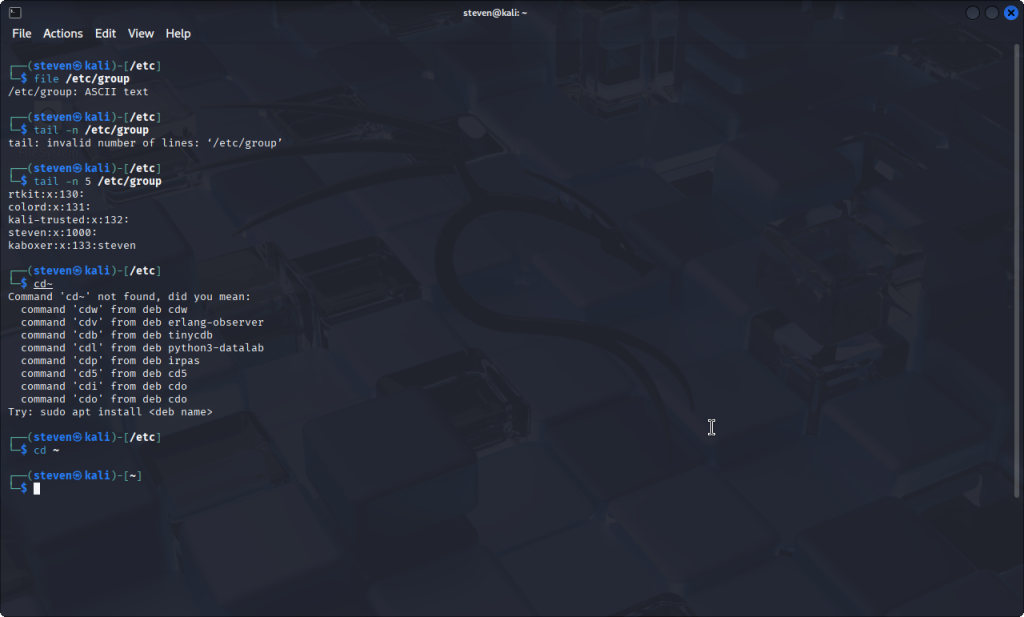
Steps 12-13:
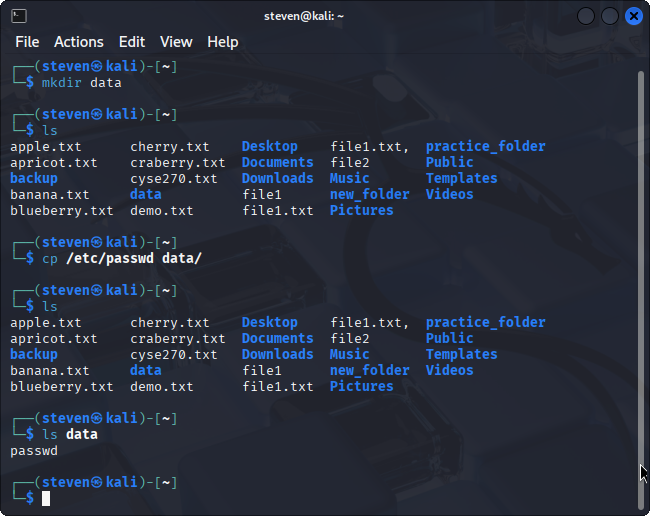
Steps 14-16:
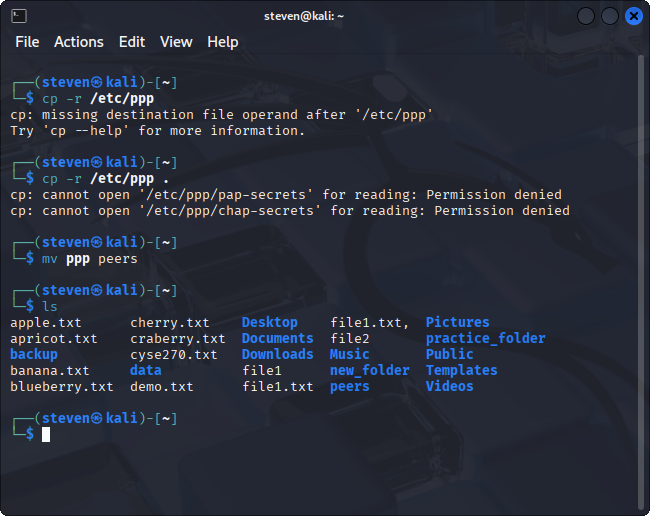
Steps 17-20:
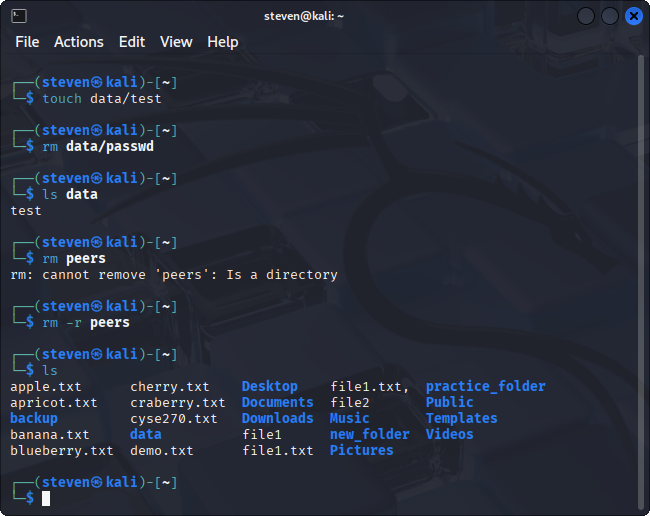
Summary for Assignment 2: For this lab, it was a big step into learning more about the different phrases to use in Kali Linux. Ls was used way more, and I was able to learn how to see different text files and things I saved in my home directory.
Assignment 3- Working with VI Editor
Steps 1-2:
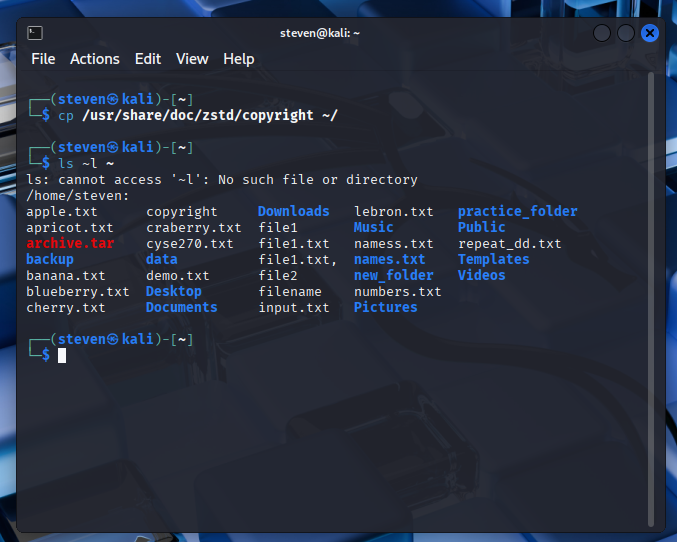
Steps 3-5:
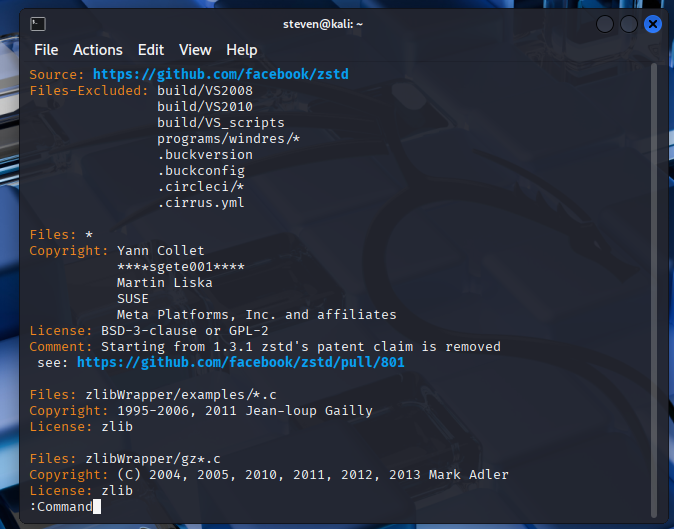
Step 6-8:
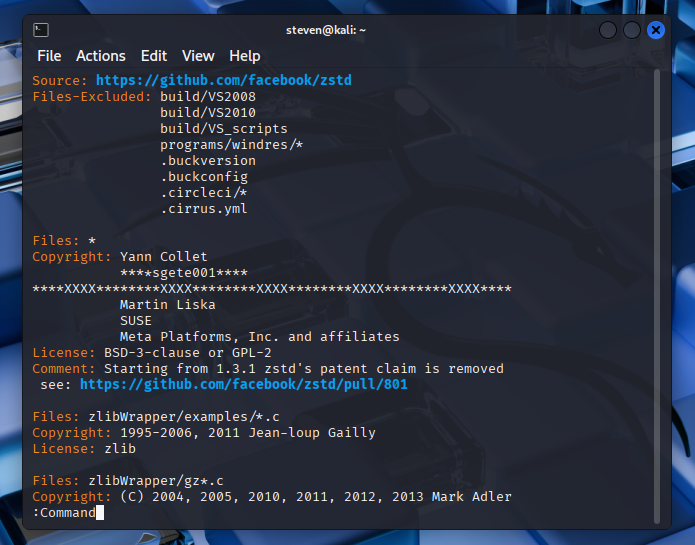
Steps 9-10:
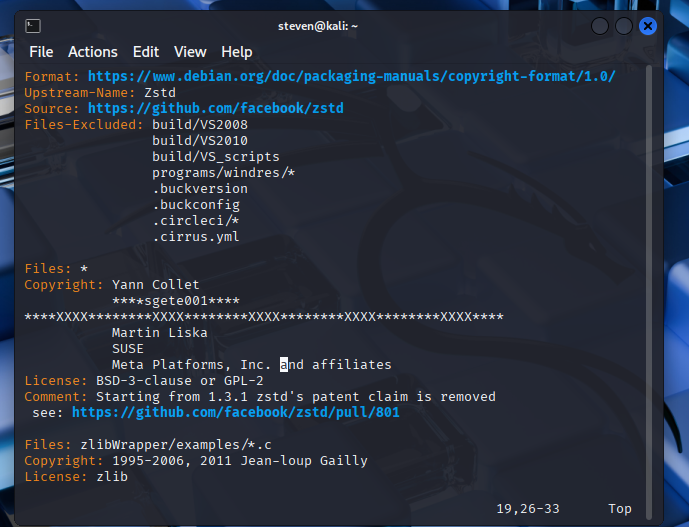
Steps 11:
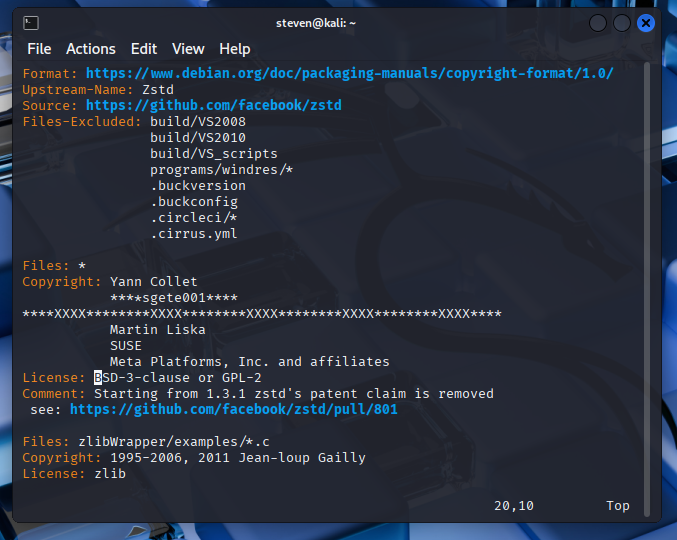
Step 12:
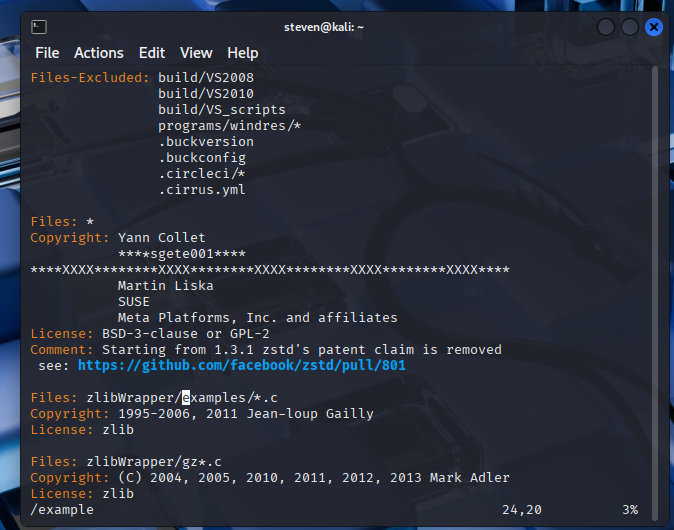
Step 13:
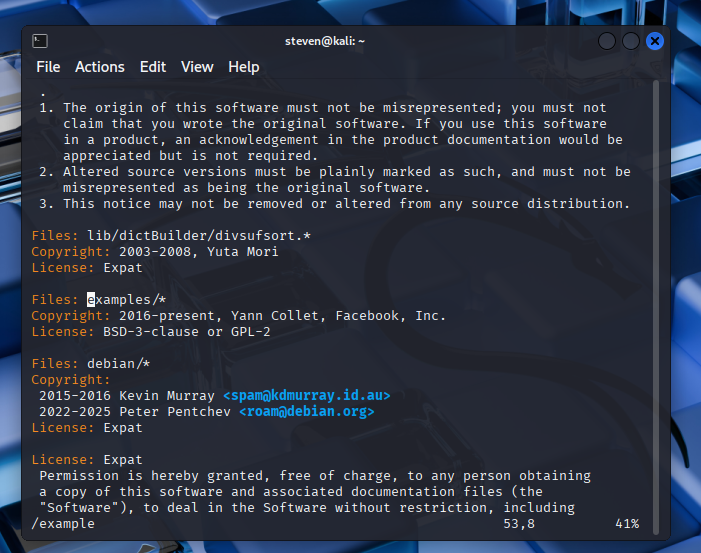
Step 14:
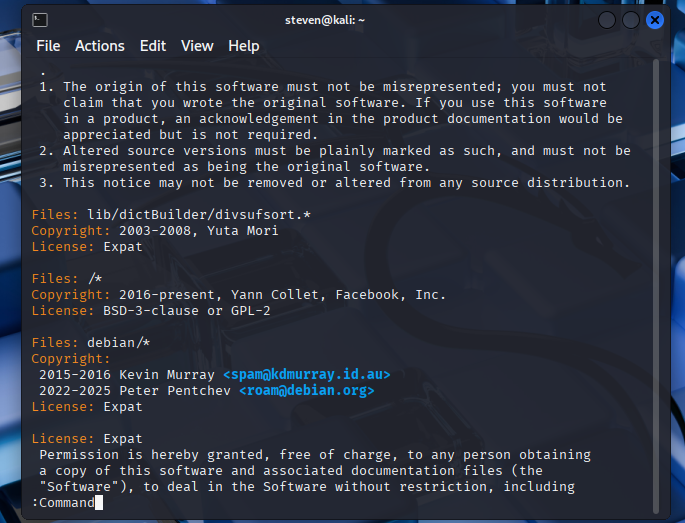
Step 15:
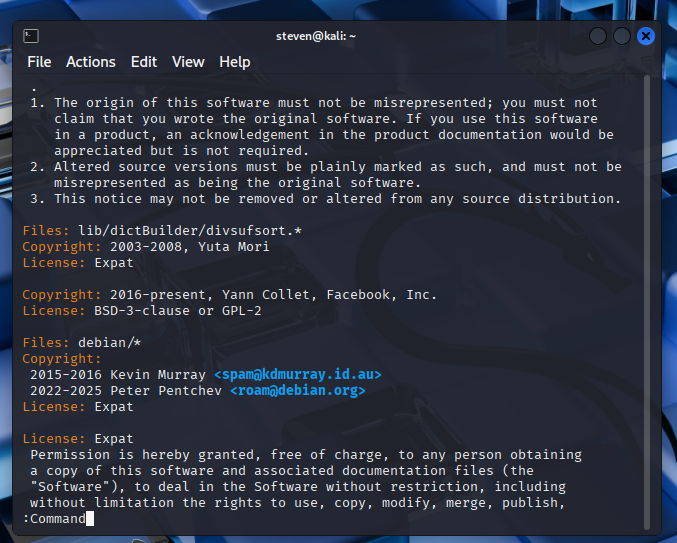
Step 16:
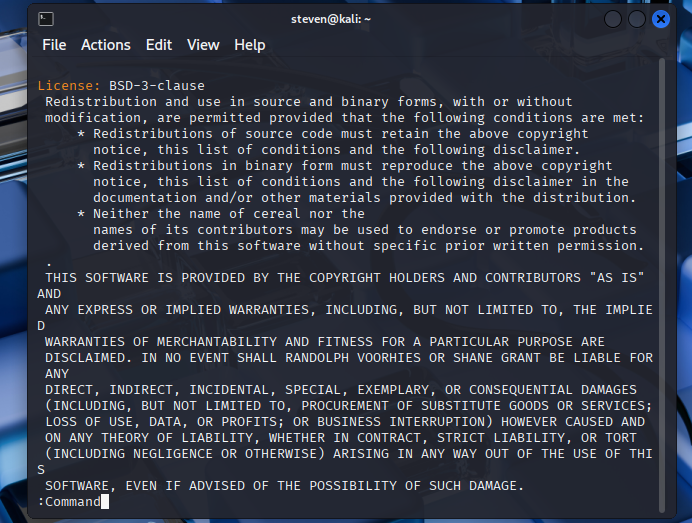
Step 17:
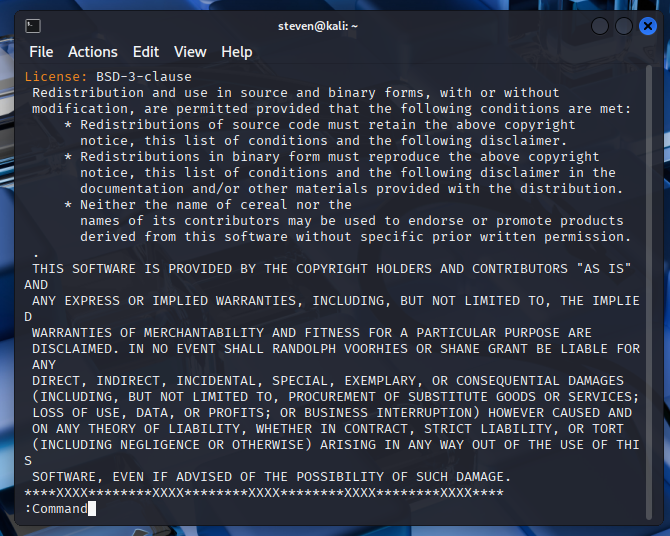
Step 18:
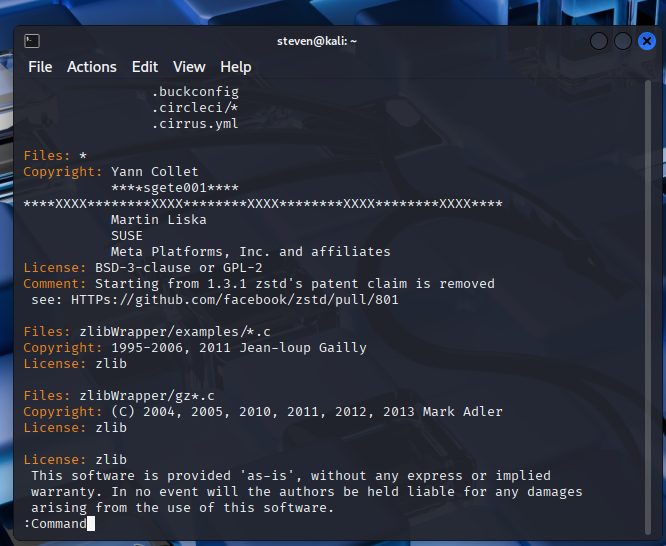
Steps 19-20:
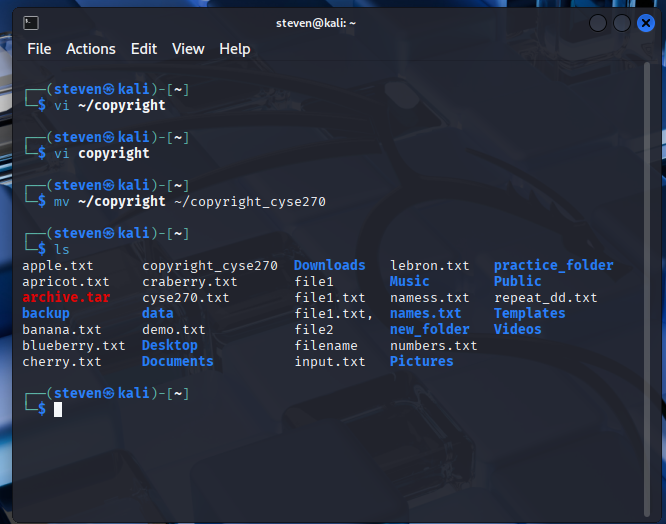
Summary for Assignment 3- From this lab, I learned a lot about switching modes for editing, saving, and navigating through the command vi. This makes it easier to do tasks and configure files.
Assignment 4- User and Group Accounts
Task A
Step 1:
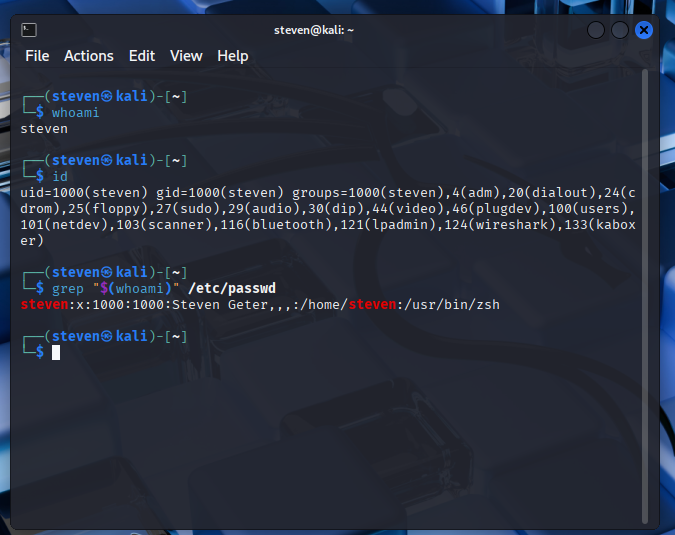
Step 2:
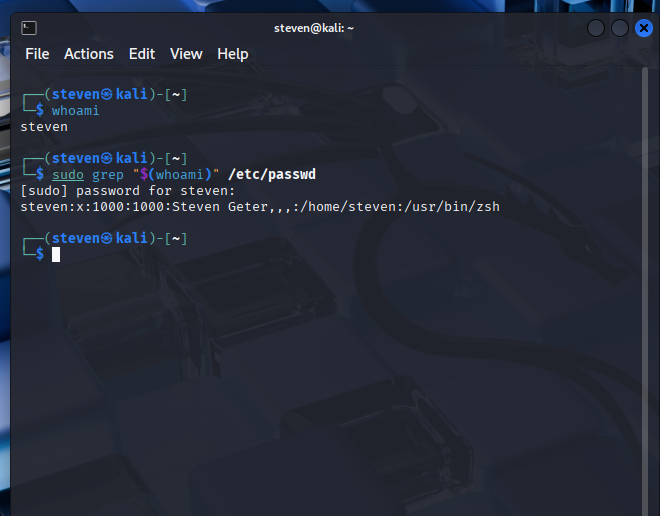
Steps 3-5:
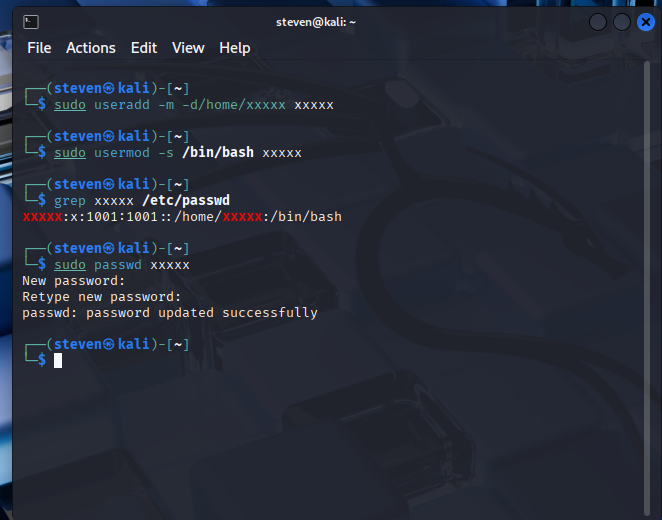
Step 6-7:
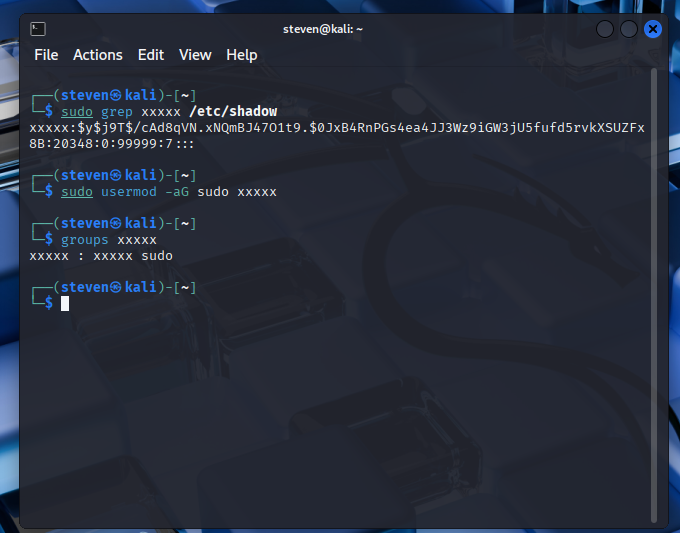
Step 8:
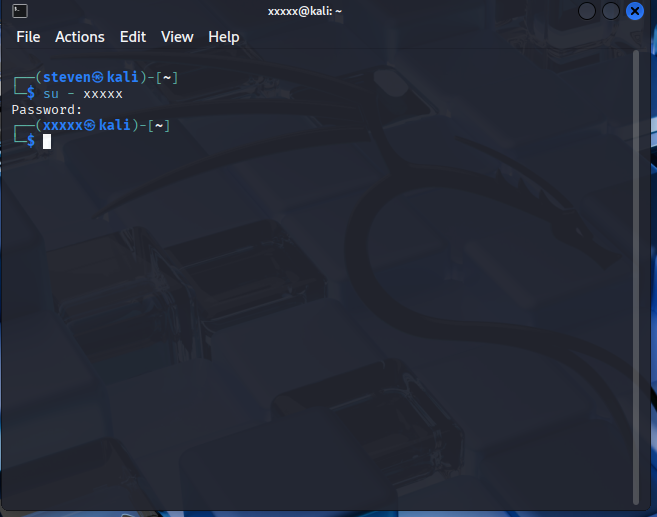
Task B
Step 1-2:
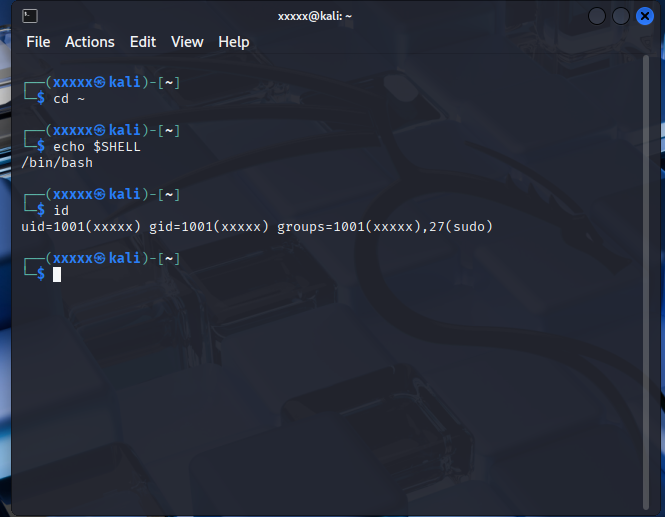
Step 3-4:
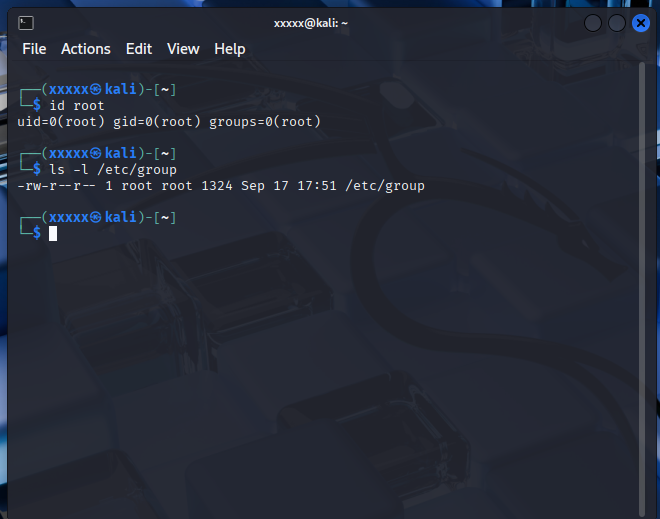
Step 5-6:
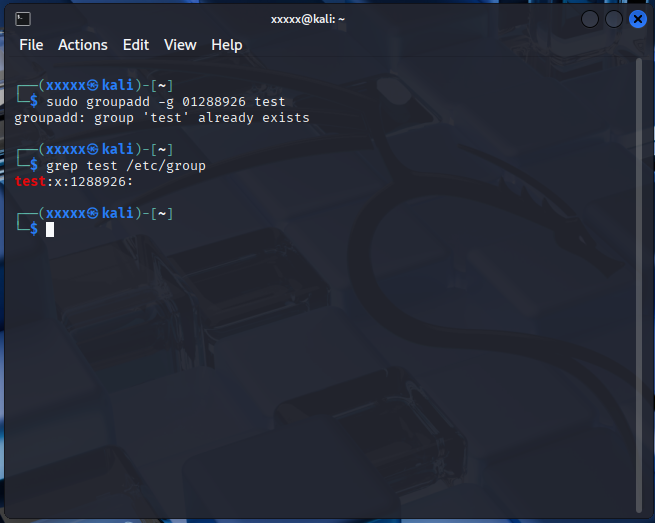
Step 7-8:
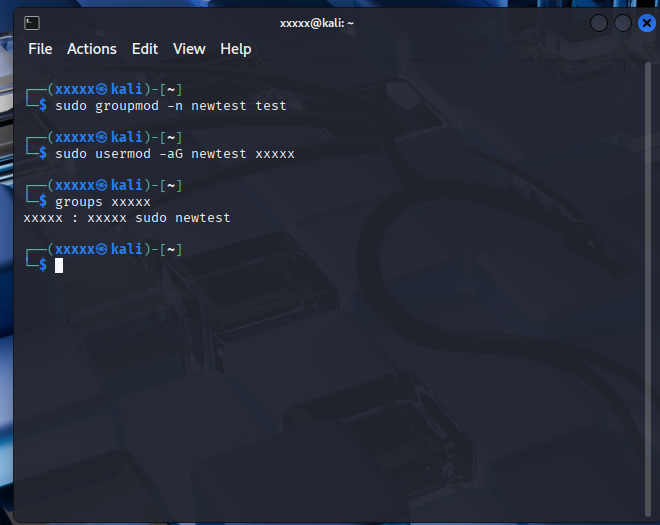
Steps 9-10:
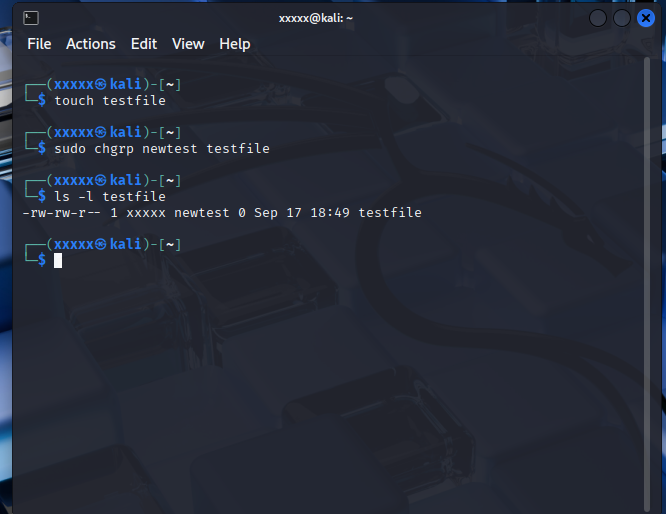
Steps 11-12:
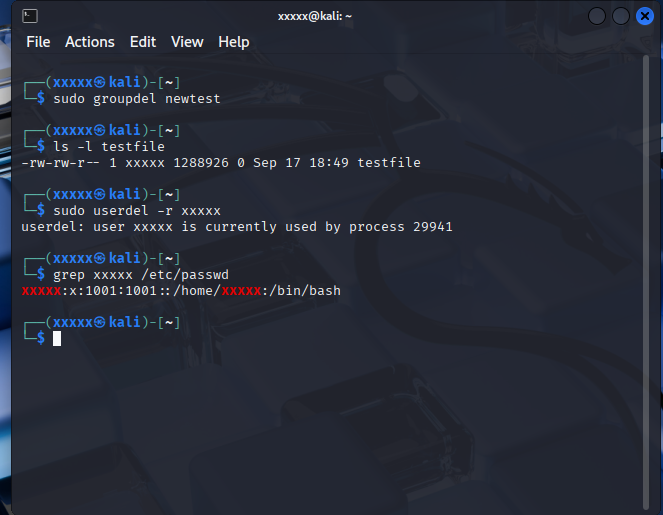
Summary of Assignment 4: This was another growing moment for me because sudo gave me some problems and took some time to learn fully. It gave me a better understanding of how users can log in and out, and how multiple users can operate groups.
Assignment 5- Password Cracking
1- (some information could not be pulled up from lab)
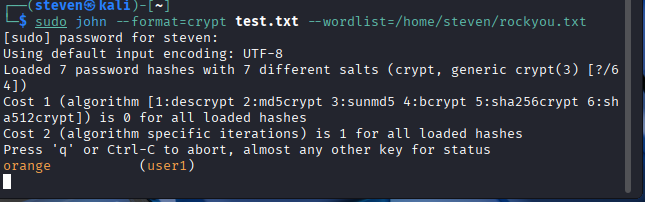
2- 1 was cracked
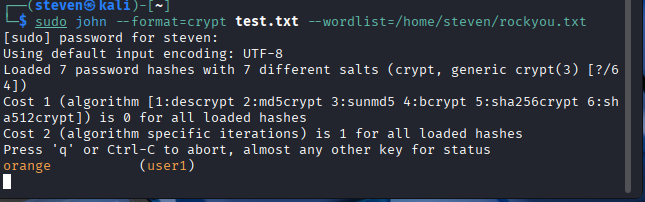
Summary of Assignment 5: This actually grabbed my interest because it involved cracking a password. I have a lot of different passwords and questioned on if they were good or not. Kali Linux provides a variety of tools, like John the Ripper, to crack passwords. This showed a variation of how security can improve.
Assignment 6- File Permission
Task A
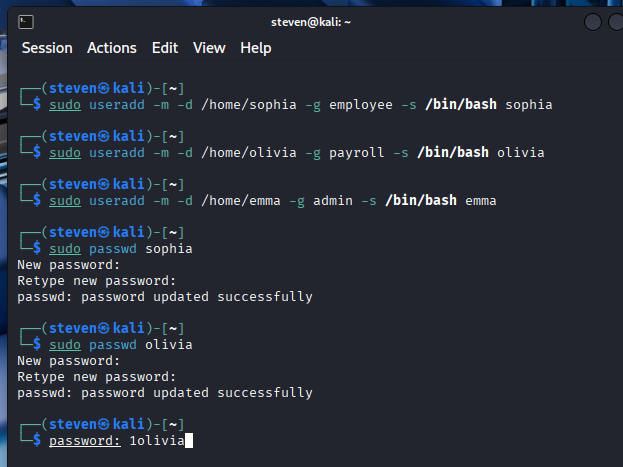
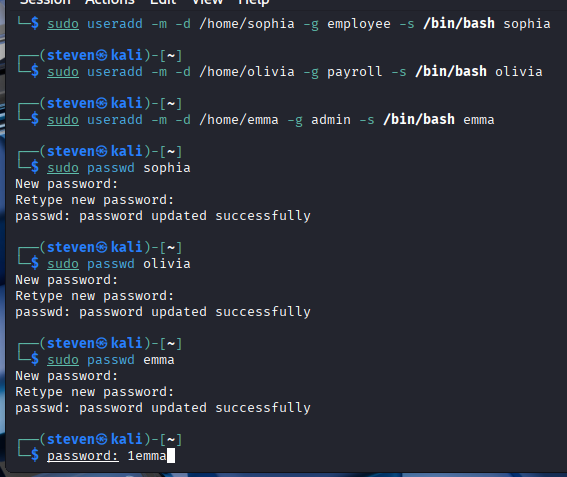
Summary of Assignment 6: In this lab I definitely still had some confusion with sudo and the different user/password additions. I grew a strong understanding on how Linux protects passwords and files. Each permission can be divided into group and owner with the permissions of read and write.
Assignment 7- Manage Local Storage
Part 1
Step 1:
Step 2:
Step 3:
Part II
Step 1 and 2:
Step 3:
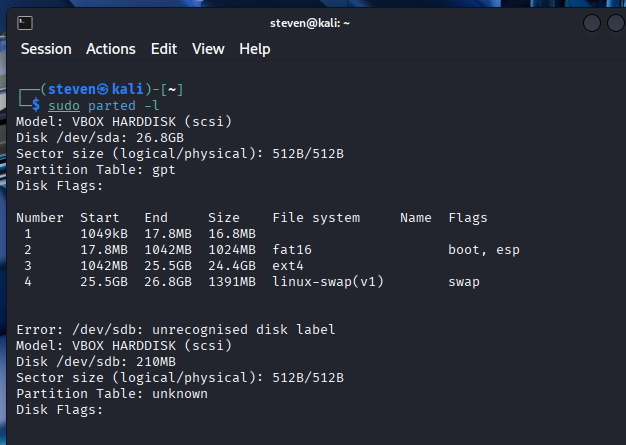
Differences:
- Sudo ls /dev/sd* added /dev/sdb at the end
- Sudo fdisk -l has the section of Disk /dev/sdb: 200 MiB 209715200 bytes, 409600 sectors at the bottom
- Sudo parted -l has a section at the bottom that includes Error, Model, Disk /dev/sdb, Sector size, and Partition Table
Part lll
Step 1:
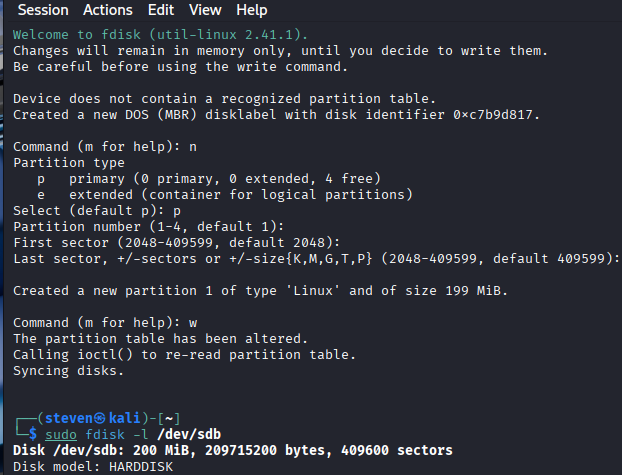
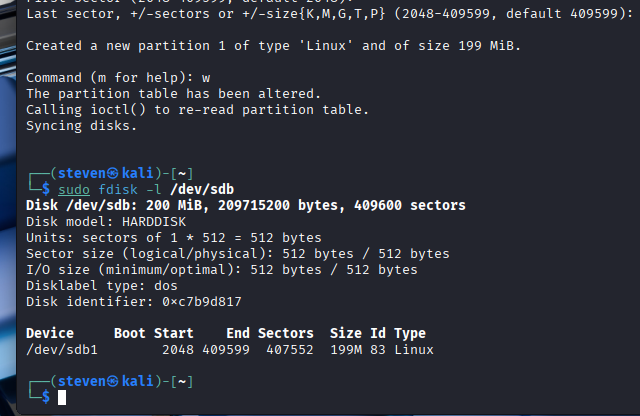
Step 2:
Step 3:
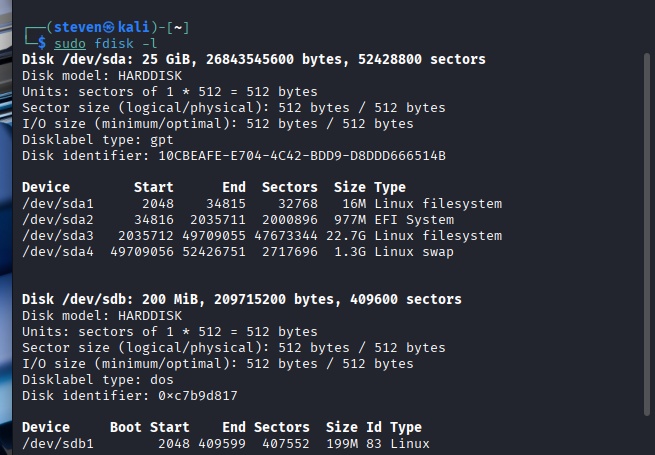
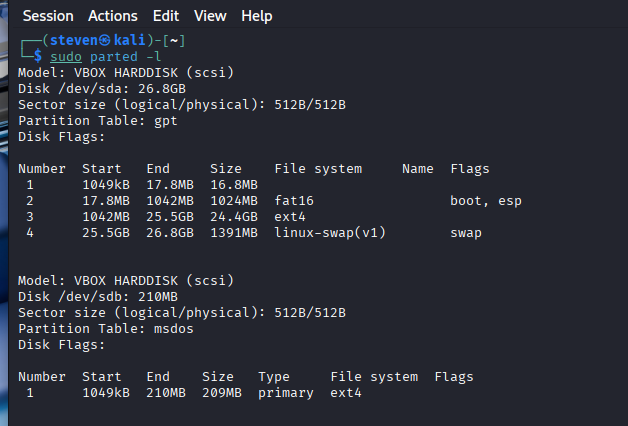
Differences:
- Sudo ls /dev/sd* added /dev/sdb1 at the end
- Sudo fdisk -l has the Device /dev/sdb1 at the bottom with other components
- Sudo parted -l has a new section at bottom

Step 4:
Step 5:
Step 6:
Step 7:
Step 8:
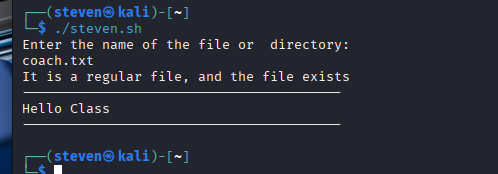
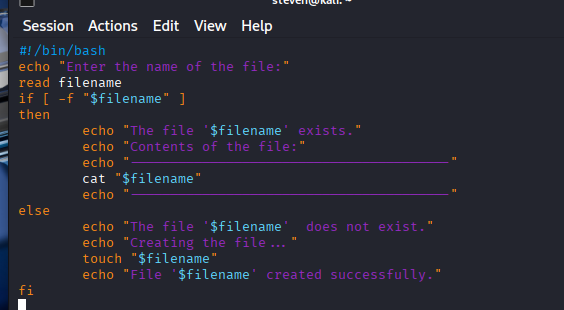
Assignment 8- Shell Scripting
Step 1:
Step 2:
Step 3:
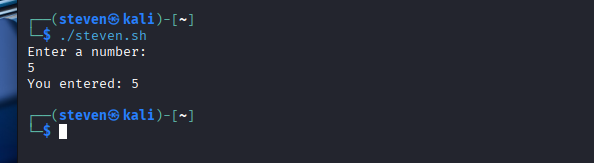
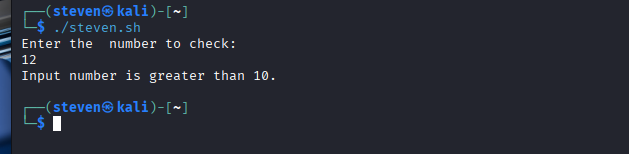
Task A
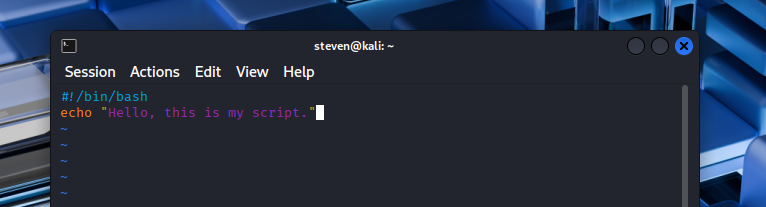
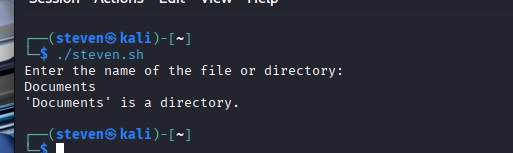
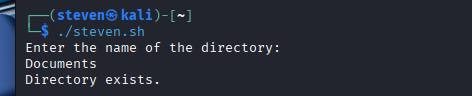
Task B
Assignment 9- Task Automation
-
- And c.