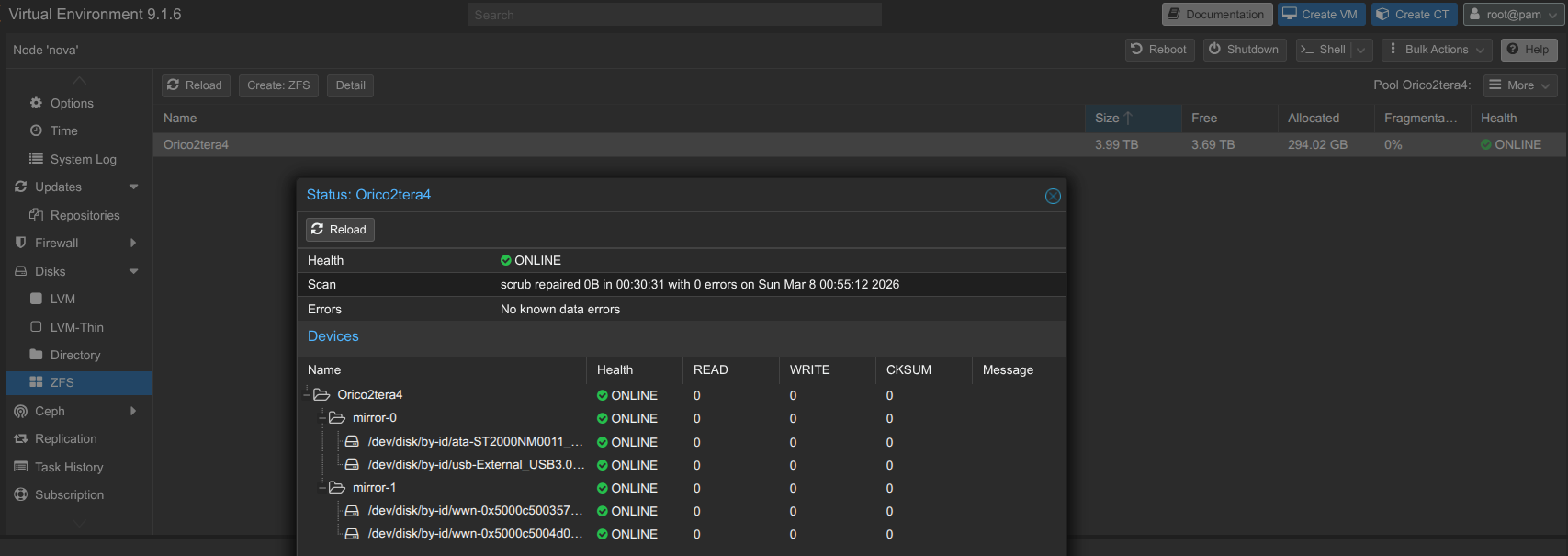
With the hardware listing out of the way, let’s get a little more into the details of what my lab is actually running.


The Scraps
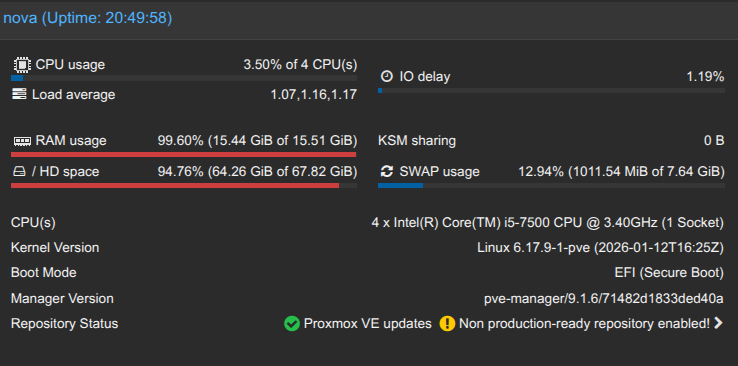
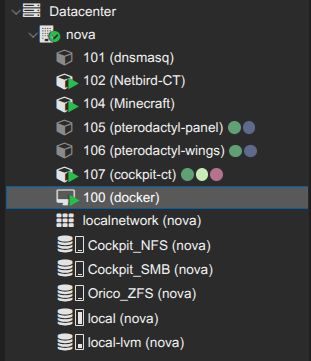
As you can see in the screenshot, there are some containers that I have, but are currently off, such as the dnsmasq and pterodactyl apps. I considered using Pterodactyl as a easier way to deploy Minecraft servers for my friends to play on, but there hasn’t been much demand or pressure to do it, and I’m still trying to understand how it works. So it will continue to collect dust for now.
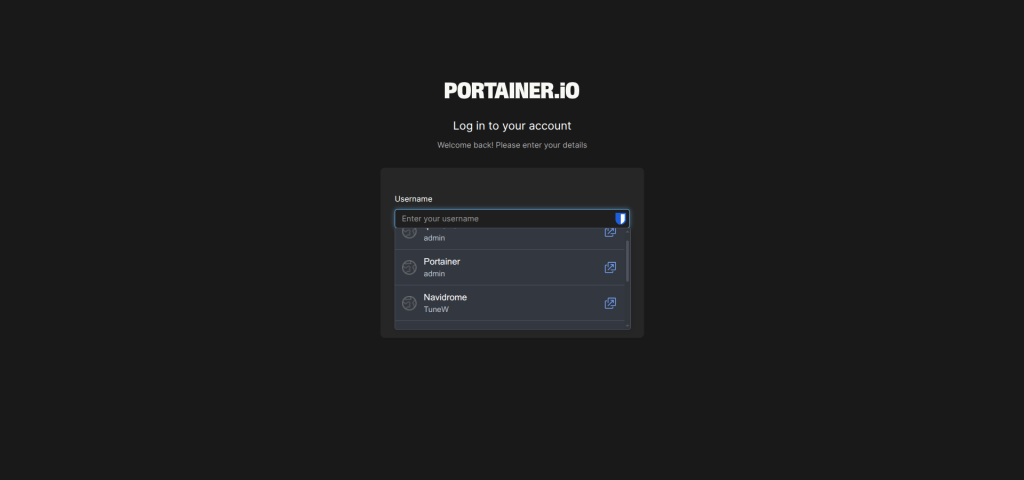
Because I plan to run OPNsense and Openwrt on my network portion of the homelab, I will probably delete that container soon, as it was really meant to serve as a demo for DNS management of my homelab sites. It gets exhausting having to remember the exact IP address and port number of a service, and even if I bookmark it, that doesn’t save me from my password manager trying to autofill for 7 different services on the same IP address!
Netbird
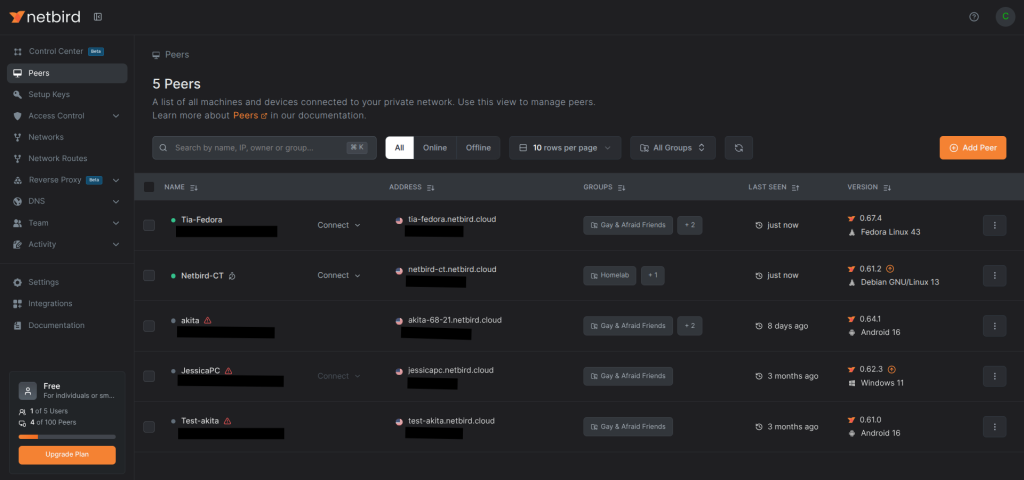
Netbird is wonderful! It serves as my VPN home so I can still access my homelab and its running services, but also for my friends to be able to access it too! It can be selfhosted, and I might plan to do so in the future once I’ve gotten more confident with how it works. As for now, my Optiplex serves as the entry node to my home network via the Netbird-CT containter.
Gaming
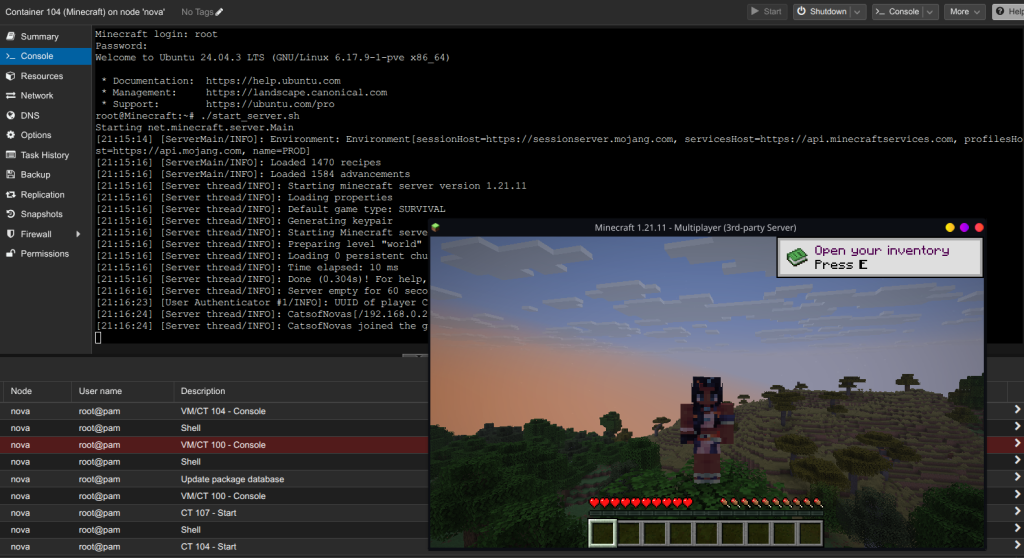
Making a minecraft server was the main motivation for me to spin up my Netbird container, as I didn’t want to deal with the security needed to host an internet facing server yet, along with the fees. So I simply decided to have my friends connect to my Netbird instead. I thankfully was able to get a ginea pig to test the connection for me, and I now have a functioning Vanilla Minecraft server running! I might make a modded one in the future.
Filesharing
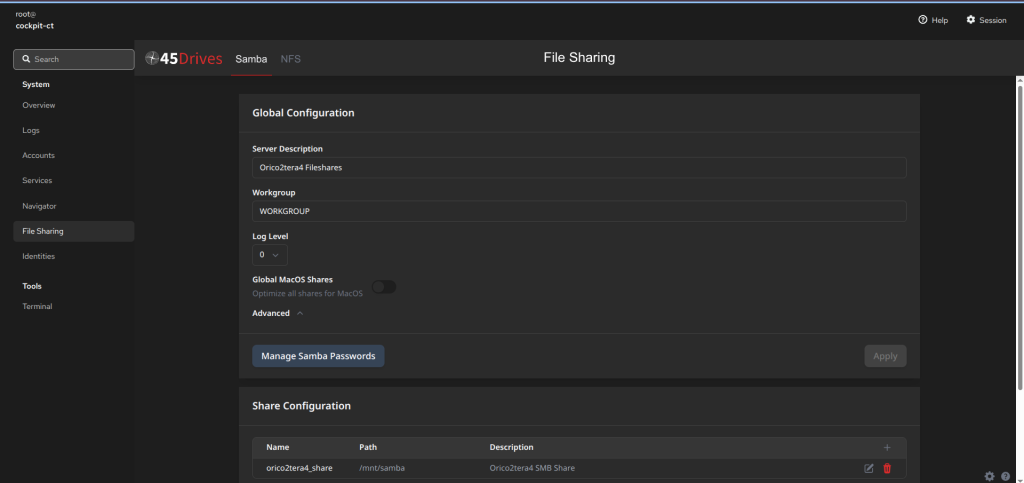
I’ll detail it below more, but I have a Jellyfin media server running, so I obviously need to pull the files from somewhere! That’s where my Cockpit container comes in. It was very easy to get the Cockpit server running, and setting up SMB permissions wasn’t too hard, but NFS was another story. I frequently transfer files through my server.
Docker
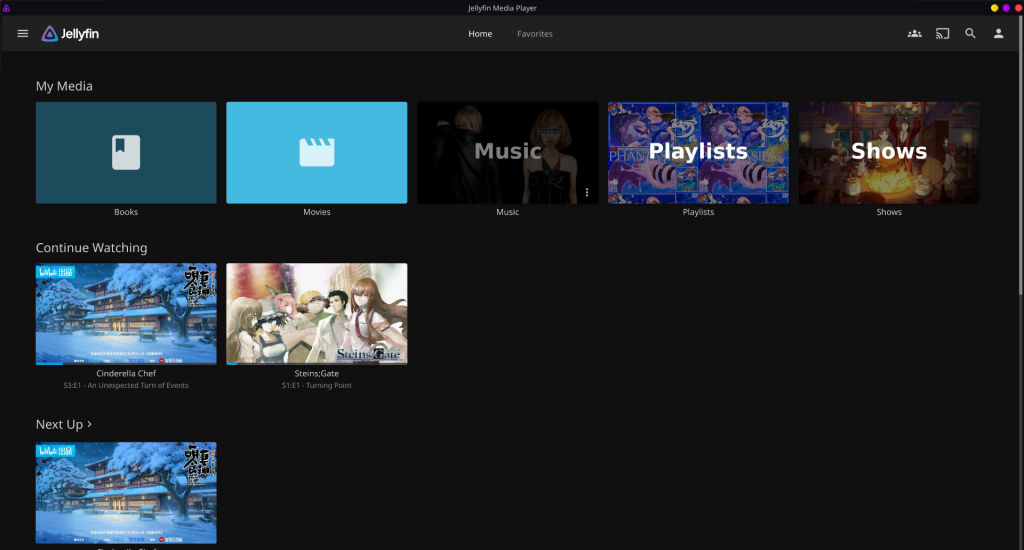
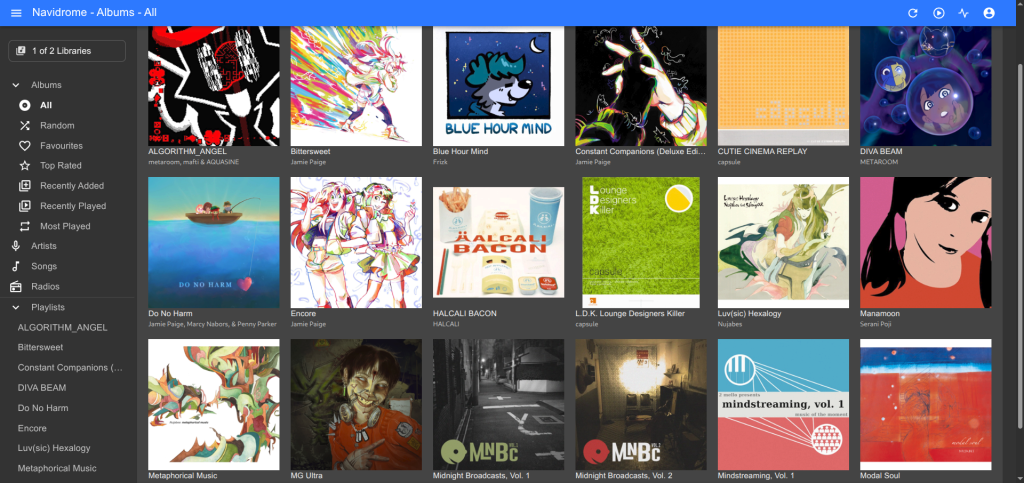
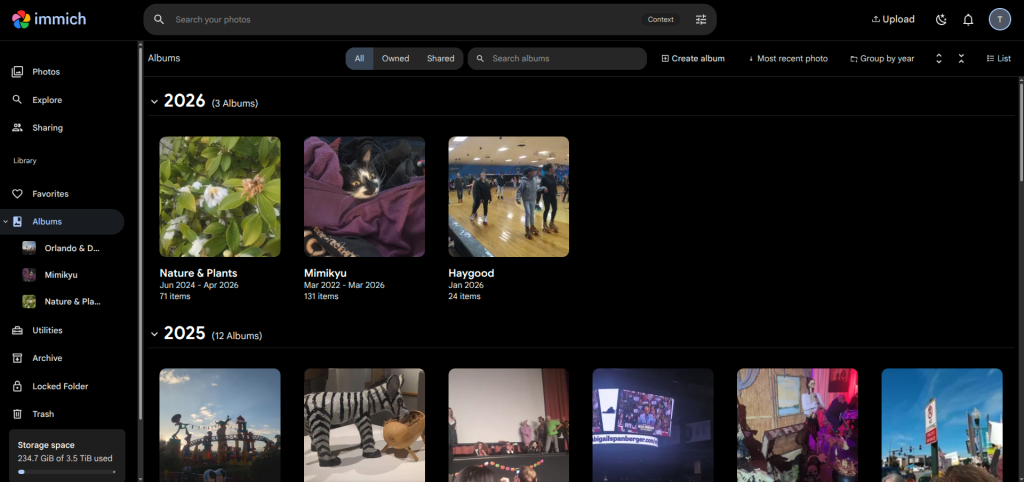
Here’s the meat and potatoes of the server, my Debian VM running Docker. Originally, I wanted to just run all of my services in individual containers because I thought it would be easier and there were so many helpful community scripts on the Proxmox VE Scripts website. But over time, I realized how difficult it was to get certain things to work together in my homelab, so I changed my mind and stuck with running almost everything in Docker. I’m still learning how to use it, so I settled with using DockSTARTer to make the default docker-compose.yml while I edit the docker-compose.override.yml file.
I have several services running on it, the main ones being Jellyfin (media streaming), Navidrome (music streaming), and Immich (Google Photos replacement). By using Netbird, I’ve been able to upload my photos, listen to my music, and watch my shows anywhere!