Overview
The goal of this lab is to guide you through the process of installing the operating system
that you will use for the remainder of this course.
Task A: Create a Linux VM
Install Kali Linux VM in Oracle Virtual Box.
a. Install Kali Linux as your virtual machine (VM) operating system.
Note: During the VM creation process, you can allocate different amounts of memory and
CPU cores depending on the hardware configuration of your physical computer.
Task B: Command Practice
Once you have installed the VM, follow these steps:
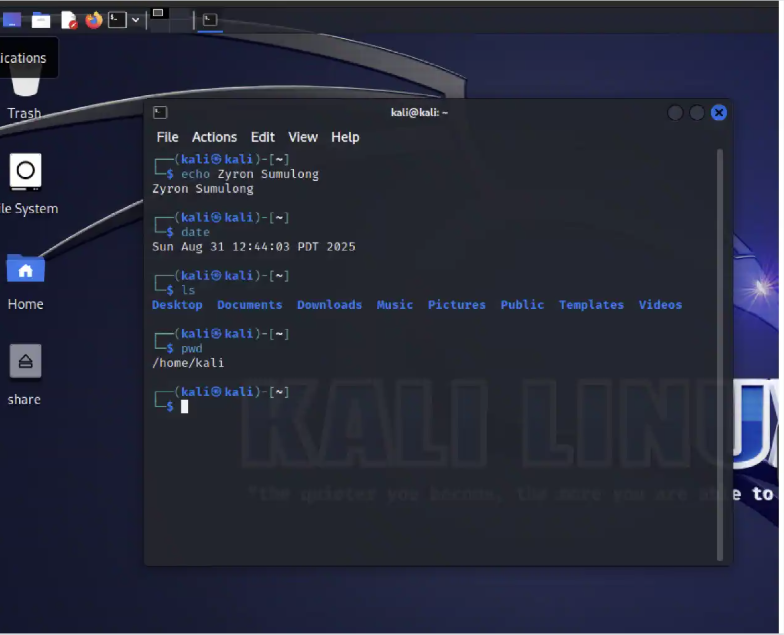
Open the terminal in your VM. Execute the following commands and briefly explain what each command does:
a. echo “your_name” (replace “your_name” with your actual name)
b. date
c. ls
d. pwd
Reflection
In this lab I was able to learn key skills that included setting up a VM and familiarizing myself with essential Linux commands. This lab was a great introduction to using Linux and provided valuable practice with basic commands.