Skill 1: Infrastructure as Code (IaC) & Automation
By leveraging automation tools such as Terraform and Ansible, I was able to provision infrastructure and do at scale and manage configuration. Infrastructure as Code (IaC) enables repeatable, reliable and collaborative workflows in DevOps pipelines. Using Terraform, I wrote declarative code to define infrastructure resources such as virtual machines, networking and storage and used Ansible to automate configuration management and deployments. My use of these tools developed my knowledge of version control, idempotency, modularity, and scalability and prepared me for a career in DevOps and Site Reliability Engineering (SRE).
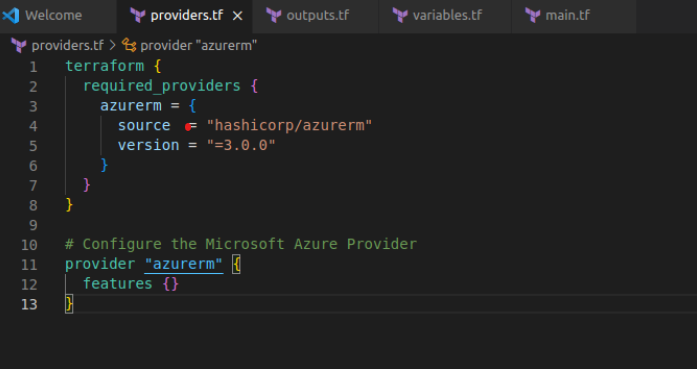
Artifact 1: Terraform Script for VM Provisioning on Proxmox VE
Description: A Terraform configuration file used to automate the provisioning of virtual machines in Proxmox VE. The script defines VM parameters such as CPU, RAM, disk size, and ISO source, ensuring consistency across deployments.
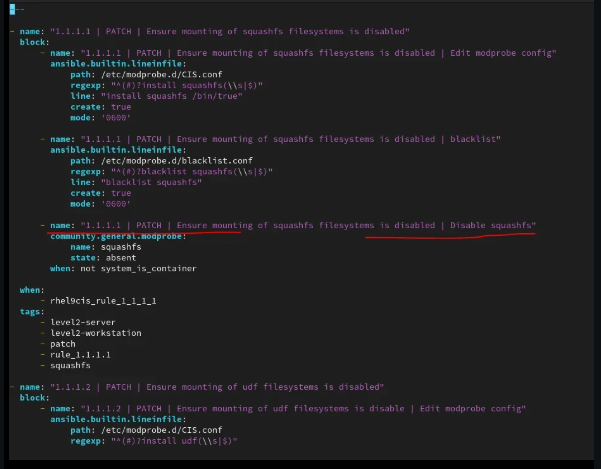
Artifact 2: Ansible Playbook for VM Configuration
Description: An Ansible playbook that automates post-deployment configuration of VMs, installing required packages, setting users, and applying baseline security settings.
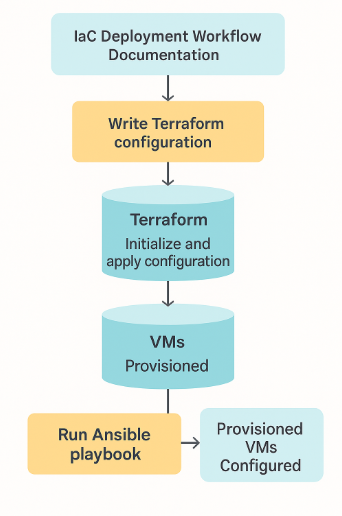
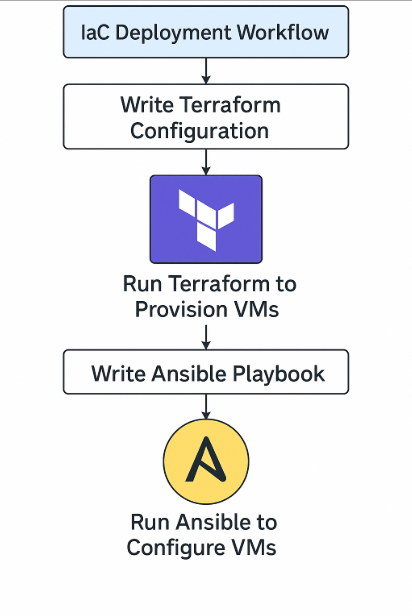
Artifact 3: IaC Deployment Workflow Documentation
Description: A step-by-step workflow document that outlines the complete process of provisioning and configuring VMs using both Terraform and Ansible, showing how they integrate into a seamless automation pipeline.
Skill 2: System Administration & Server Management
The end goal of a solid skill-set for the DevOps Engineer is to produce system administration manuals, or troubleshooting documentation that improves operational function and knowledge transition by being resonably clear enough to accomplish the goals of the DevOps Engineer, and ensure that the operational function is fast and available and can, likewise, deploy pipelines constitute that same smoothness of operational command. Technical troubleshooting, documenting configurations, dashboarding, and resolving solutions should certainly produce value by providing clarity and-by repetition-and by tangibility. The best documentation saves money and time every time something was able to be referenced. At the end of the day, documentation ensure communication and collaboration possibilities between developers, engineers, and support people. Every piece of documentation is a critical piece in goal of reducing downtime along with increasing automation, and equally, a necessary evil in the world of fast-paced DevOps.
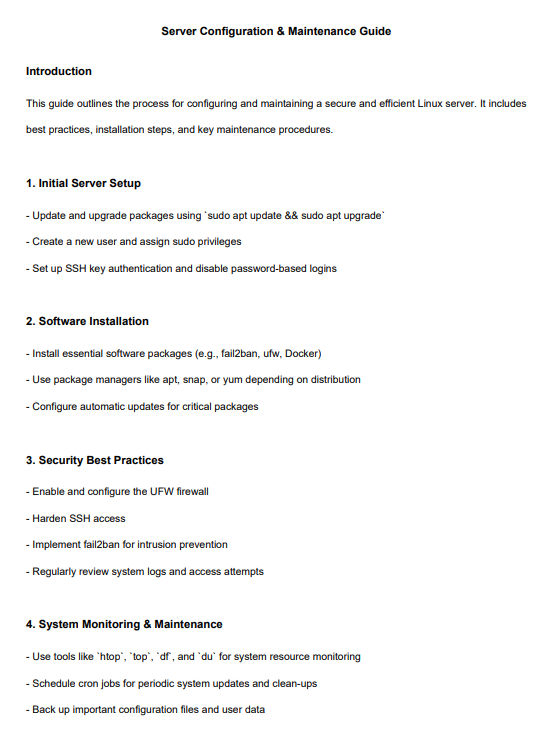
Artifact 1: Server Configuration & Maintenance Guide
Description: A detailed document outlining the setup and configuration of a Linux server (or multiple servers), including the installation of necessary software, system security, and troubleshooting procedures. This document will serve as a comprehensive guide to ensuring the server is secure, efficient, and properly configured for long-term use.
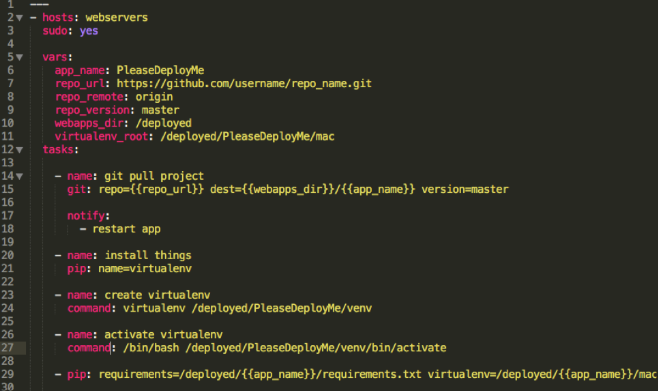
Artifact 2: Automated Server Deployment Using Ansible
Description: An Ansible playbook or set of scripts used to automate the deployment of servers or server configurations. This artifact will show your expertise in automating repetitive tasks, such as configuring users, installing software packages, or applying security settings across multiple machines in a scalable way.
Artifact 3: Proxmox VE VM Management & Deployment Workflow
Description: A workflow document or step-by-step guide for deploying and managing virtual machines (VMs) using Proxmox VE. This could include creating VMs, configuring resources, and managing virtualized environments. It should highlight your understanding of virtualization concepts and your ability to efficiently manage and scale systems using Proxmox VE.
Skill 3: Monitoring & Logging
In a DevOps environment, maintaining system reliability requires proactive monitoring and detailed logging. I’ve utilized tools such as the Elastic Stack (ELK), systemd, and journalctl to track system performance, identify anomalies, and troubleshoot issues across multiple servers. Understanding how to collect, parse, and visualize logs is critical for keeping infrastructure healthy and secure.
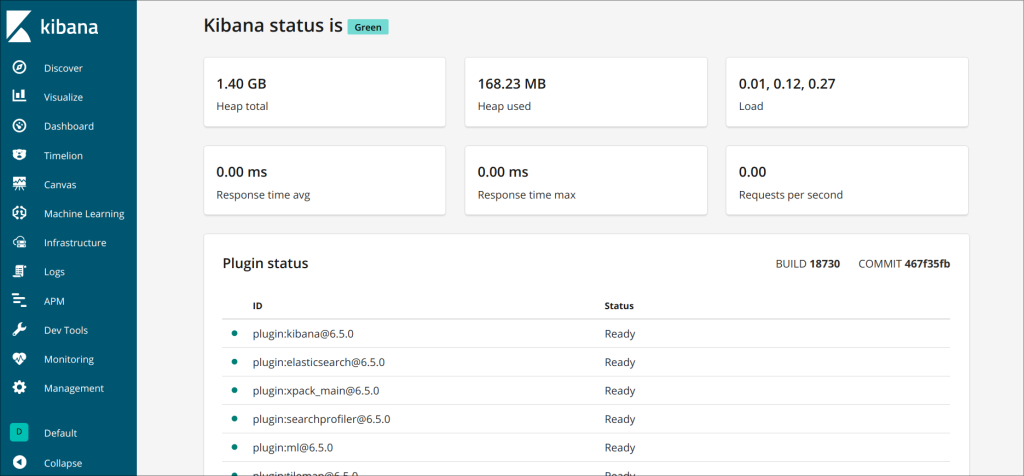
Artifact 1: Elastic Stack Log Monitoring Setup
Description: A document or screenshot-based guide showing how you set up Elasticsearch, Logstash, and Kibana to collect and visualize logs from your servers.
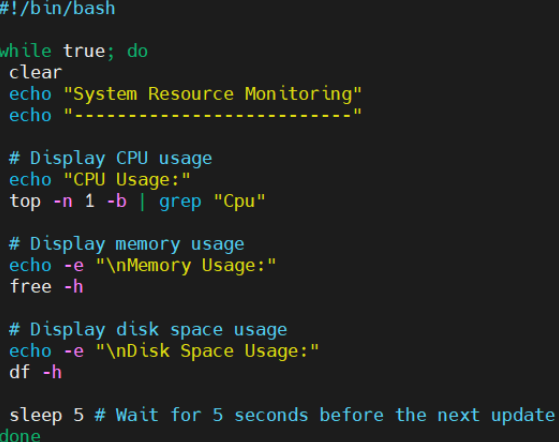
Artifact 2: System Resource & Uptime Monitoring Script
Description: A Bash or Python script that monitors CPU usage, memory, disk space, or system uptime, with automated alerting or logging.
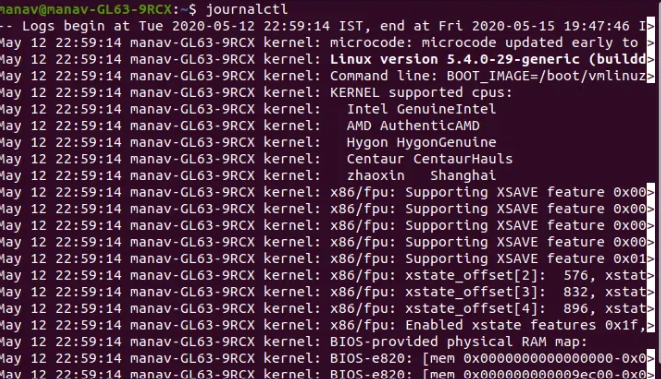
Artifact 3: Journalctl & Systemd Troubleshooting Logs
Description: A real or sample set of troubleshooting steps using journalctl or systemctl commands, showing how you diagnosed and resolved an issue (e.g., service crash or system boot failure).