I currently have a virtual machine set up on the desktop that I use to learn and experiement with other Operating Systems such as Kali Linux and Ubuntu. I have also used parts of my home lab for school assignments, in courses such as Ethical Hacking. I have a SIEM setup in Kali Linux, with built-in agents monitoring my Ubuntu machine for traffic on the network or for any malicious activities. Currently, though, I am in the process of rebuilding my Virtual Lab to better suit my needs and to demonstrate how I have them set up.
Knowing how to navigate VirtualBox, set up VMs, and navigate the basic functions of Kali Linux has helped me immensely in some of the classes I have taken prior, like the aforementioned Ethical Hacking class I took in the Spring of 2026.
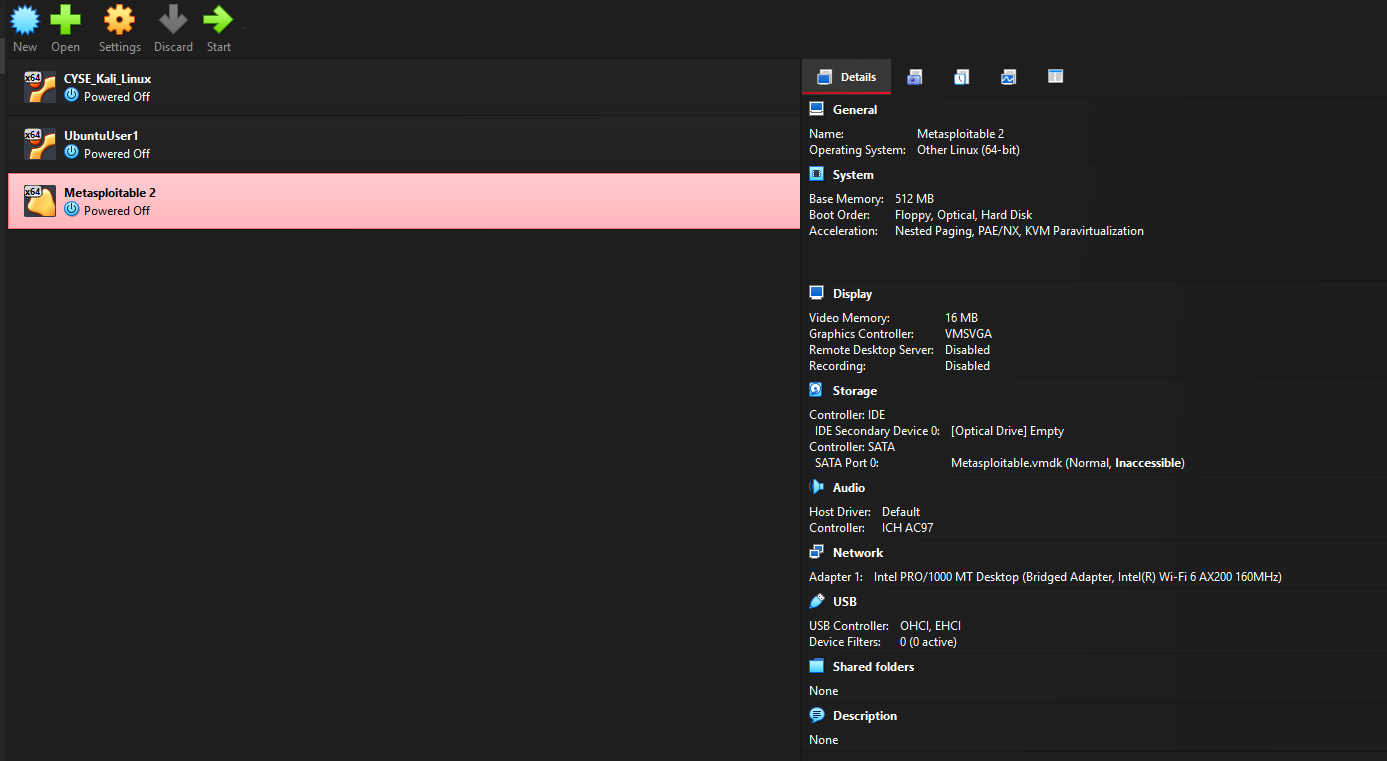
This is my main dashboard that showcases the virtual machines I currently have enabled. One is an Ubuntu Machine that used to serve as an Agent for a Security Information and Event Manager (SIEM) through Wazuh.
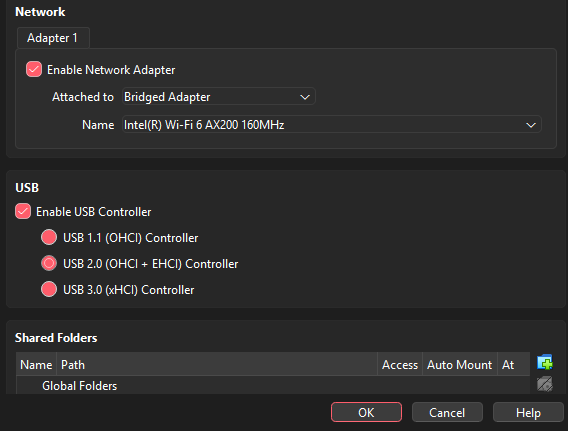
Depending on how you set up your network, determines how virtual machines can interact with the internet, as well as your other VMs. The mode I currently have my network mode set to is Bridged Adapter. This allows my Kali Linux VM to connect directly to my physical network. Using the NAT option in the dropdown hides the Virtual Machine from the network and shares the Host’s IP Address.
Wazuh SIEM
I took the time in the past to build a second section of my homelab. On it, I set up a Security Information and Event Manager on an Ubuntu VM using Wazuh. This, on the surface, was easy to set up, but due to previous configurations from older projects, I ran into some issues with permissions, installing files, and not having the right tools to download the needed APIs. Most of the SIEM setup went smoothly, and most of the software I needed downloaded smoothly until I got to the last few steps. When I was trying to finish setting up, I ran into an API error, and despite trying multiple times, I kept getting the same issue. Eventually, after doing some research on how to fix it, I got it working.
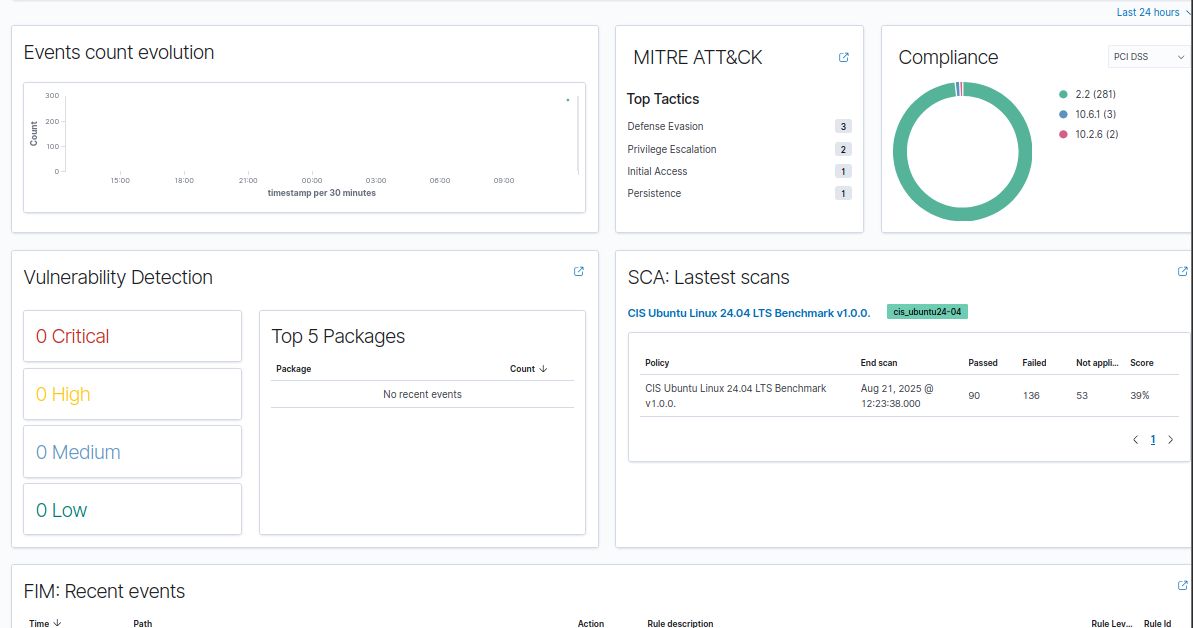
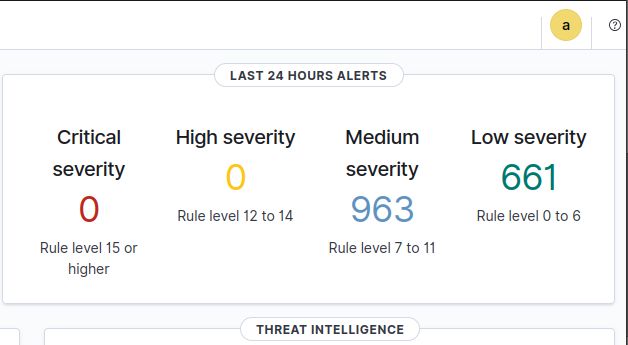
Once I did, I set up another Ubuntu Machine- and used it as an agent for my Wazuh SIEM, which would go and collect data. The data it collected was then reflected on the SIEM’s dashboard. To test if it was working properly, I simulated a few basic brute-force attacks and monitored what the dashboard said. More information can be found on my LinkedIn page here.
Most of my college work at ODU did not relate to this project; however, this still taught me a good lesson about monitoring, incident detection, and how SIEMs work. It also ended up being a useful lesson regarding troubleshooting and technical research after a few hours of trial and error.