Click on Equipment Button to Learn More
MakerBot 3D printer
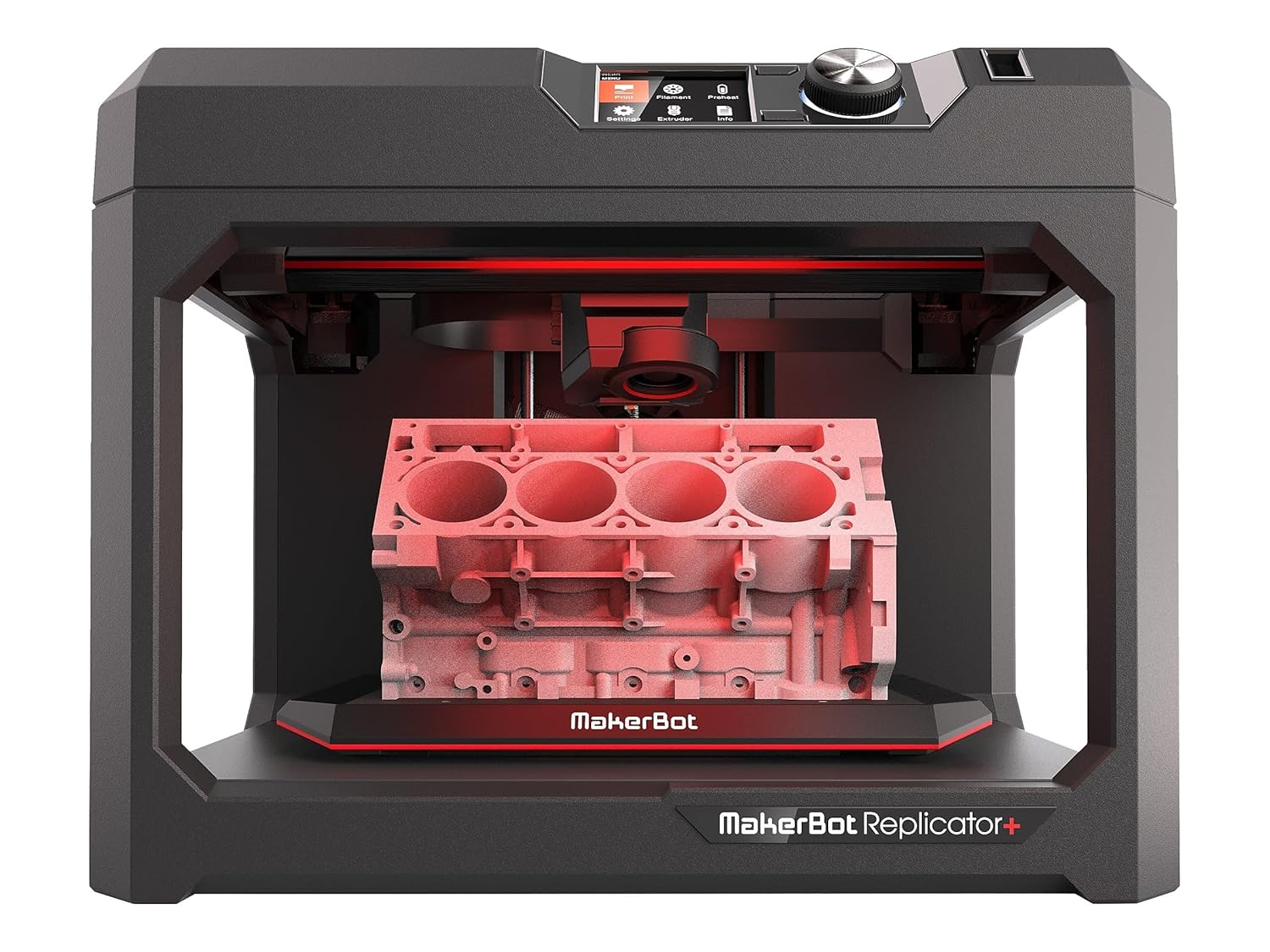
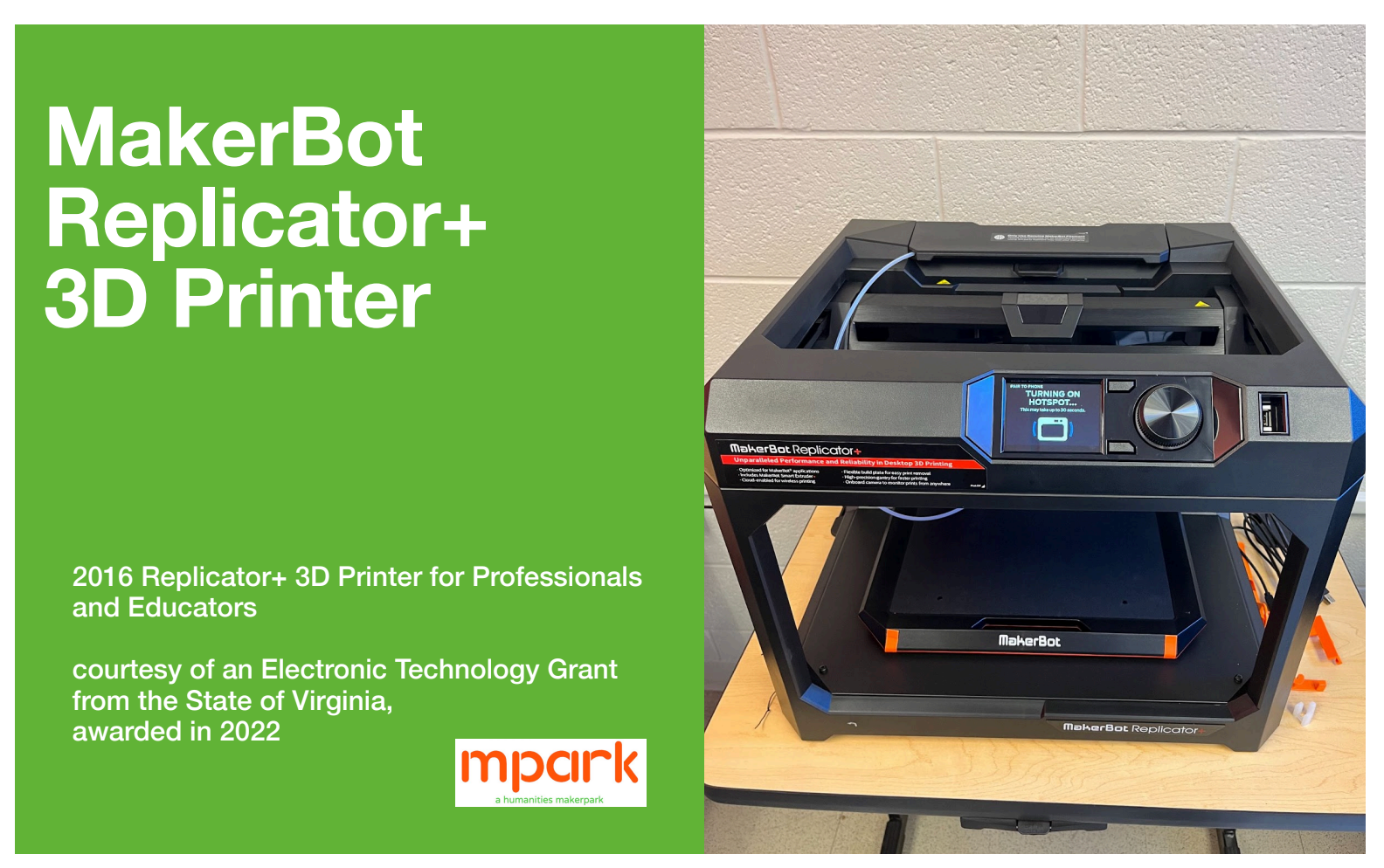
The MakerBot Replicator+ is mpark’s primary 3D printer for rapid prototyping and creative projects. It prints using polylactic acid (PLA) filament and supports cloud-based file submission. We welcome you to submit your models through our printing portal, which connects directly to the mpark 3D printer. Staff assistance is available if needed.
Arduino Go unit
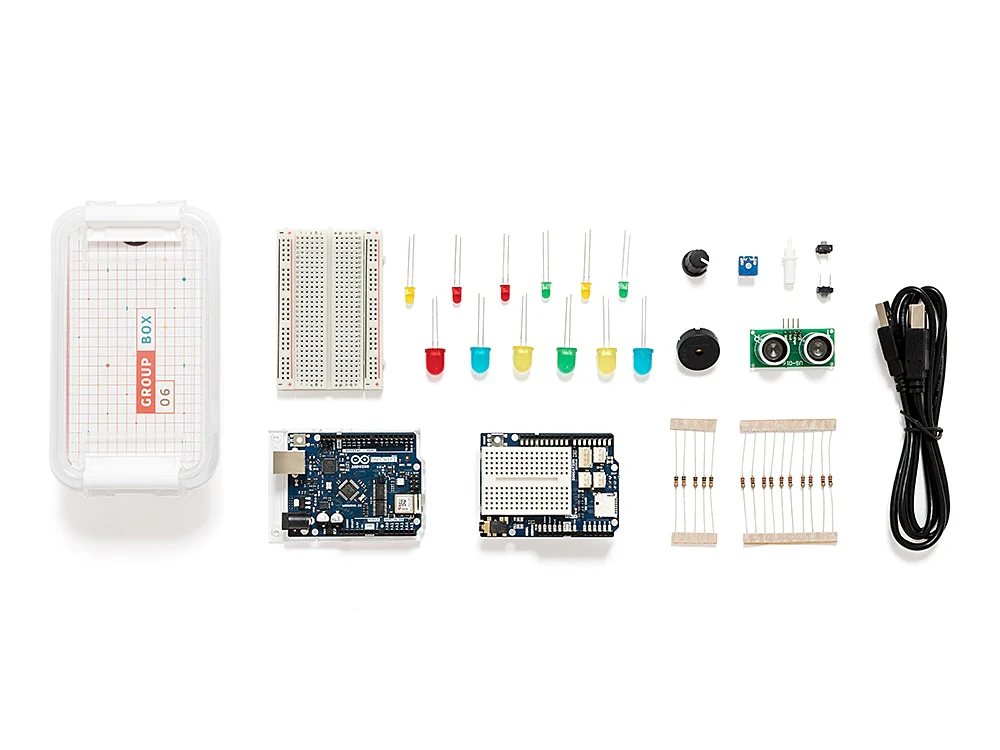
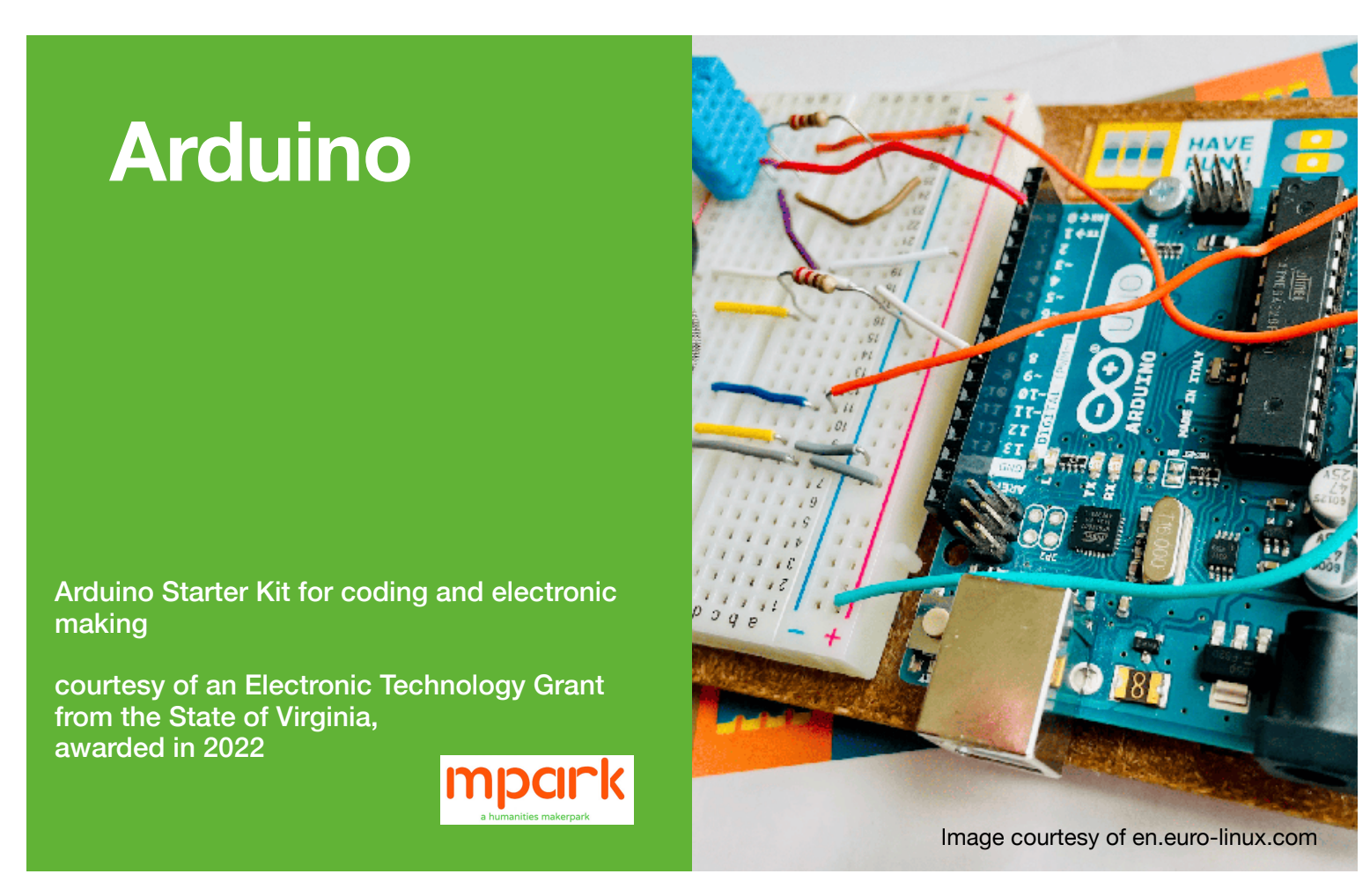
The Arduino CTC GO! kit is an educational electronics and coding system designed for hands-on STEAM learning. It allows users to build interactive projects using sensors, LEDs, buttons, and programmable Arduino boards. At mpark, this kit supports experimentation with physical computing, simple circuits, and beginner-friendly programming through playful, project-based making.
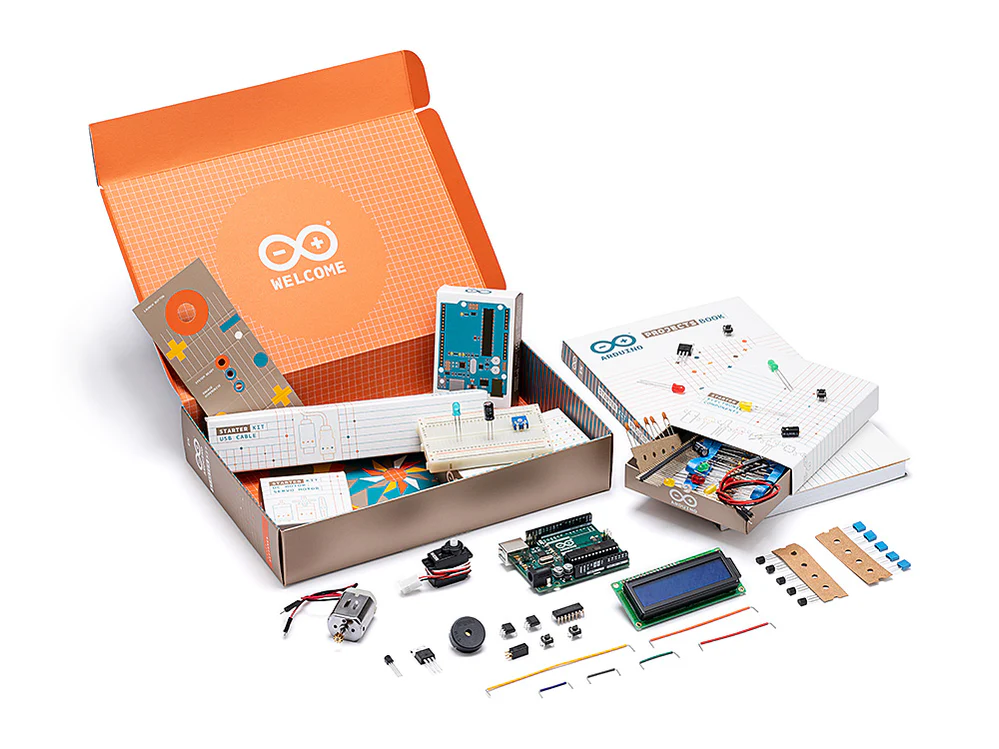
Arduino starter kit
A beginner-friendly electronics and coding kit used for learning circuits, sensors, and basic programming. Users can build interactive projects such as lights, motors, and simple instruments while exploring hands-on physical computing at mpark.
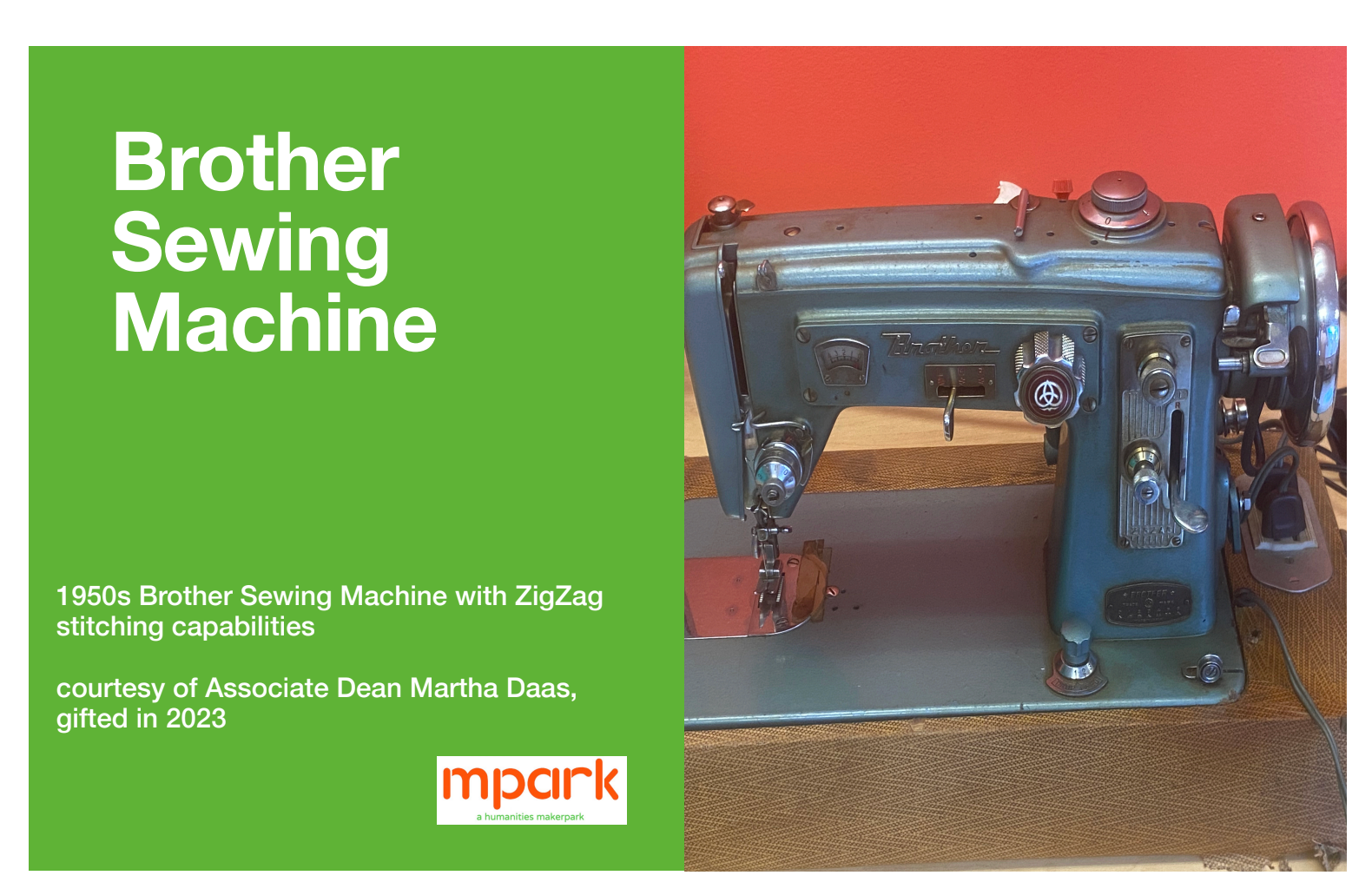
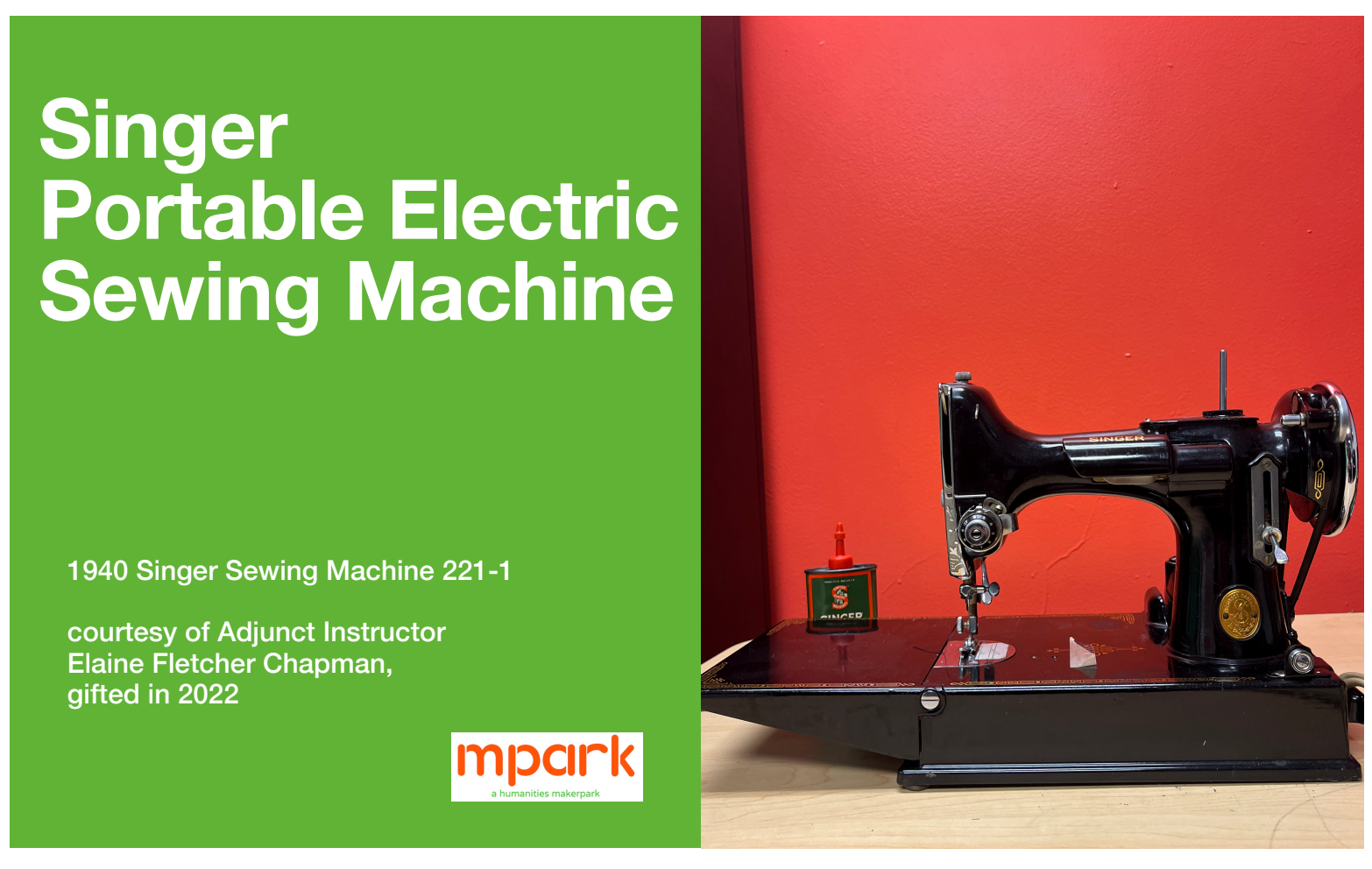
Vintage sewing machines
mpark houses two mid-20th-century sewing machines—a 1940 Singer 221-1 and a 1950s Brother model with zigzag stitching capabilities. These machines support textile repair, soft prototyping, and craft-based experimentation, connecting traditional craftsmanship with contemporary making practices.
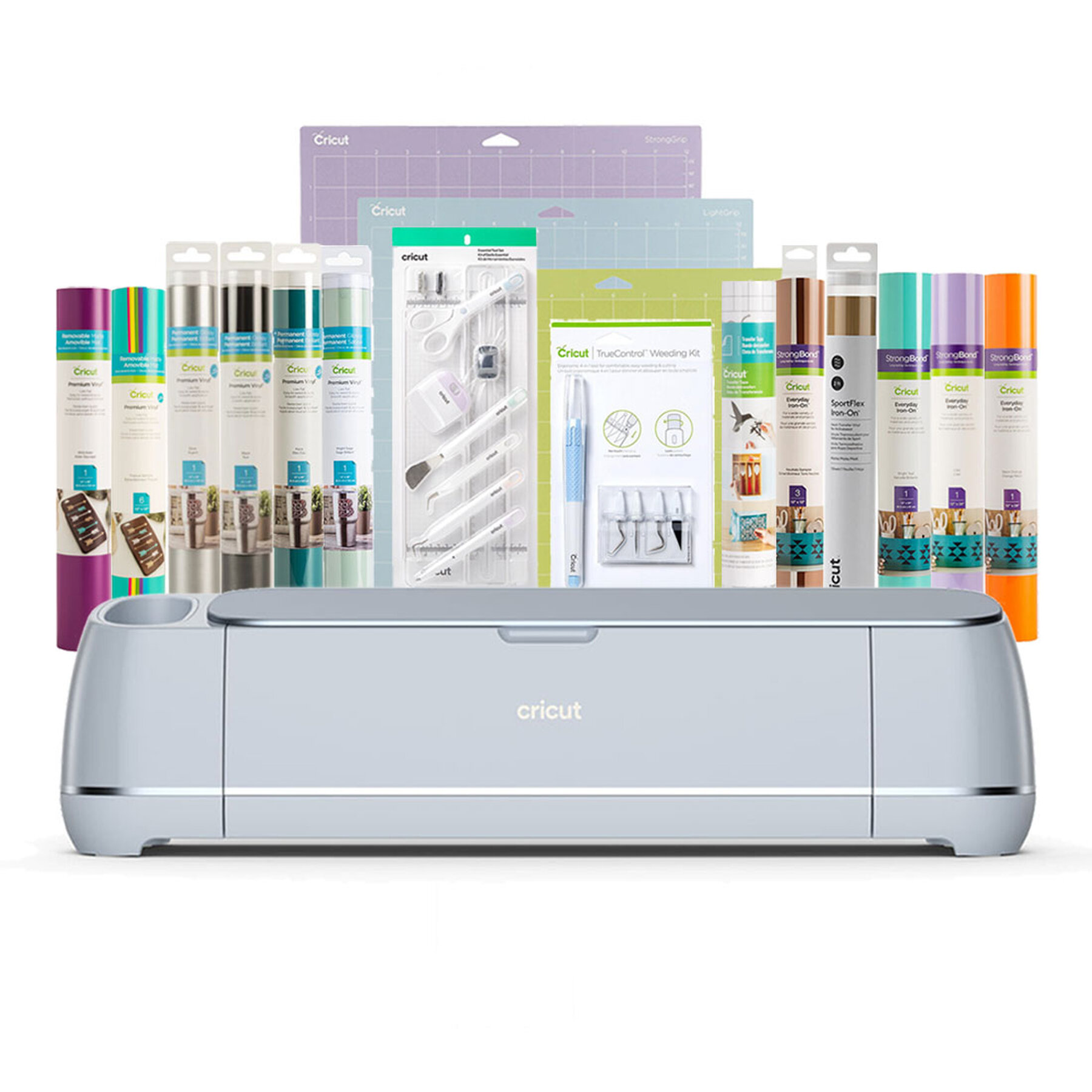
Cricut Maker 3
The Cricut Maker® 3 is a smart cutting machine available for use in mpark. It can cut, draw, and score a wide range of materials to create stickers, cards, T-shirts, signage, and other creative projects. No prior design experience is required, and users can work through the free Design Space® app. This machine supports rapid prototyping, crafting, and creative research projects at our makerspace.
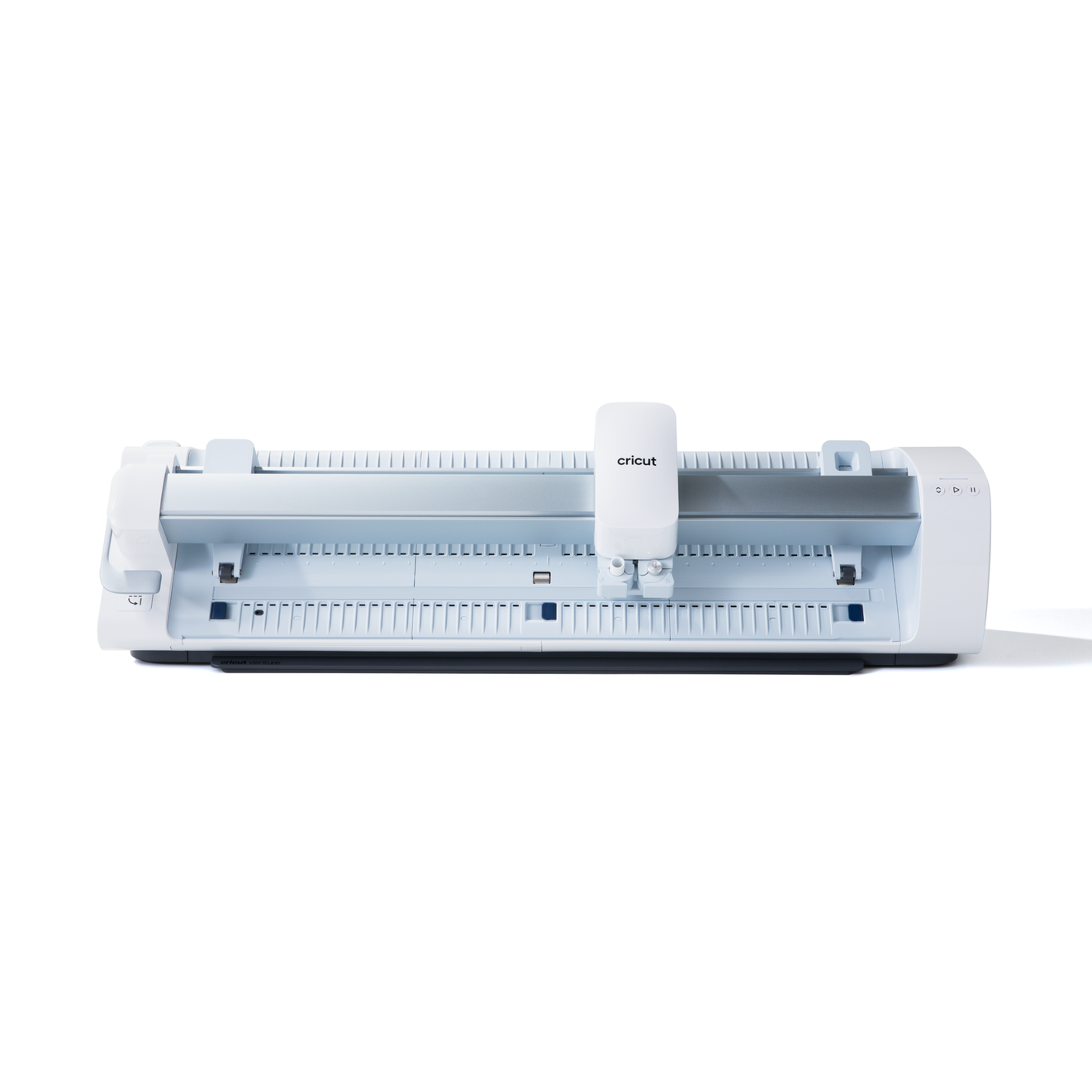
Cricut Venture™
At mpark, the Cricut Venture supports large-format cutting and high-volume production for projects such as signage, apparel graphics, and extended vinyl designs. Its wide cutting area and fast processing speed make it especially useful for oversized or repeated workflows using Design Space on a desktop.
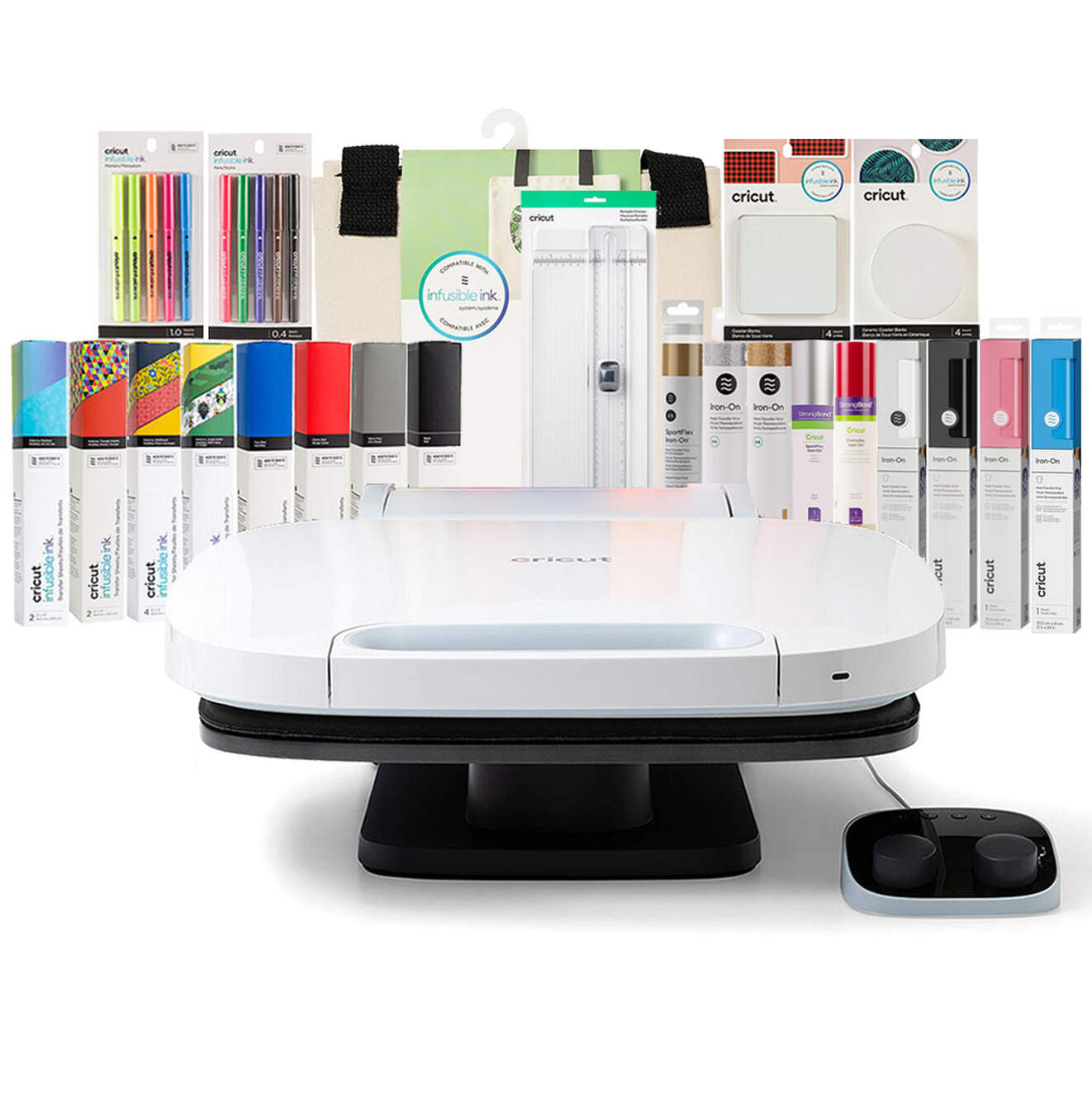
Cricut autopress
The Cricut AutoPress is a heat press machine used to transfer designs onto fabric, tote bags, and other materials. At mpark, it supports projects such as custom T-shirts, textile experiments, and design-based prototyping. The machine works with iron-on vinyl, infusible ink, and sublimation materials and is available for supervised use.
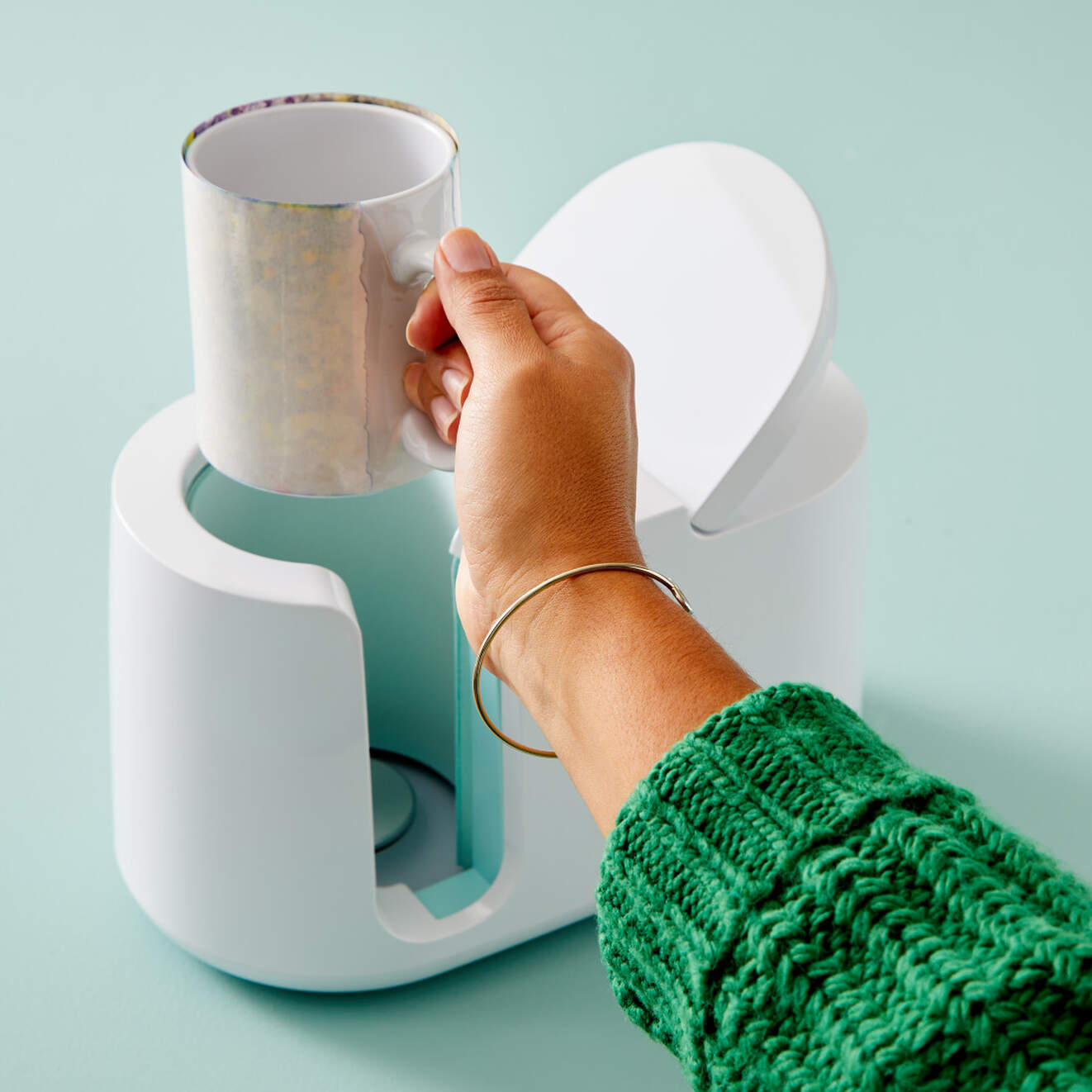
Cricut mug press
The Cricut Mug Press enables users to create custom, full-color mug designs using Infusible Ink materials. At mpark, it is used for personalized gifts, workshop projects, and small-batch creative production. The press operates with automatic temperature control and produces long-lasting, dishwasher-safe results when paired with compatible mug blanks.