Fundamentals of Linux Systems for Cybersecurity
The course provided me with a foundational understanding of basic Linux distros. Through the utilization of various graphical user interfaces and the command-line interface, the course was able to introduce and further solidify various Linux operations. The course focused on the operations of installation and configuration, file system management, shell scripting, and user authentication.
Modules 1 & 2
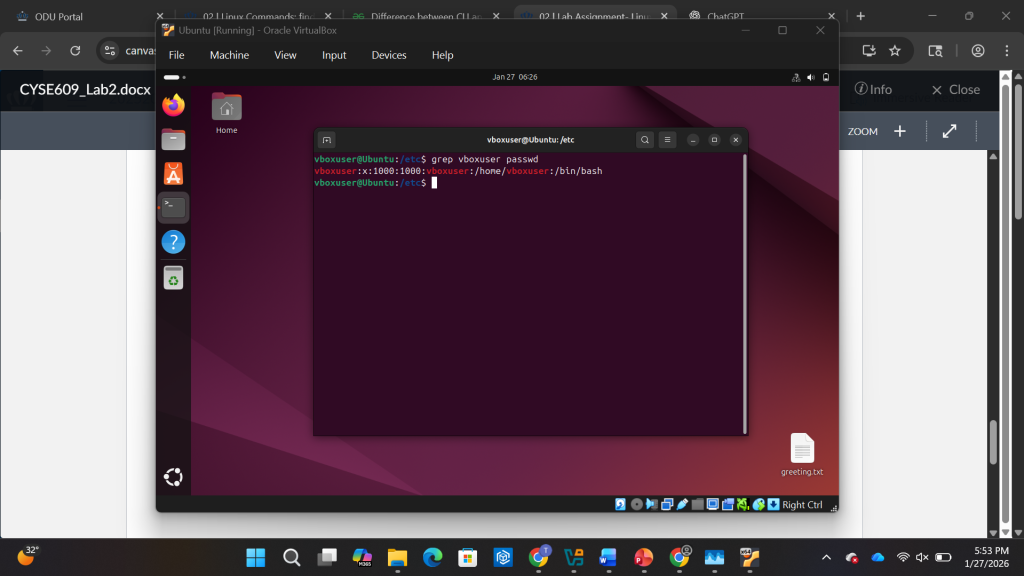
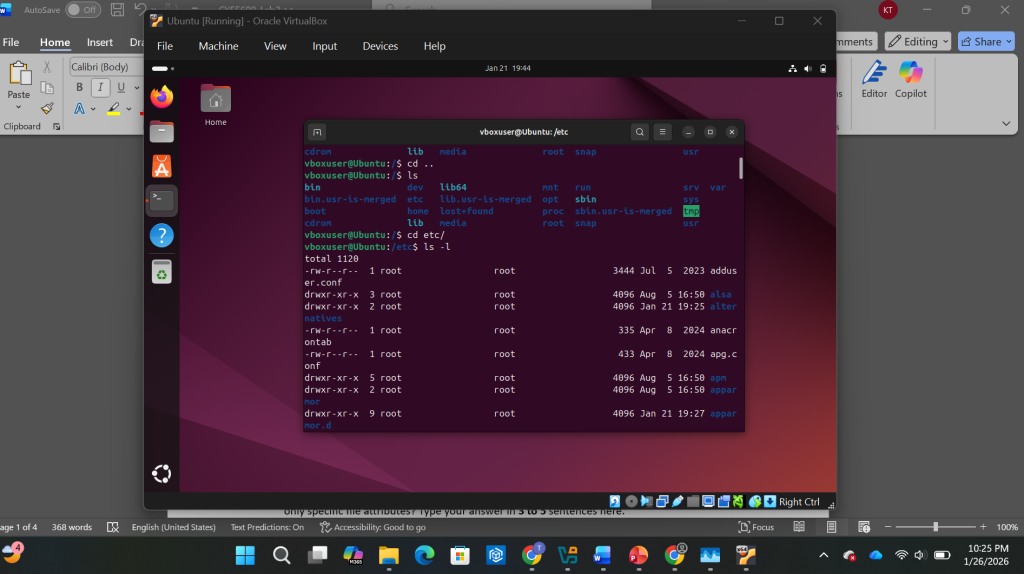
The first two modules of the course provided a basic understanding of what Linux is and some fundamental commands. The first module defined Linux as an open-source, Unix-like operating system that serves as the foundation for various Linux distributions such as Kali, Ubuntu, and CentOS. The Second Module provided fundamental commands within the command-line such as pwd, ls, cd, echo, find, and grep. By understanding these basic commands, I was able to navigate directories, manipulate files, configure system settings, learn to execute commands efficiently. These basic commands serve as the building blocks for interacting with the system.
Module 3 & 4
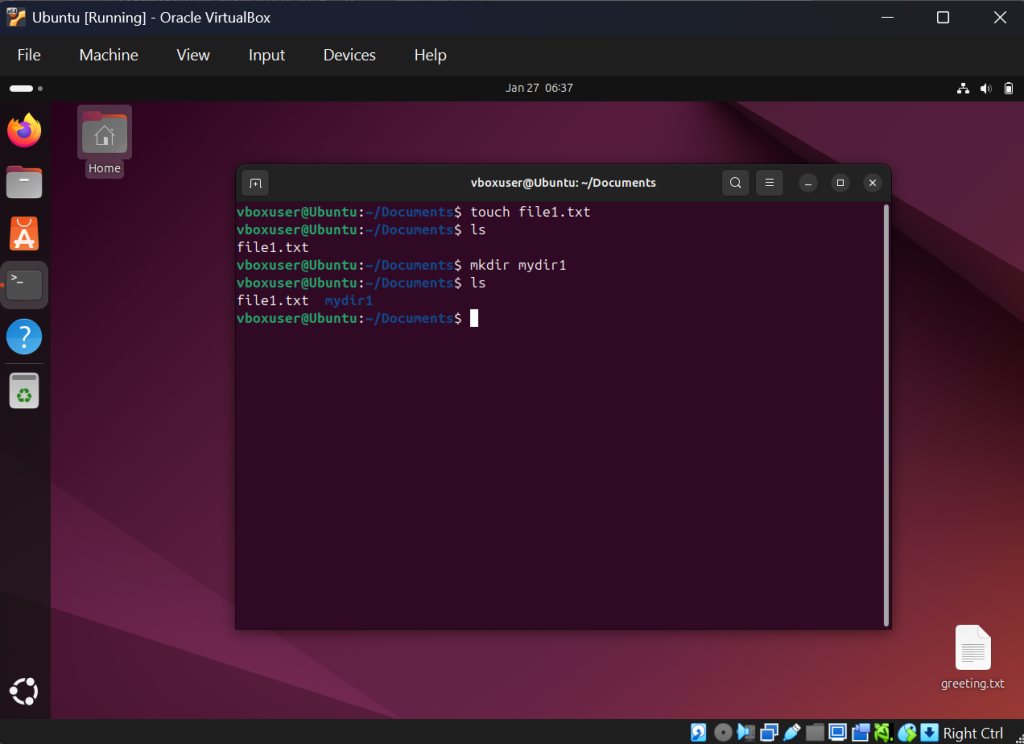
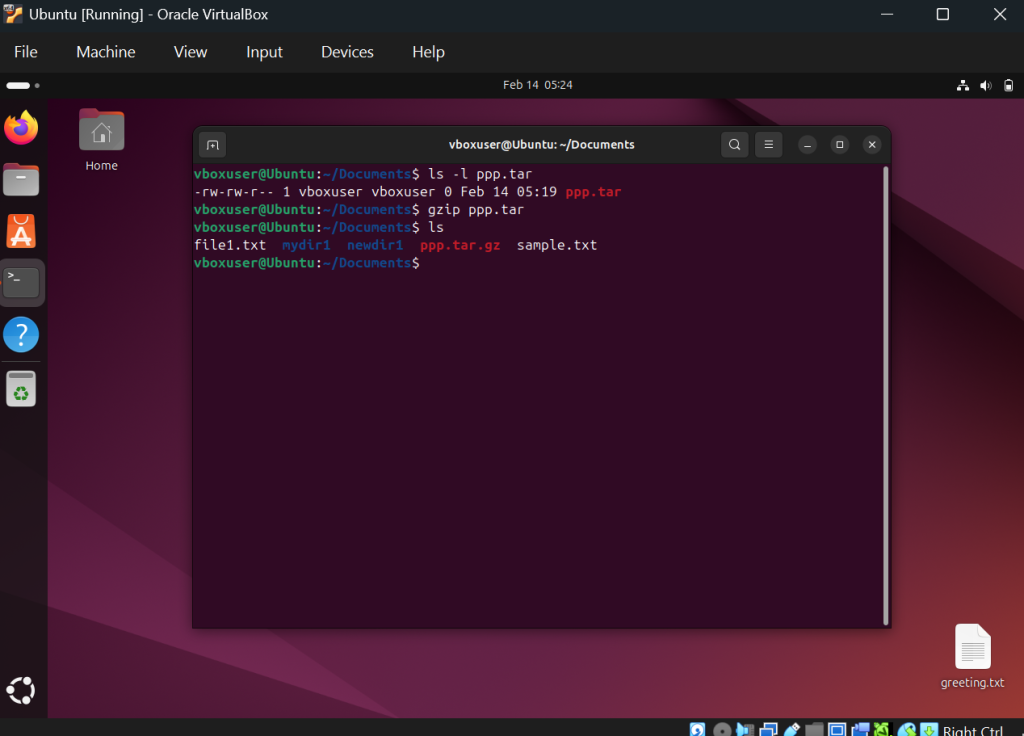
The third and fourth module further delved into the basic file operations and compression of Linux. The third module focused on file system navigation and management such as file system hierarchy. This including utilizing commands such as mkdir, touch, cp, mv, rm and utilizing the vi editor. The fourth module focuses on various command related to working within a file system. The fourth module highlights on understanding absolute and relative path, understanding the head, tail, cat, and less command, and gzip gunzip, and tar commands.
Module 5 & 6
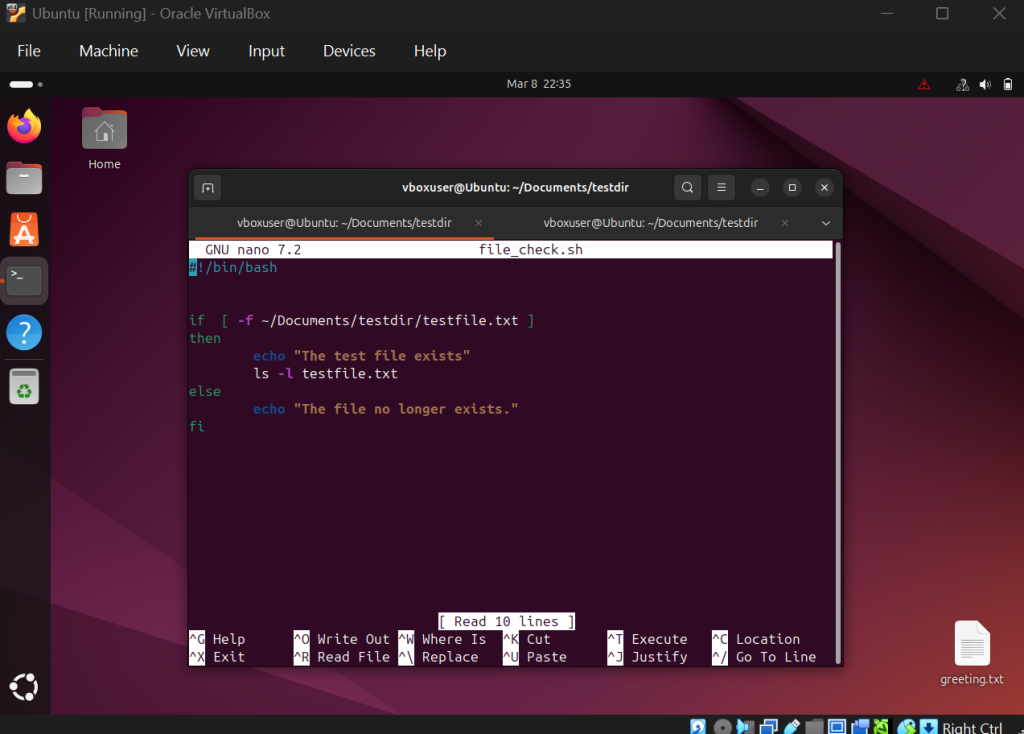
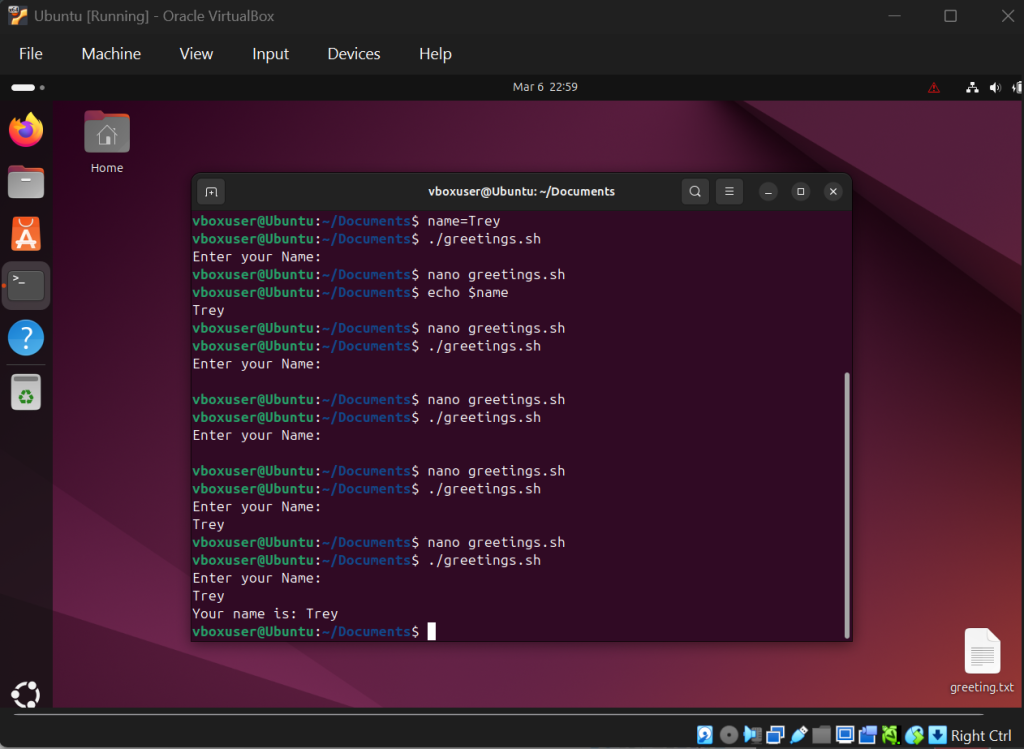
The fifth and sixth module of the course provided me with an increasing depth into various fundamentals on operating Linux. The fifth module focuses on managing users and file permissions. This involved utilizing the commands of su, sudo, chmod, and chgrp. This module allowed me to apply Linux commands to handle user accounts, groups, and file ownership. The sixth module focused on writing and executing shell scripting. This involved creating bash scripts utilizing if-statements and utilizing while loop / for loops. This module allowed me to understand and create scripting to automate routine tasks efficiently.
Module 7 & 8
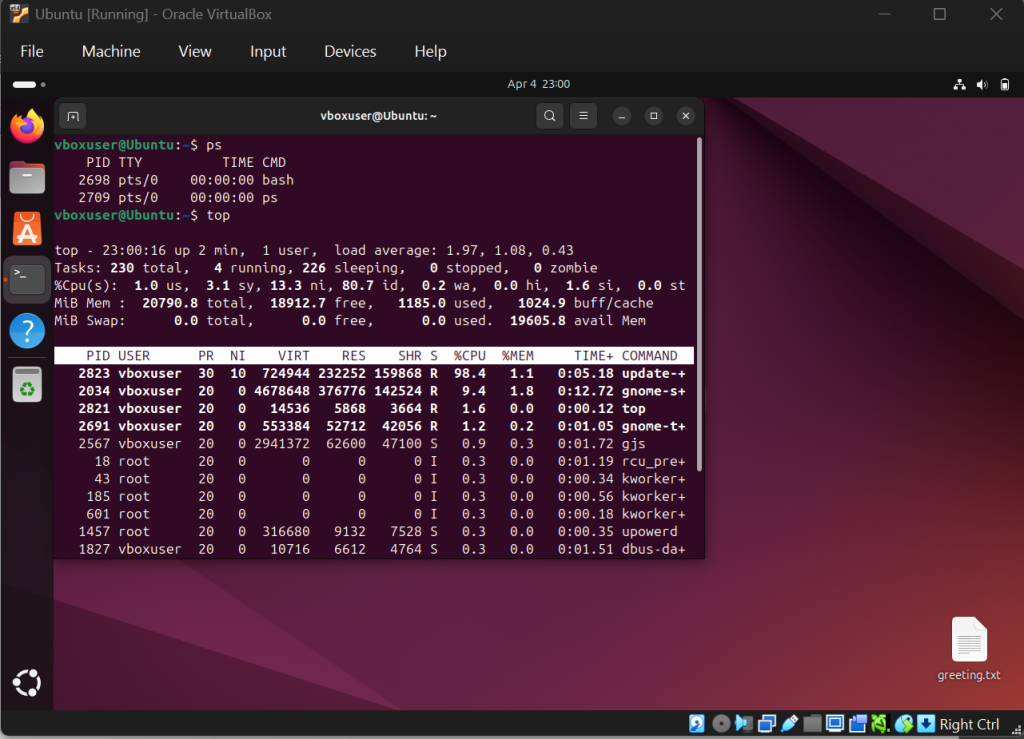
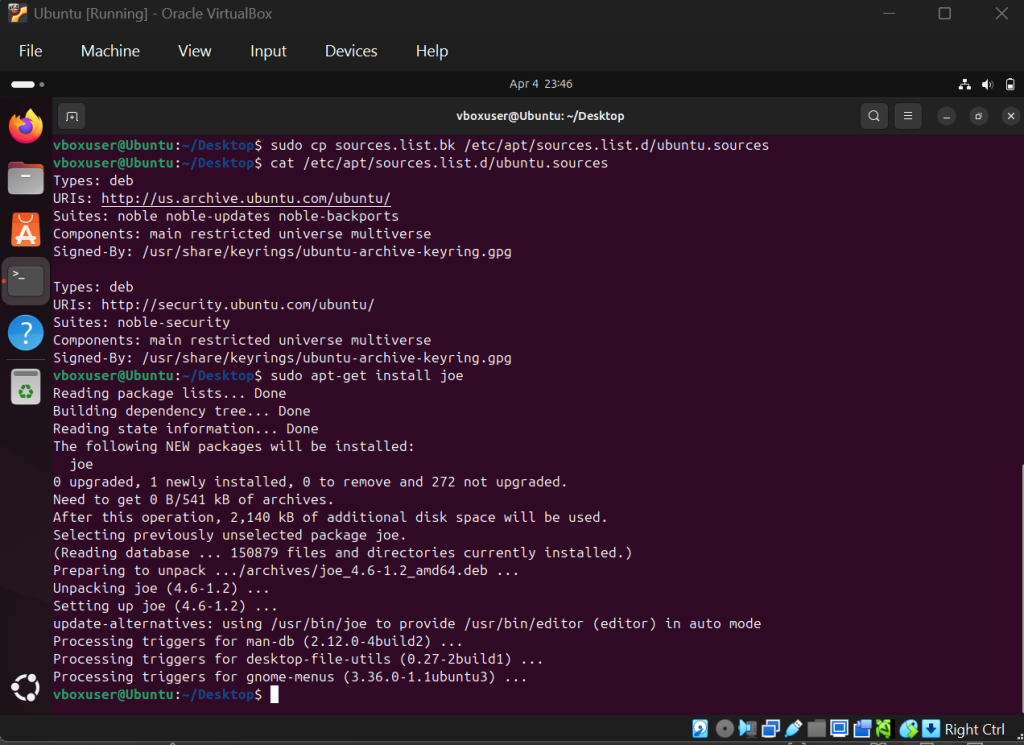
The seventh and eighth modules of the course provided essential commands to cap-off the fundamentals of the course. The seventh module focused on network and firewall configurations. This involved understanding the concepts of domain naming server (DNS) and network address translation. Additionally, it involved utilizing the commands of ping, ifconfig, and ip as well as configuring a network firewall. The module provided me with the fundamentals of configuring firewalls within Linux. The eighth module focused on understanding Linux processes and managing them. This involved utilizing commands such as ps, top, kill, jobs, fg, bg, dpkg, apt, and apt-get. The module provided me with an essential skill of identifying and manipulating running programs.
Conclusion
To conclude, the course provided me with an essential understanding of fundamental Linux concepts and commands. The course ranged from the topics of basic operations, file operations and compression, user accounts and permissions, bash scripting, network and firewall configurations, and Linux processes. Understanding and applying practice to the use of these various topics provided an enormous amount of depth to my understanding of Linux. By understanding the fundamentals this course has introduced me to, I will be able to continue building upon the building blocks to gather an increased mastery of Linux.