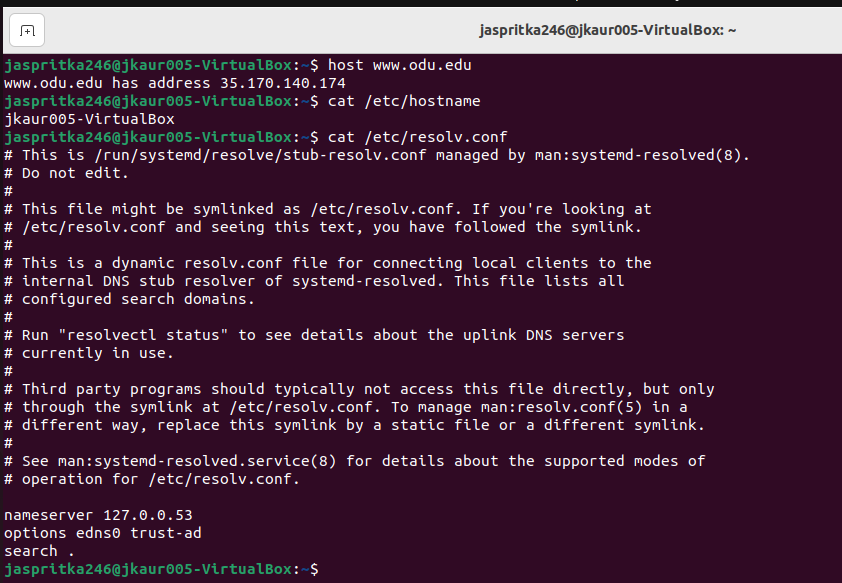
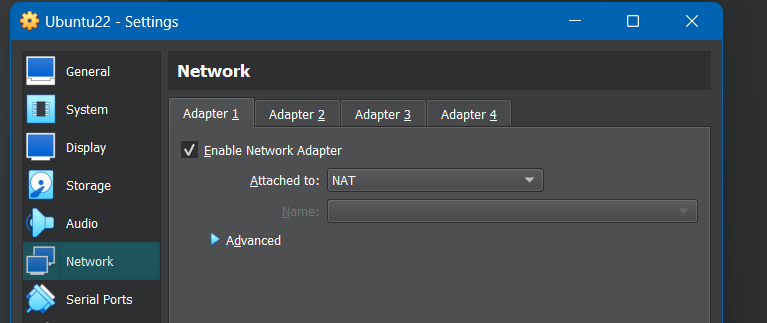
(In NAT mode):
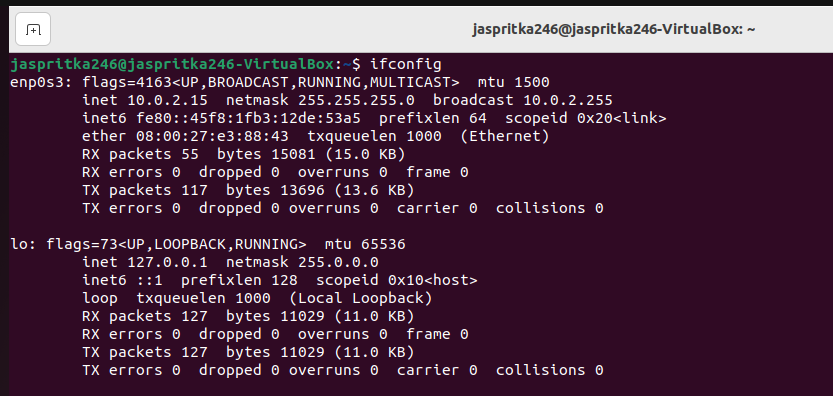
Step 1: IPv4 Address: 10.0.2.15, Netmask: 255.255.255.0, MAC Address: 08:00:27:e3:88:43
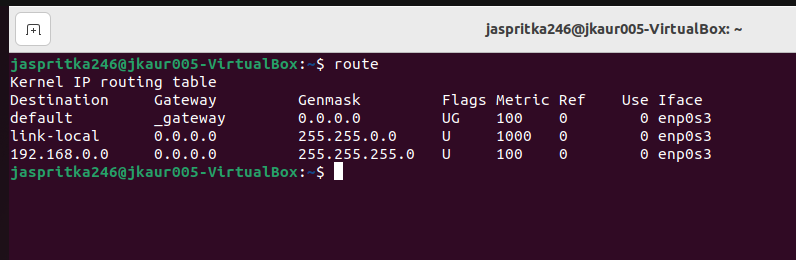
Step 2: I used the route command to display the routing table.

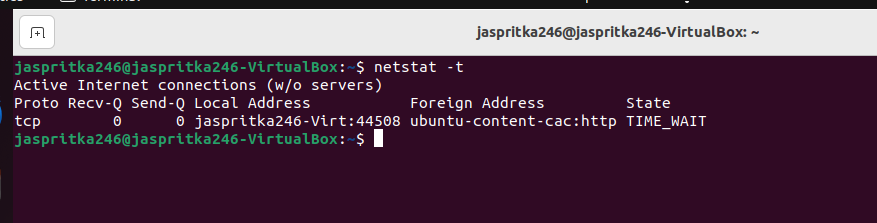
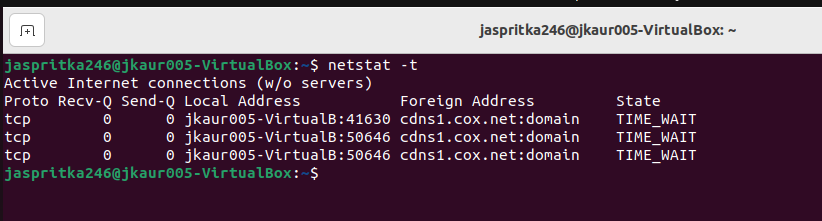
Step 3: I used the netstat -t command to list TCP connections.
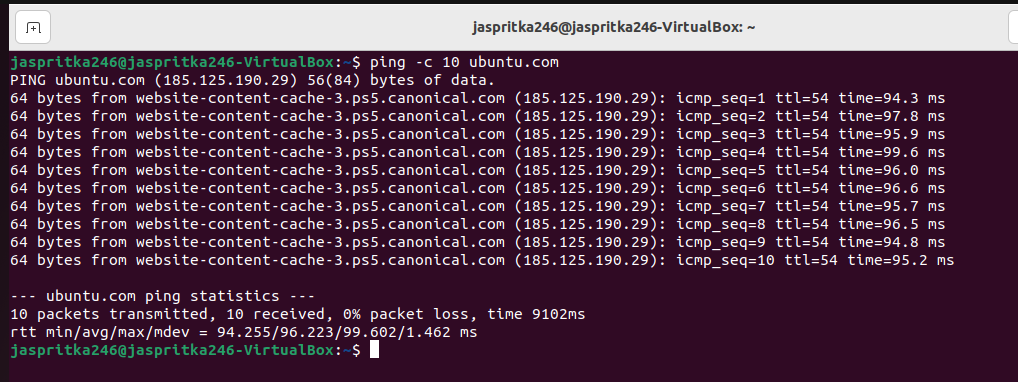
Step 4: I used the command, ping -c 10 ubuntu.com to determine ubuntu.com’s accessibility.
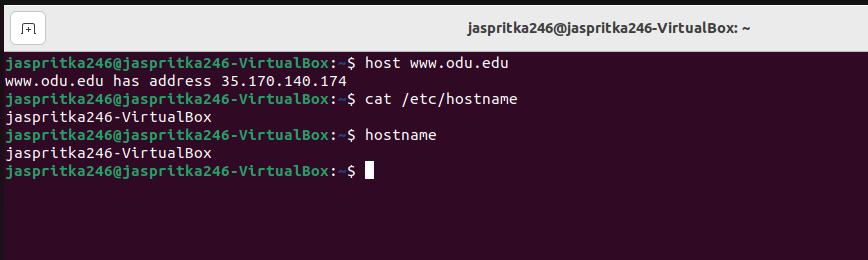
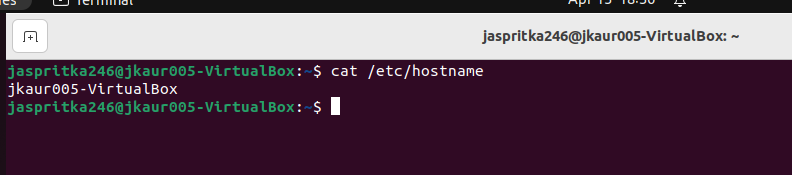
Step 5-6: I used the command, host www.odu.edu to perform a DNS query. I used the command, cat /etc/hostname to display the contents of the hostname file.
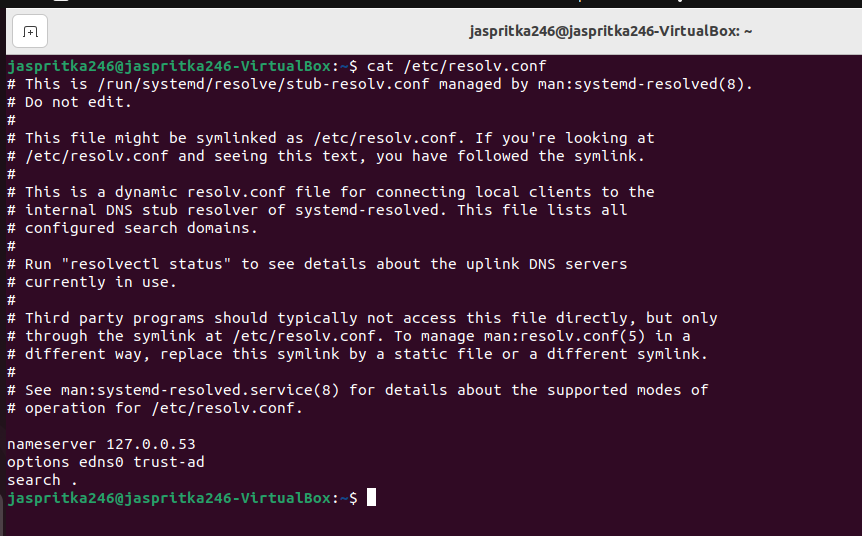
Step 7: I used the command, cat /etc/resolv.conf to display the contents of the DNS servers file.
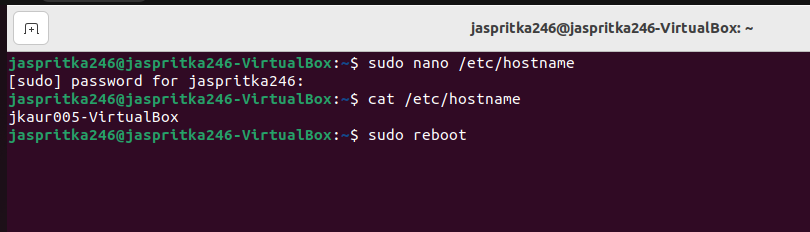
Step 8: I used the command, sudo nano /etc/hostname to rename my hostname permanently to jkaur005. I used sudo reboot to reboot the system, and cat /etc/hostname to see if the file’s contents had changed.
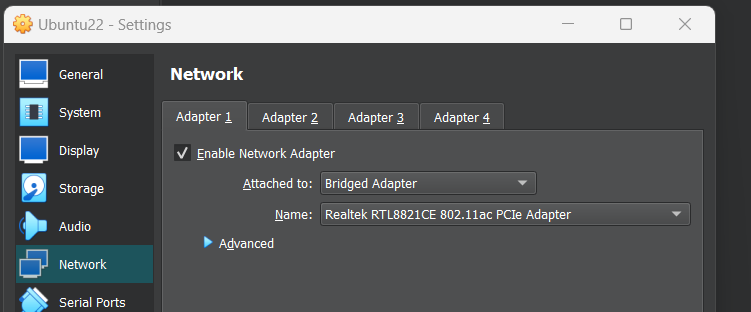
Step 9: Changed to Bridged Adapter:
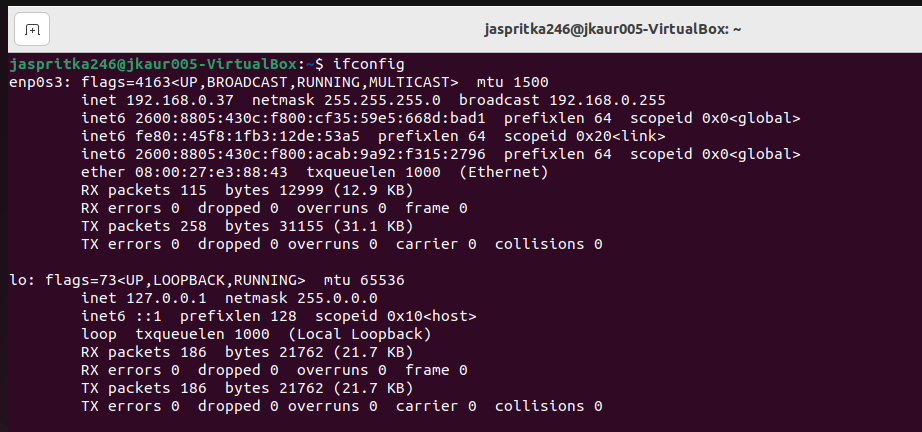
Step 10: New IPv4 Address: 192.168.0.37, Netmask: 255.255.255.0(Remained the same), MAC Address: 08:00:27:e3:88:43(Remained the same), there are also multiple IPv6 addresses and the broadcast address also changed.
Step 11: Link-local and my IPv4 address have switched their order in the table, and my IPv4 address is now 192.168.0.0.
Step 12: There are two more TCP connections present using netstat -t.
Step 13: There are differences within the pings sent, but all ten were received the same as before (ping -c 10 ubuntu.com).
Step 14-16: This time the DNS query resulted in the same IP address for www.odu.edu. After using the cat /etc/hostname command, the new hostname was displayed. After using cat /etc/resolv.conf, the results of the DNS server file were the same.